Many people choose IPTV for its flexibility and affordable pricing. However, new users often struggle with the initial setup because they are unfamiliar with technical terms like M3U, Xtream Codes, and EPG.
Understanding IPTV terms will save you time and make the setup process much smoother, especially for beginners. Below, we explain some of the most common IPTV terminology to help you get started.
However, before understanding anything else, security and access to IPTV services are important; IPTVs are mostly unverified or have geo-restrictions. Using a premium VPN like Surfshark helps bypass these hurdles and private access.
Recommended VPN for IPTV - Surfshark

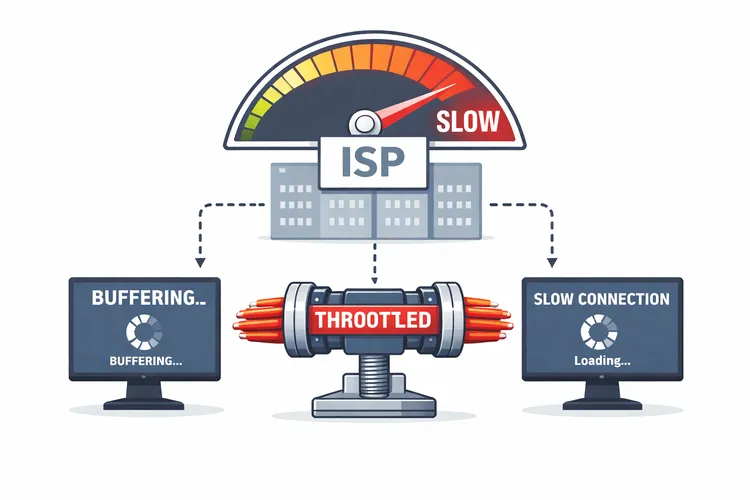
Using IPTV without a VPN can put you at Big Risk! Your ISP, government and even IPTV providers can monitor your activity, throttle your speed, or block access altogether.
Plus, without encryption, your data is exposed to hackers and third parties. Take back your privacy with Surfshark!
Features:
✅ SAVE 87% + GET 3 EXTRA MONTHS FREE! ($0.06/day)
✅ Kill Switch Feature to protect you if VPN drops
✅ Lightweight app ensuring smooth performance on All IPTV Boxes
✅ Unlimited simultaneous connections (install on all household devices)
✅ 30-day risk-free money-back guarantee
✅ Strict no-logs policy, Secure & Untraceable
Common IPTV Terms Explained
1. IPTV
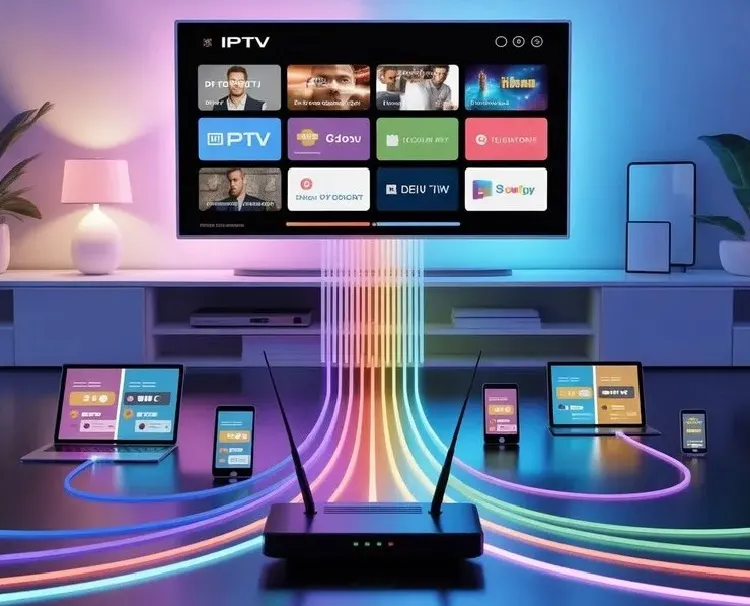
IPTV (Internet Protocol Television) is a modern broadcasting technology that delivers live TV and VOD (Video On-Demand) content over the internet, directly to users’ devices instead of cable or satellite formats. It is flexible and cost-effective.
IPTV is widely compatible across various devices such as Smart TVs, Android devices, Apple TV, Amazon Fire TV Stick, laptops, etc.
2. IPTV Apps
IPTV Apps, AKA IPTV players are applications used to stream content provided by the service provider. These apps do not host or provide any live TV channels or VOD content themselves. They basically work as a media player for the playlists you add.
3. ISP
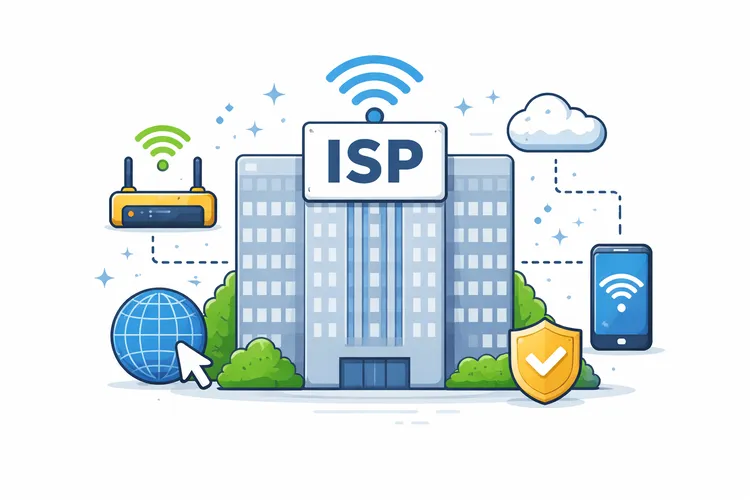
An Internet Service Provider (ISP) is a company that offers internet access to homes or businesses. They manage connections and equipment let users’ devices to connect to the web and stream content.
8. M3U Link
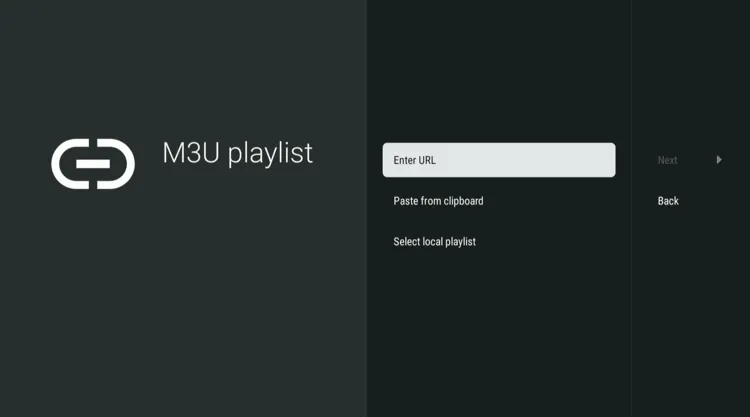
M3U is a link or a URL provided by a service provider, which contains links to live TV, movies, and TV series. Check out our ‘Best M3U Hack’.
Once you have decided to subscribe to an IPTV service, the service provider will send you a URL that you will paste on streaming players such as Tivimate Player, IPTV Smarters Pro, etc. Your channels will be loaded on the screen.
9. Xtreme Codes
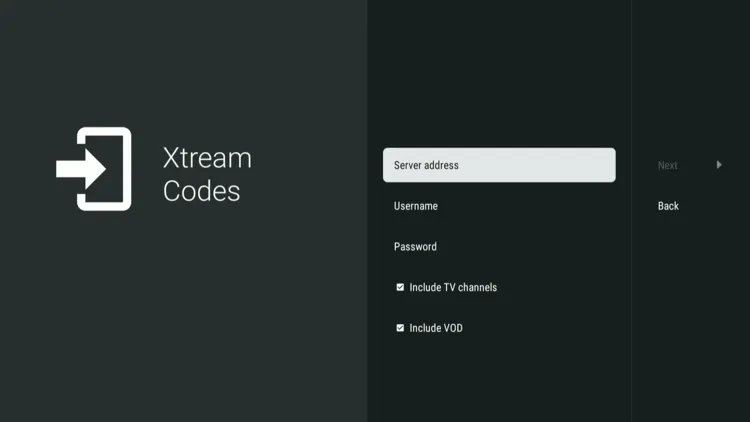
Xtream Codes is another type of code provided by the service provider. Unlike M3U links, Xtream Codes contains Server URL, Username, and Password.
Xtream Codes is better than M3U links. They are more stable. It allows for faster login on devices such as Fire TV Stick.
10. Stalker Portal
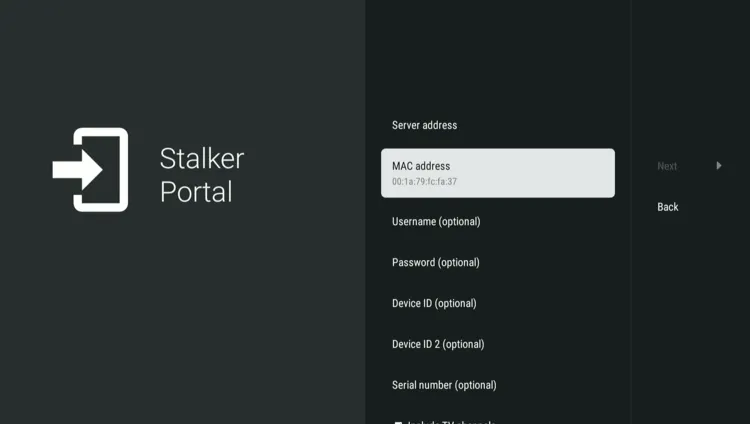
Stalker Portal is middleware used by IPTV providers to stream live TV and VOD directly to users’ devices. It grants access to users by linking their device’s unique MAG address to the provider’s server, instead of using M3U links or Xtream Codes.
They were originally made for MAG set-top boxes. But now stalker portals are supported by IPTV apps such as TiviMate and STB Emu through MAC address emulation, offering an organized interface with smooth Catch-up TV and EPG integration.
11. Live TV
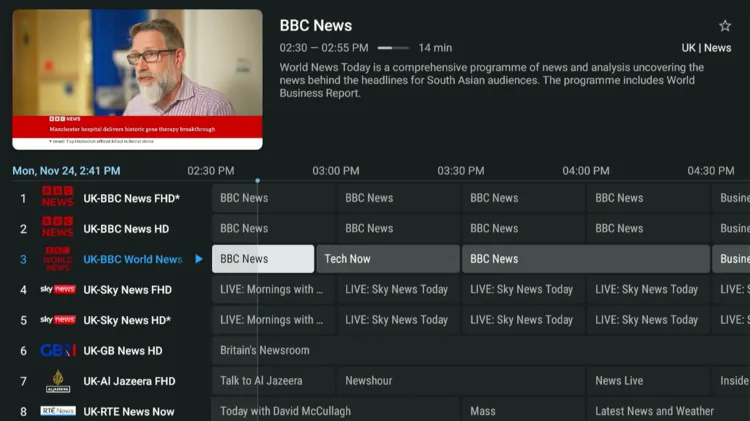
In IPTV players, there is live TV section where users can browse and stream channels in real time through the internet. This section is divided into various categories such as News, Sports, Documentaries, Entertainment, etc, which sometimes have EPG available.
12. EPG
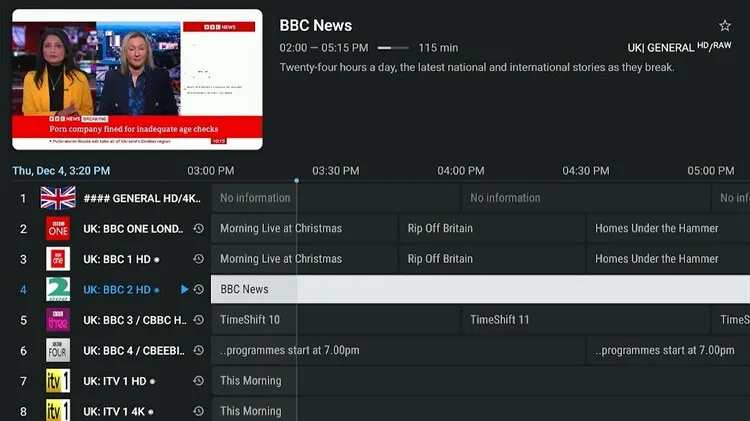
EPG (Electronic Program Guide) is an index that appears on a TV grid. It displays channel names, current and future programs, program titles, and timings. A good EPG improves the viewing experience by making it easier to browse channels.
Not every IPTV service has EPG information. Some channels have a well-arranged EPG. It improves users’ viewing experience by saving their time because they know in advance which program is going to be aired next.
Read More: How to Set up PTV
14. Catch-Up TV
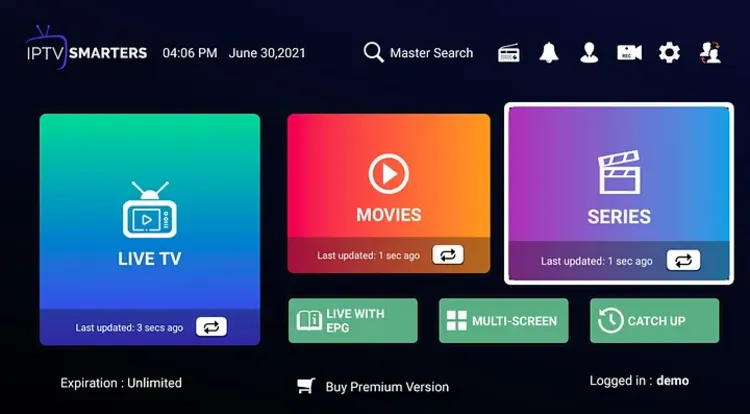
Catch-up TV allows viewers to watch their favourite programs after they have been broadcast live. It allows users to watch their favourite programs like news, movies, sports, etc., within a few days at their preferred time.
15. VOD
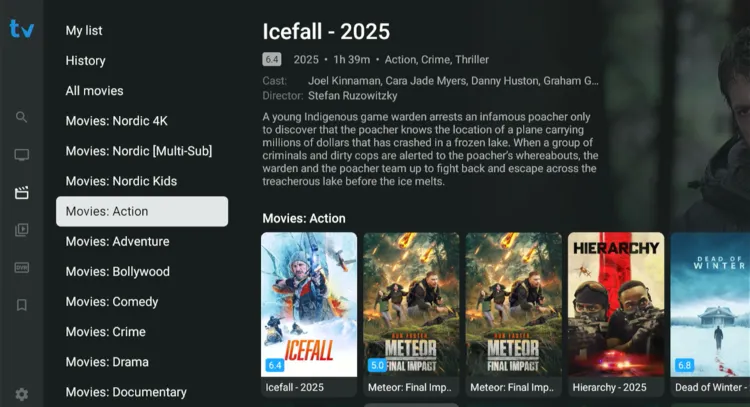
VOD is an organised digital library consisting of movies, TV series, documentaries, children’s programming, and an adult section. It has content from popular networks such as Netflix, Paramount+, Disney+, HBO MAX, etc.
Users can pause, rewind, and fast-forward the content they are streaming. This content is hosted on IPTV providers’ servers that can be streamed directly to your device.
Best Free IPTV Alternative for VOD
16. PPV
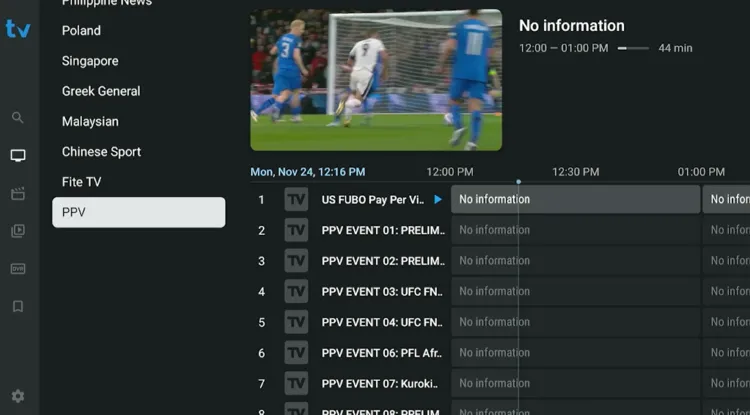
PPV (Pay-Per-View) refers to live events that are not a part of a 24/7 broadcast. It consists of sporting events such MMA (UFC), wrestling (WWE), etc or musical concerts.
17. Multi-Connections