


Quick answer: Fix IPTV buffering by maintaining sufficient speeds (10+ Mbps for HD, 25+ Mbps for 4K), using a VPN to bypass ISP throttling, and switching to a reliable IPTV provider. Constant buffering can ruin any streaming experience, especially live sports.
Buffering is typically caused by 4 issues: a throttled network connection, congested provider servers, outdated streaming hardware, or bad player settings.
Live-stream latency and buffering are related, but they are different. Buffering happens when the player waits for video to load. Live-stream latency is the delay between an event happening and the video appearing on your screen.
Using a VPN solves one of the biggest buffering problems, bandwidth throttling, while adding an essential layer of privacy when accessing unofficial IPTV content.
Recommended VPN for IPTV - Surfshark

Using IPTV without a VPN can put you at Big Risk! Your ISP, government and even IPTV providers can monitor your activity, throttle your speed, or block access altogether.
Plus, without encryption, your data is exposed to hackers and third parties. Take back your privacy with Surfshark!
Features:
✅ SAVE 87% + GET 3 EXTRA MONTHS FREE! ($0.06/day)
✅ Kill Switch Feature to protect you if VPN drops
✅ Lightweight app ensuring smooth performance on All IPTV Boxes
✅ Unlimited simultaneous connections (install on all household devices)
✅ 30-day risk-free money-back guarantee
✅ Strict no-logs policy, Secure & Untraceable
📶 Most Common Reasons Why IPTV Buffers!
There are a few common reasons why your IPTV stream keeps lagging or getting interrupted. Let’s break them down one by one
1. Weak or Unstable Internet Connection
A slow or unstable internet connection is one of the biggest causes of IPTV buffering. If your speed is too low, streams won’t load properly. Here’s the minimum speed you need:
✅ HD Streaming – At least 10 Mbps
✅ 4K Streaming – At least 25 Mbps, with 50 Mbps recommended for consistent playback
Even with good speeds, a weak or unstable connection, especially over Wi-Fi, can still cause buffering. This can happen if:
✅ Your device is too far from the router
✅ Other devices are interfering with the signal
✅ Too many people are using the same network (phones, laptops, gaming consoles, etc.)
2. ISP Throttling (They Might Be Slowing You Down!)
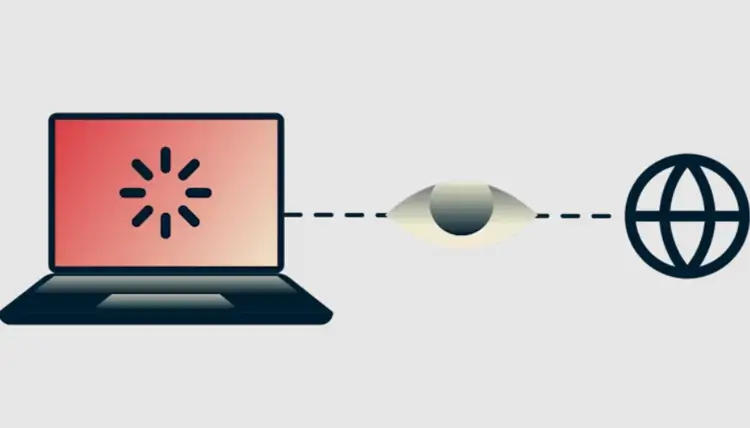
Did you know that some internet providers intentionally slow down IPTV streaming? ISPs sometimes detect heavy streaming and throttle (limit) your speed to reduce network congestion. If your internet works fine for browsing but buffers on IPTV, throttling might be the issue.
3. Device Performance Issues
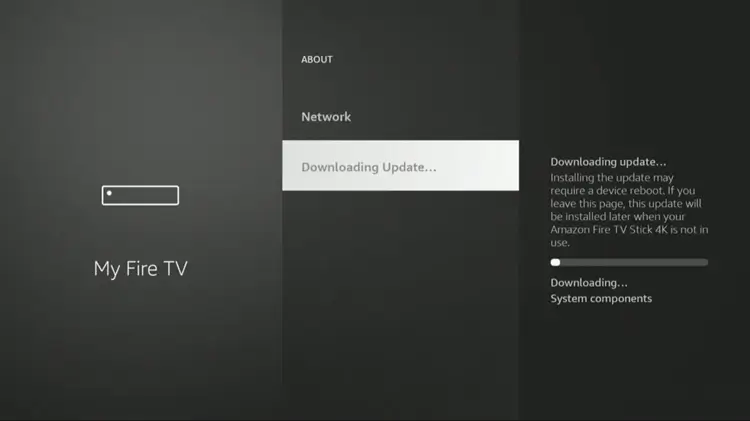
If your streaming device (FireStick, Android box, Smart TV, etc.) is outdated or cluttered with unnecessary apps, it might struggle to play IPTV smoothly. Too many background apps running can slow down performance.
4. Your IPTV Provider!

As I always say, ‘Not all IPTV services are created equal’. If your IPTV Server is loaded and too many people are using the same server, it can become overloaded and slow down. This is especially common with free or low-cost IPTV providers.
⚡ IPTV Latency vs. Buffering: What’s the Difference?
Latency, bandwidth, jitter, packet loss, and buffering affect IPTV playback in different ways. Here’s what each term means and how it may appear while streaming.
| Term | What It Means | What You May Notice |
|---|---|---|
| Network latency (ping) | The time data takes to travel between your device and a server and back. It is measured in milliseconds. | Slow responses or delayed channel starts. |
| Live-stream latency | The delay between an event happening and the video appearing on your screen. | The broadcast appears behind the live event. |
| Bandwidth | How much data your connection can carry at once. | Lower video quality or buffering when capacity is limited. |
| Jitter | How much latency changes over time. | Uneven delivery or stutters. |
| Packet loss | Data that fails to reach its destination. | Missing video, audio glitches, or interruptions. |
| Buffering | When the player pauses or waits while loading video. | A loading symbol, freeze, or playback pause. |
🔍 How to Test IPTV Latency
Use these checks to see whether the issue may be coming from your network or a specific IPTV channel:
- Run a speed test on the same network as your streaming device. Check ping and download speed, plus jitter or packet loss if available. A good result to the test server does not guarantee the route to your IPTV provider is also good.
- Test the same channel at different times, then compare Wi-Fi with Ethernet if possible. If Ethernet works better, Wi-Fi may be contributing to the problem. If only one channel is affected, it may be the source.
- Don’t rely on a single ping score. Connection stability and the route to your provider also matter.
🚫 How to Stop IPTV Buffering
Now that you know the possible causes, let’s get straight to the solutions to improve your IPTV streaming experience.
1. Improve Your Internet Connection
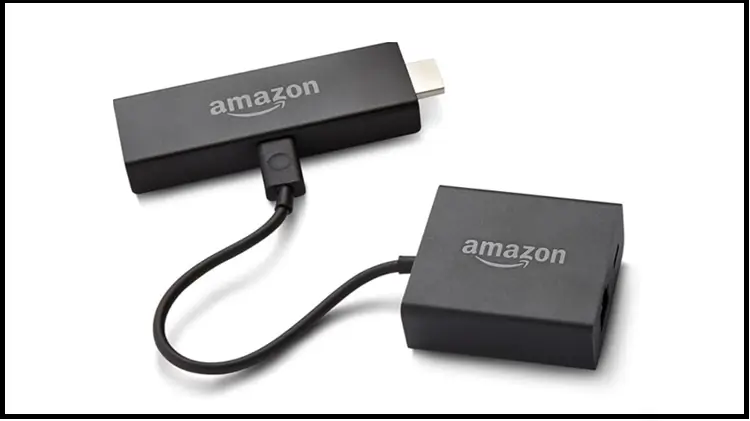
A stable and fast internet connection is essential for smooth streaming. Try these steps to improve your network performance and reduce buffering issues:
- Use a Wired Connection (Ethernet Cable)
- Upgrade Your Internet Plan
- Restart Your Router
- Use the 5GHz Wi-Fi Band
2. Use a Quality VPN!
A VPN can help improve your streaming experience by hiding your internet activity from your ISP and reducing issues caused by throttling. However, choosing a reliable VPN with fast servers and strong security features is important.
- Use a Trusted VPN Provider – Surfshark uses AES-256-GCM encryption to secure your connection and protect your online activity from ISPs.
- Choose the Right Server Location – Connect to a server that provides the best speed and stability for your location. Try different servers to find the one that works best for your streaming needs.
Pro Tip: Switch to the server that offers the best speed and stability for your location. The optimal server varies for everyone, so test a few to find what works best.
3. Fix the IPTV Player
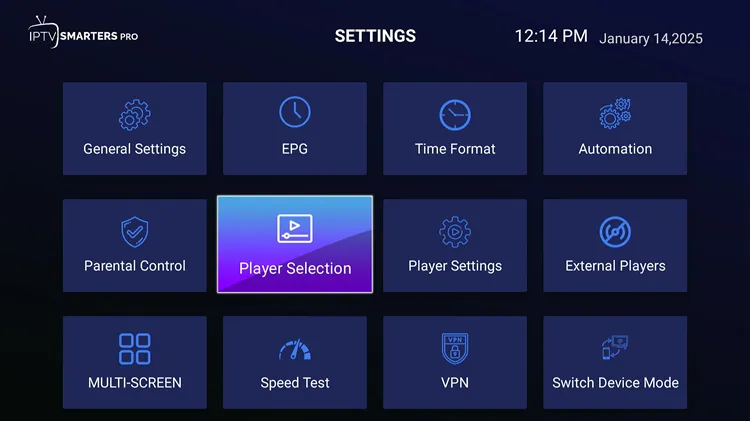
The IPTV player you use plays a crucial role in streaming quality. Some IPTV services come with their own dedicated apps, while others require third-party players like IPTV Smarters Pro or TiviMate.
To minimize buffering and ensure smooth playback:
- Keep your IPTV player updated – Check for updates and install them to fix bugs, clear the app cache, and improve performance.
- Try a different player – If buffering persists, your current app may be the issue. Switching to another IPTV player can often help.
- Optimize settings – Some IPTV players allow you to adjust stream buffers or video settings for better stability.
4. Talk to Your IPTV Provider
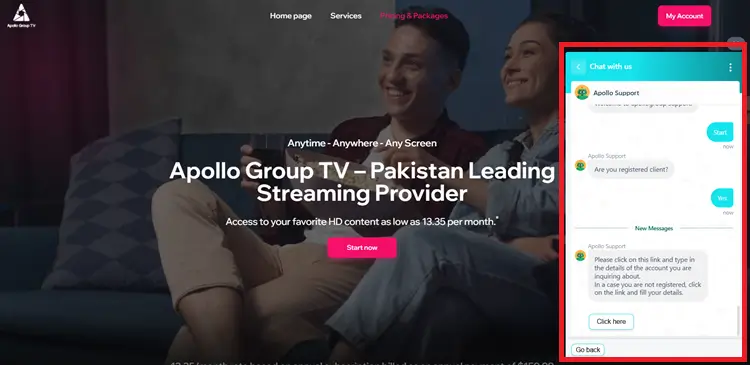
If your IPTV service is constantly buffering, it might not be your internet or your player, it is likely your provider itself. People will spend hours trying to get the buffering to stop, and it never will if you have a bad provider. Here’s what you can do:
- Reduce Content Load – Too many channels or high-bitrate streams can overload your device. Ask your provider to reduce content that you do not stream, it will help.
- Check for Double VPN – If your IPTV has a built-in VPN and you’re using another VPN, it could slow your speed. Confirm with the provider.
- Ask Others – Check if other users are facing buffering issues. If they are, the problem is likely with the provider, not your internet.
- Switch Your Provider: Choose the Right IPTV Provider to ensure you select a service with dedicated, high-speed servers for smoother streaming and minimal buffering.
Do not forget to check out my IPTV-dedicated Reddit community r/IPTVDiscussion to get real user reviews, insights, and recommendations on the best IPTV services.
5. Optimize Your Streaming Device
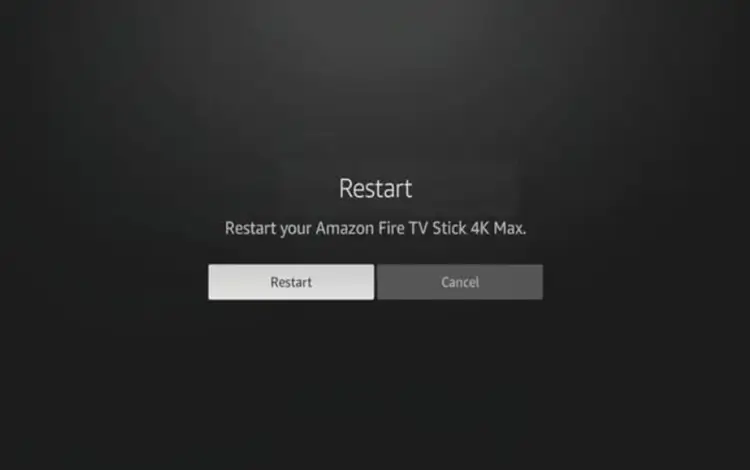
Your streaming device’s performance can directly affect IPTV playback. Follow these steps to keep your device running smoothly and reduce buffering:
- Clear the Cache – Removing stored cache files from your IPTV app can free up space and improve app performance.
- Close Background Apps – Too many apps running in the background can slow down your device and affect streaming quality.
- Restart Your Device – Restarting your FireStick or Android TV device can clear temporary issues and refresh system performance.
- Upgrade Your Device – Older devices may struggle with high-quality streams. Consider upgrading to a newer model with better hardware for smoother playback.
- Factory Reset (Last Resort) – If buffering continues, a factory reset can restore your device to its original settings. Keep in mind that it removes all apps and saved data, so use this option only when other fixes fail.
Check out our guide on Best Devices for IPTV to find the best options for smooth streaming.
6. Reduce Network Congestion
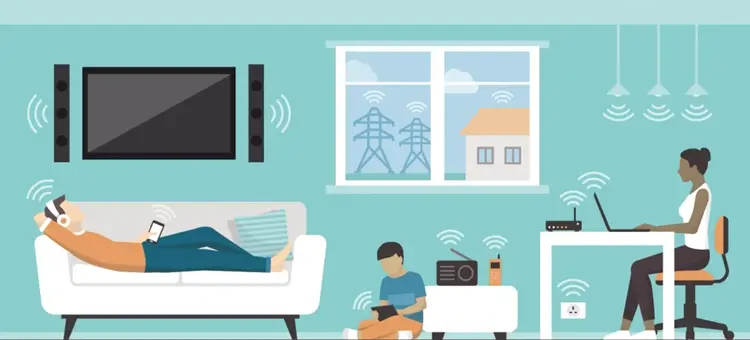
If too many devices are using your internet at the same time, your IPTV stream can suffer. Try these tips:
- Pause Downloads & Updates – Stop any ongoing downloads or software updates while streaming to free up bandwidth.
- Limit Other Devices – Reduce network congestion by disconnecting or limiting multiple high-usage devices like gaming consoles and smart TVs during streaming.
- Schedule High-Bandwidth Activities – Download large files or updates during non-peak hours to avoid slowing down your IPTV stream.
❓ FAQs
1. How can I stop my ISP from throttling IPTV?
Best way to bypass ISP throttling is by using a premium VPN like Surfshark. A VPN encrypts your traffic, hiding your IPTV usage from your ISP to prevent slowdowns.
2. Can my IPTV provider be the reason for buffering?
Some IPTV providers overload their servers with too many users, leading to slow speeds. If issues continue despite a good internet connection, switching to a more reliable provider may be the best solution.
7. Should I upgrade my streaming device to fix buffering?
If you’re using an older device, upgrading to a FireStick 4K, Nvidia Shield, or a high-performance Android box can significantly improve streaming speed and reduce buffering.
📌 Final Thoughts
IPTV buffering can be annoying, but in most cases, it’s fixable. Start by testing your internet speed, optimizing your Wi-Fi, and using a VPN like Surfshark to prevent throttling.
If problems persist, consider switching IPTV providers or upgrading your device. Give these solutions a try, and let me know in the comments what worked for you!

