


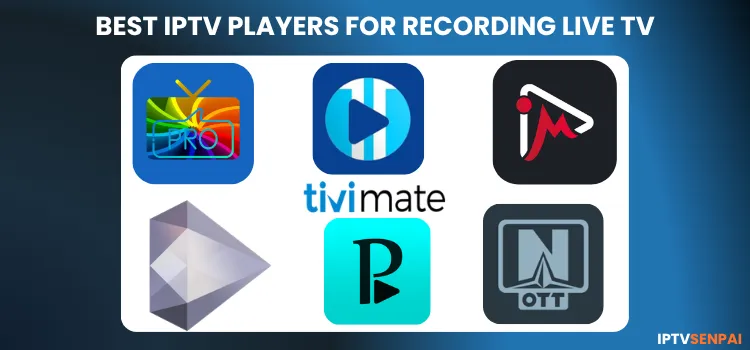
Hundreds of IPTV players compete for recognition in 2026 for offering robust DVR (Digital Video Recording) capabilities. DVR lets users record shows, watch anytime, and control live TV with pause and rewind for a smoother viewing experience.
This guide highlights the 7 best IPTV players of 2026, focusing on their DVR and timeshift capabilities. It offers a practical overview to help users choose the right player and set up their DVR, whether they are on an Android TV box or a Firestick.
Using IPTV without a VPN can put you at Big Risk! Your ISP, government and even IPTV providers can monitor your activity, throttle your speed, or block access altogether. Plus, without encryption, your data is exposed to hackers and third parties. Take back your privacy with Surfshark! ✅ SAVE 87% + GET 3 EXTRA MONTHS FREE! ($0.06/day)Recommended VPN for IPTV - Surfshark

Features:
✅ Kill Switch Feature to protect you if VPN drops
✅ Lightweight app ensuring smooth performance on All IPTV Boxes
✅ Unlimited simultaneous connections (install on all household devices)
✅ 30-day risk-free money-back guarantee
✅ Strict no-logs policy, Secure & Untraceable
7 Best IPTV Players with DVR Features in 2026
1. TiviMate Premium (Best Overall)
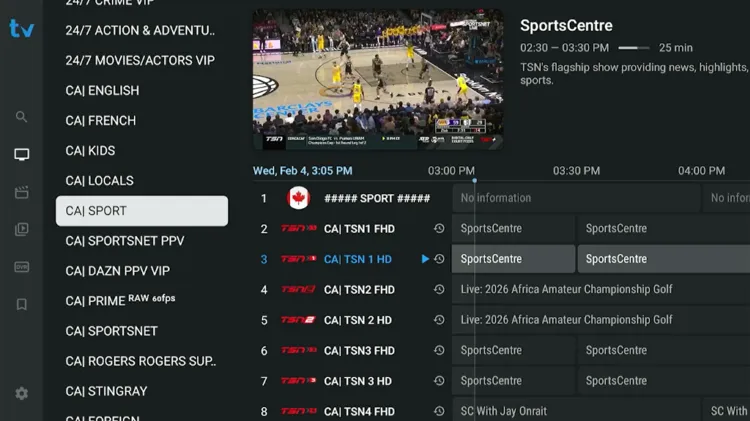
TiviMate allows DVR with its premium subscription that records live TV to local storage, addressing limited device storage on devices like the Fire TV Stick and enabling long‑duration recordings.
- Record to internal or external storage such as USB drives.
- Set one-time or recurring recordings directly from the TV guide.
- Watch one channel while recording another (multi-connection sub required).
- Schedule recordings directly from the EPG.
- Records even if the app is closed or the TV is off.
- Sync your recording across all your devices.
-
Dedicated section to watch, organize, or delete saved recordings.
2. Sparkle TV
3. iMPlayer
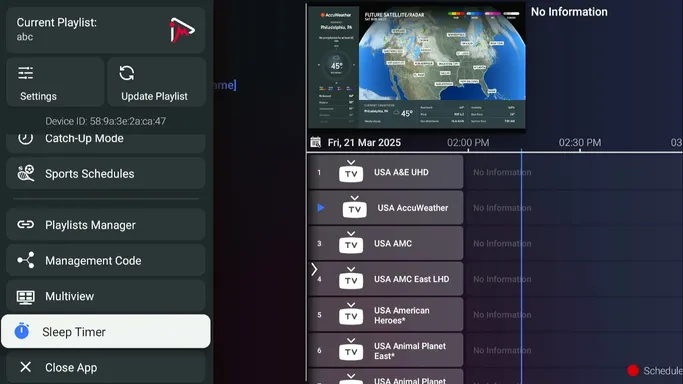
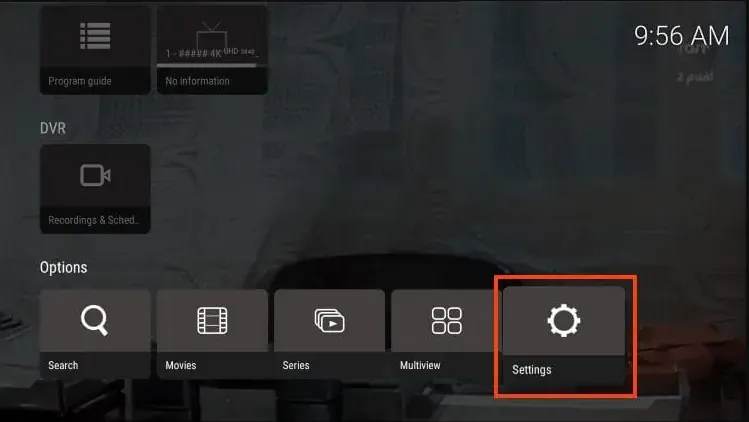
iMPlayer is a feature-rich IPTV player built for users who want flexible DVR, cloud sync, catch-up, and full control over recordings across multiple devices.
- Ability to record on the device and the cloud.
- Record to internal or external storage, such as USB drives.
- Manage playlists, settings, and recordings from any browser
- Plan recordings directly from EPG with a cable-like interface.
- Pause, rewind, and fast-forward live TV using a local buffer.
- Save movies and series for offline viewing.
- Sync playlists, settings, and schedules across devices through iMPlayer cloud.
- Watch previously aired programs directly from the EPG timeline.
- View multiple channels at once (available on iPad and Android TV Premium versions).
4. OTT Navigator

OTT Navigator is an IPTV player that keeps DVR settings and configurations consistent across devices. It has an affordable premium tier while still delivering smooth playback, so each family member can keep personalized favorites and DVR settings.

FAQ’s
1. Can I record IPTV for free?
Yes, Sparkle TV offers DVR scheduling and timeshift for free, and XCIPTV provides basic recording at no cost. Free versions typically have more limitations than premium upgrades.
2. What storage do I need for IPTV recording?
You need local or network space for low-capacity devices like Firesticks or external USB storage. Some players also support cloud storage options.
3. Is IPTV recording legal?
Yes, recording for personal use is legal. Legality revolves around your IPTV provider, not the player. For privacy, use a premium VPN like Surfshark.
4. Will the app record if my TV is turned off?
Conclusion
Choosing the right IPTV player with DVR capabilities can transform your viewing by replacing rigid broadcast times with a more personalized, on‑demand experience.
By using external storage like USB drives and keeping your device powered for background tasks, you can build a reliable library of your favorite sports and shows.
To keep your recording private, always pair your setup with a premium VPN like Surfshark.

