


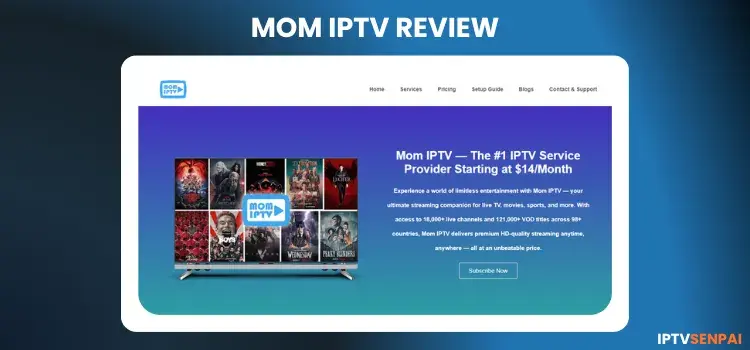
Mom IPTV is an IPTV provider with over 5+ years in the industry. It features 27,000+ live TV channels and a massive library of 150,000+ movies and 60,000+ TV series in HD quality. I am testing the service after 1 year in 2026, and it still works fine.
While the support team was quick to respond, their mixed answers about payment methods, paired with errors on the website, came off as a bit unprofessional and slightly frustrating.

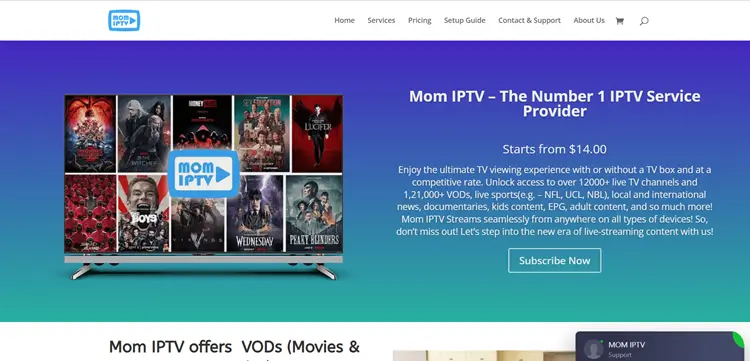
Clone IPTV sites are common, so verify the website layout and URL before sharing personal details or buying a plan. Visit the official MOM IPTV website at momiptv.com/en-home/. However, the site showed several errors, which made the overall experience feel unprofessional and slightly frustrating.
Does Mom IPTV offer a Free Trial?
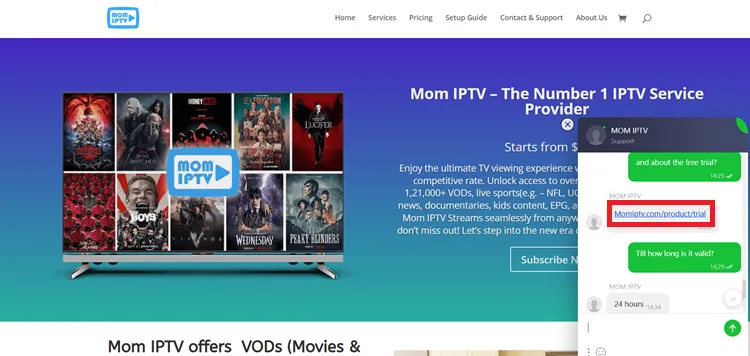
Yes, Mom IPTV offers a 24-hour free trial along with a 45-day refund policy on its packages. Availing a trial allows you to evaluate the channel lineup before committing to a subscription plan.
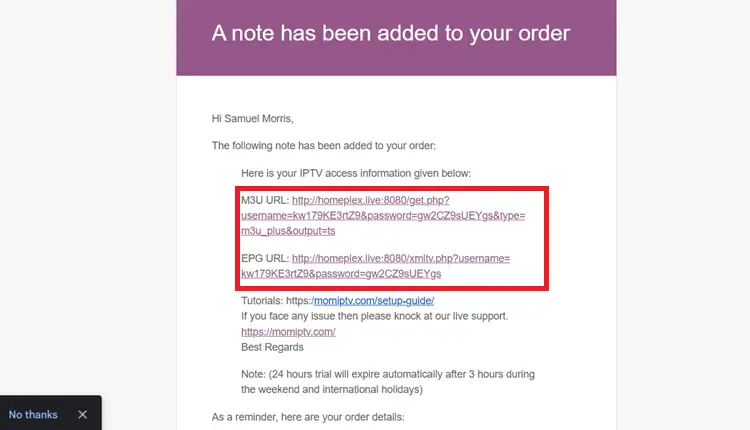
To claim your trial, simply message their team via 24/7 live chat. Once you get that, they will send you the Free M3U URL & EPG URL to your registered email.
Quick Review of Mom IPTV
- Trial: 24-Hour Free Trial.
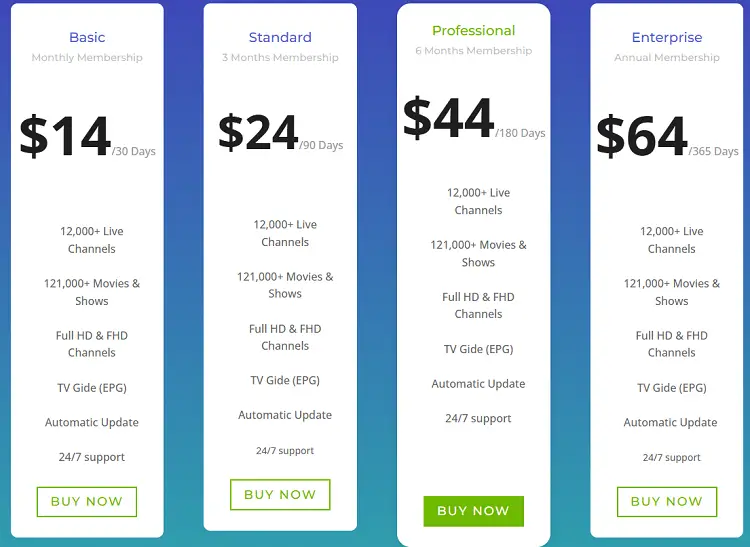
- Subscriptions: Start at $14.00/month
- Connections: Only One Connection with 1 subscription.
- Live Channels: 27,000+ live channels
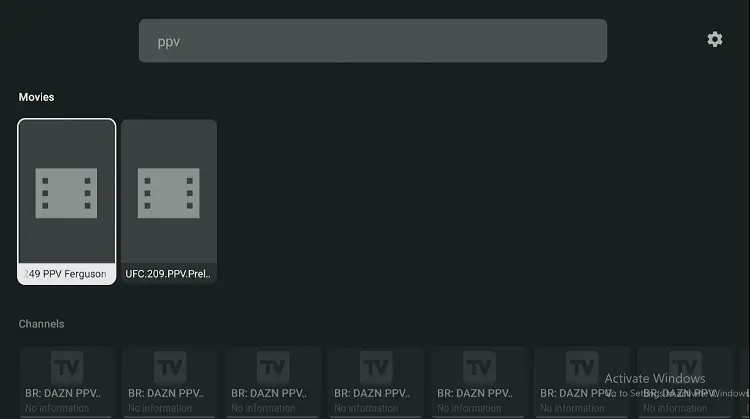
- PPV: Included
- VOD Content: 150000+ Movies and 60,000+ TV Shows
- Streaming Quality: HD Streaming
- Payment Methods: Cryptocurrency | Debit/Credit Card
- Compatible Players: Tivimate, IPTV Smarters Pro, Sparkle Player
- Compatible Devices: FireStick, Android TV, ONN, NVIDIA Shield Pro, iOS, etc.
- Customer Support: Responsive Email and 24/7 Live Chat
Pros & Cons of Mom IPTV
| Pros | Cons |
|---|---|
| ✓24-hour free trial | —Incomplete EPG |
| ✓Live TV and VOD available | —Only one connection allowed |
| ✓Wide range of sports channels | |
| ✓Smooth and reliable streaming | |
| ✓Works on all popular players |
How to Get Mom IPTV on my Device.
1. Sign Up for a Subscription Plan/Free Trial.
Step 1: Visit the website momiptv.com/en-home/. Request a free trial on live chat. The support representative will provide you with a trial link.
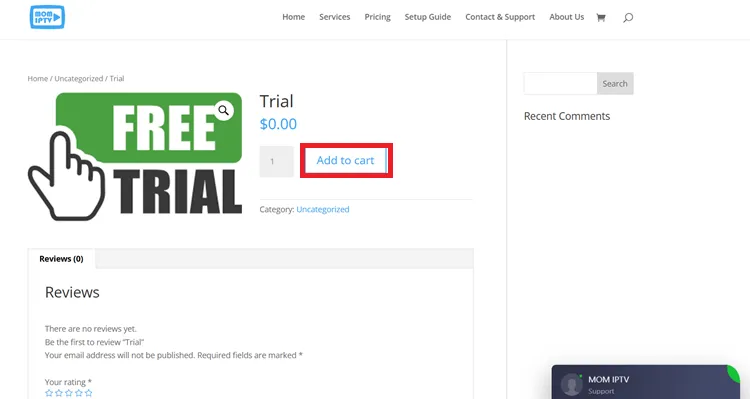
Step 2: Select “Add to Cart” to proceed with activating your free trial.
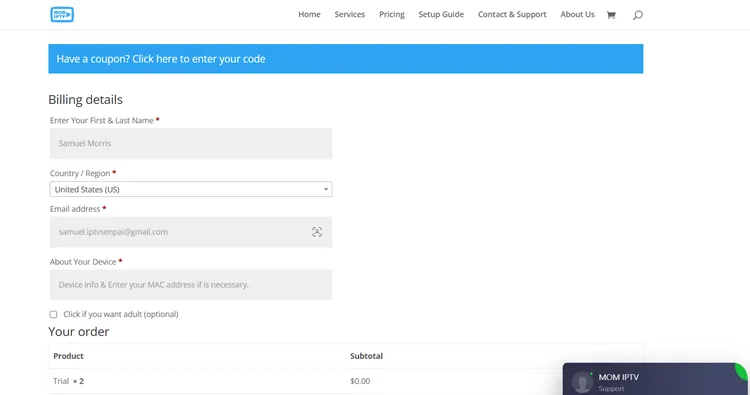
Step 3: Fill out your required registration info and place the trial order.
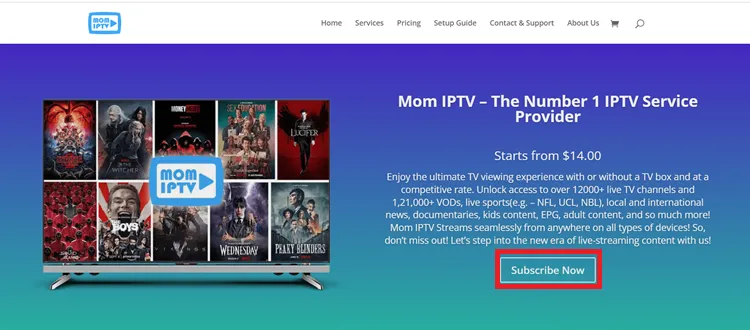
Step 4: To buy a premium tier, click Subscribe Now on the website.
Step 5: Choose the subscription plan that suits your needs.
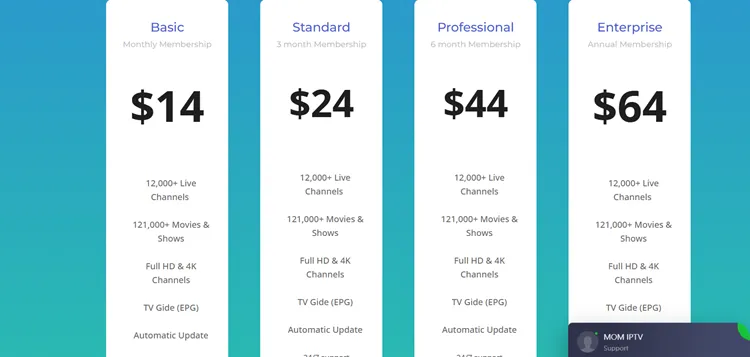
Step 6: Pick your preferred plan, enter your details, and choose a payment method (Cryptocurrency, Debit Card, or Credit Card).
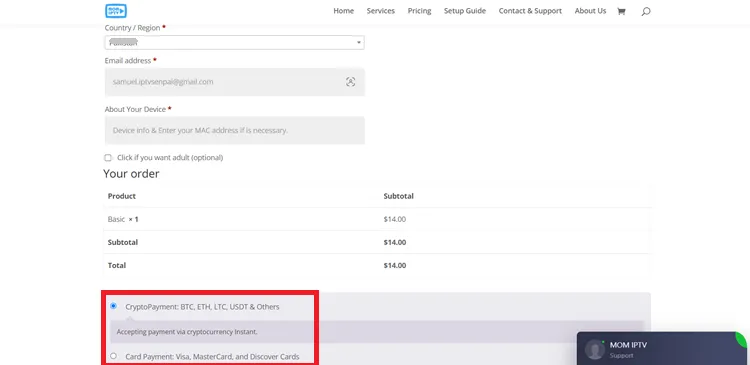
Step 7: Complete the payment process to activate your subscription. You’re now ready to enjoy Mom IPTV!
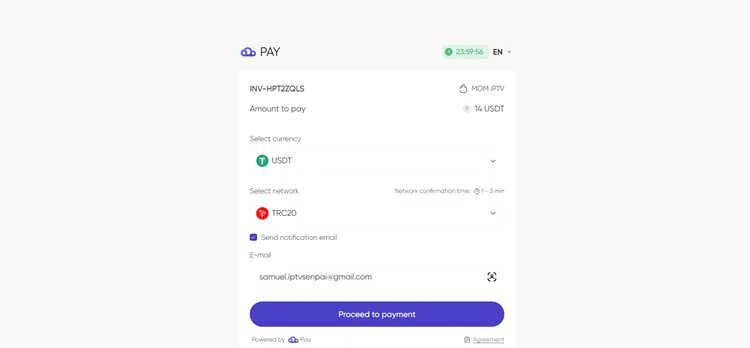
Note: If you opt for a Credit Card/Debit Card. You will receive the payment link in the email and proceed there.
2. Connect to a VPN & Set Up Your Player
I am testing Mom IPTV on my FireStick & Tivimate. I will guide you through the setup process.
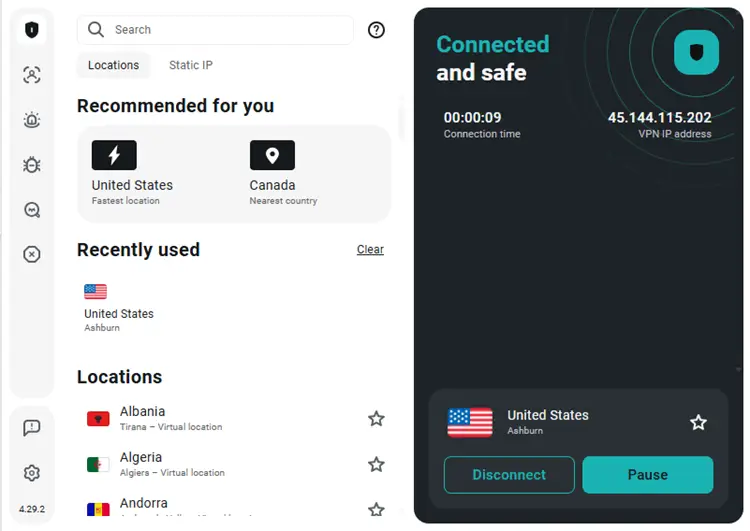
Step 1: Open the Surfshark app and connect to a US server for optimal performance.
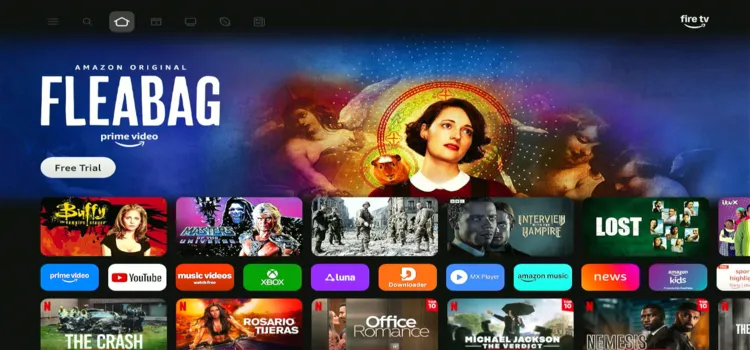
Step 2: Switch on your Fire TV Stick and press the home button. Your interface will be displayed.
Step 3: Under your apps and channels, choose TiviMate Player app.
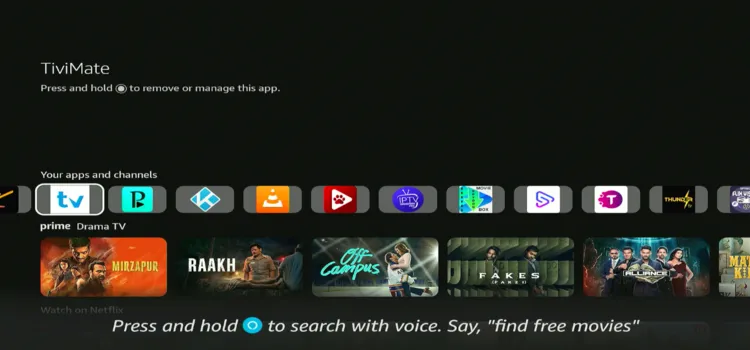
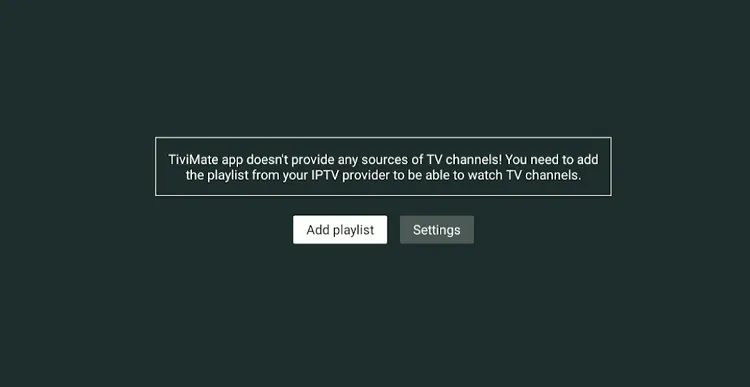
Step 4: Click Add Playlist.
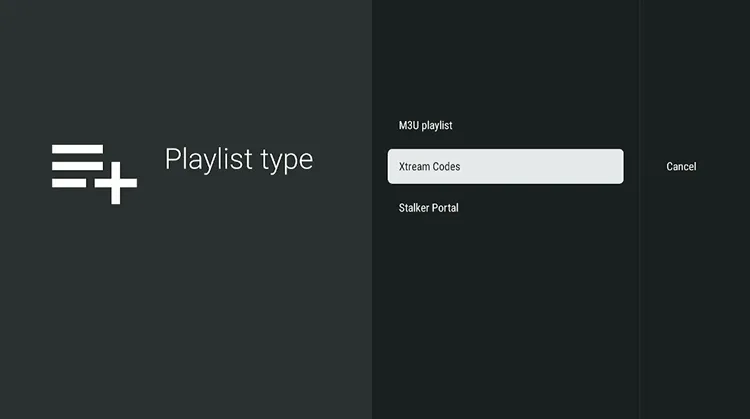
Step 5: Choose Xtreme Codes.
Step 6: Enter the Server address, Username, and Passward.
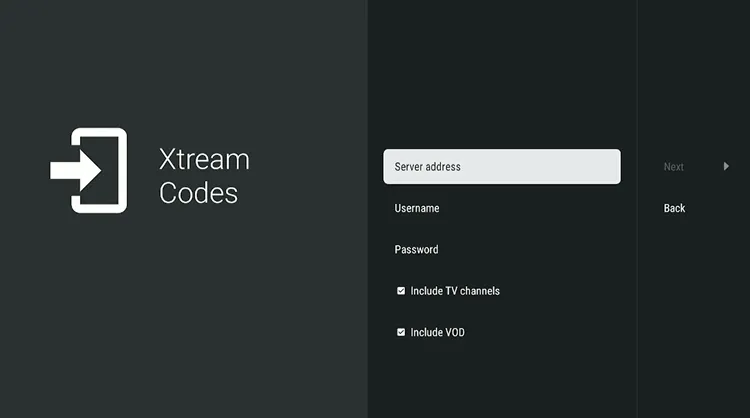
Step 7: Click Next.
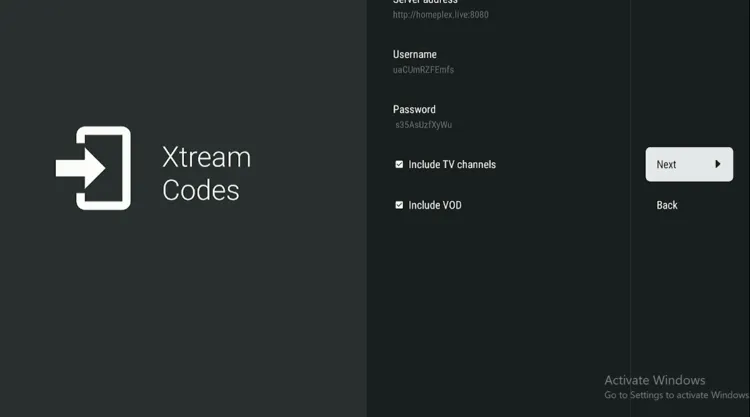
Step 8: After the Playlist Name is processed click Done.
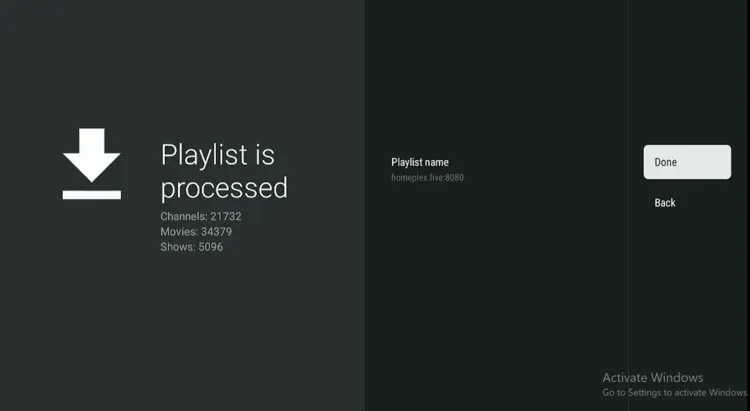
Step 9: Mom IPTV has been set up. Scroll and choose what you want to watch.
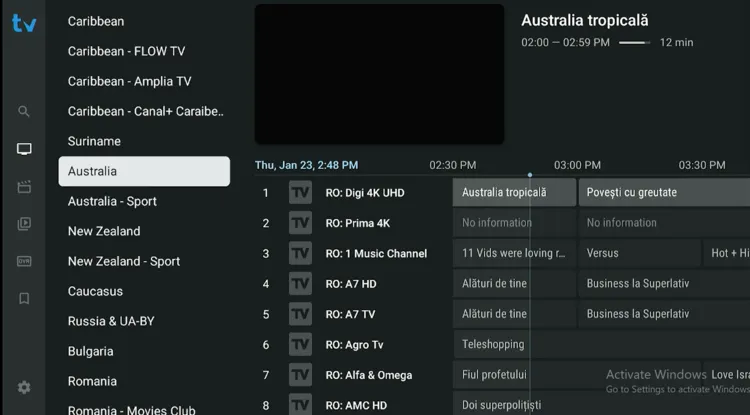
Step 10: Enjoy Streaming!

What Can I watch on Mom’s IPTV?
1. Live TV
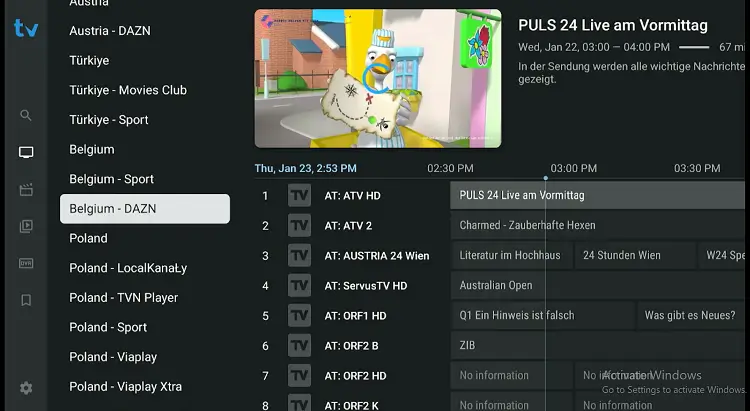 Mom IPTV delivers an extensive collection of over 27000+ live TV channels from around the globe. This selection covers popular broadcasting categories, including breaking news, international entertainment, local programming, and sports.
The Electronic Program Guide (EPG) makes navigation easier, keeping your channels organized and making it simple to find exactly what you want to watch. You’ll find top channels like Fubo TV, Sky Sports, DAZN, ESPN, and channels for the NFL, NBA, Bundesliga, and more to catch all the action.
2. VOD
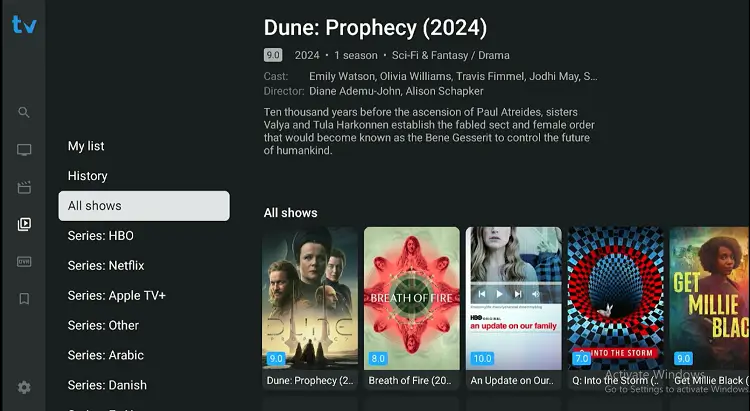
Mom IPTV is an unverified service, so it’s important to approach it with caution, especially given the recent government crackdowns on IPTV in some areas.
Using unverified IPTV services can come with privacy risks, so taking precautions is key. I recommend using a trusted VPN like Surfshark. It will protect your personal information, hide your IP address, and keep your connection secure while streaming.
Read More: How to Choose the Right IPTV and Avoid Scams.

