


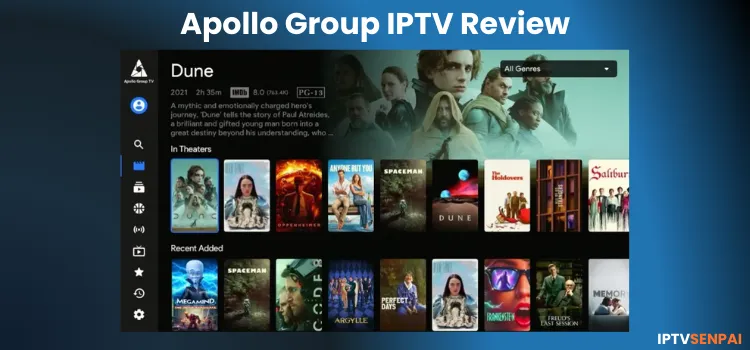
Apollo Group IPTV Features
- Free Trial: 10-day free trial
- Subscriptions: Start at $24.99/month
- Connections: Up to 5 devices per plan.
- Live Channels: Over 4000 live channels
- PPV: Included (With subscriptions only)
- VOD Content: 5000+ Movies/series.
- Streaming Quality: HD Streaming
- Compatible player: Works with its custom player & TiviMate
- Payment Methods: Credit/Debit Card through Exchange Pay Method | Cryptocurrency.
- Compatible Devices: FireStick, Android TV, ONN, NVIDIA Sheild Pro, Android Phone, iPhone, etc.
- Customer Support: Very Responsive. (Available through Live chat)
Services like Strong 8K or Eagle 4K are available on Z2U for around a $4-8/mo and offer reliable streams. But regardless of the service you choose, using a VPN is still recommended to keep your streaming activity private.

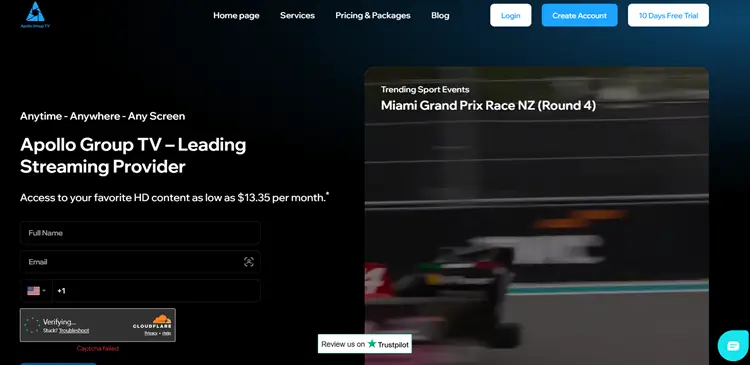
Does Apollo Group IPTV offer a Free Trial?
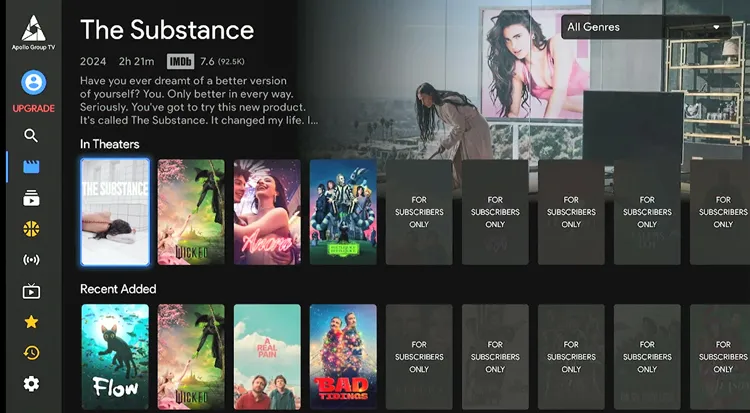
Yes, Apollo Group IPTV offers a 10-day free trial, but the trial does not include Sports VOD, Recents, My List, and many titles from various categories.
Pros & Cons of Apollo TV
| Pros | Cons |
|---|---|
| 10-Day Free Trial | Requires its own player |
| Excellent customer support | Slightly pricey for the content offered |
| Live TV, VOD & PPV included | Limited VPN compatibility |
| Accepts Credit/Debit card Exhange payment method | Buffering issues with VOD (VPN needed) |
| Free trial has limited options |
How to Get Apollo Group IPTV?
You can set up Apollo Group IPTV on your device! I’ll guide you through it on a FireStick, but you can follow the steps on any compatible device you have. The interface has slight changes, but the navigation is the same.
1. Sign Up for a Subscription Plan/Free Trial.
Step 1: Visit apollogroup.tv on your laptop/PC/mobile, and select ’10 days free trial’
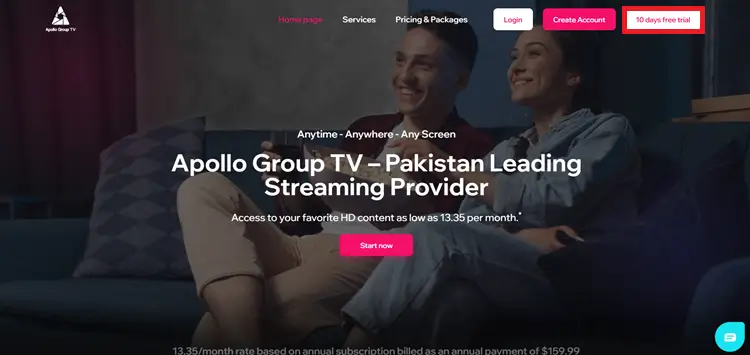
Step 2: Enter your details and Register.
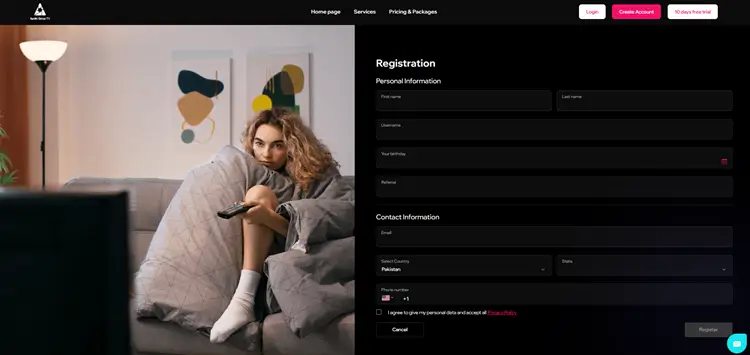
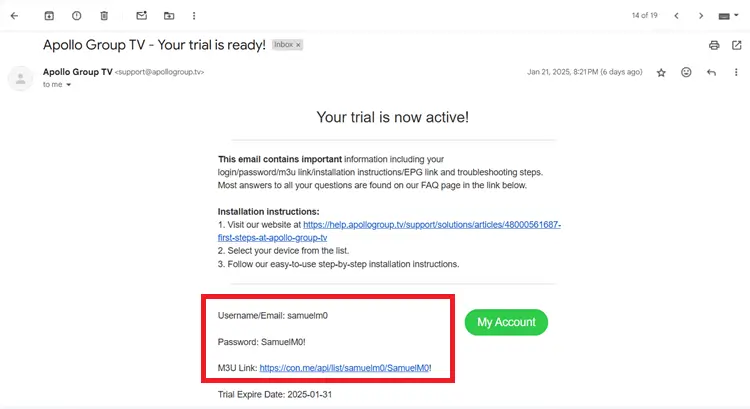
Step 3: You will receive the details in your email.
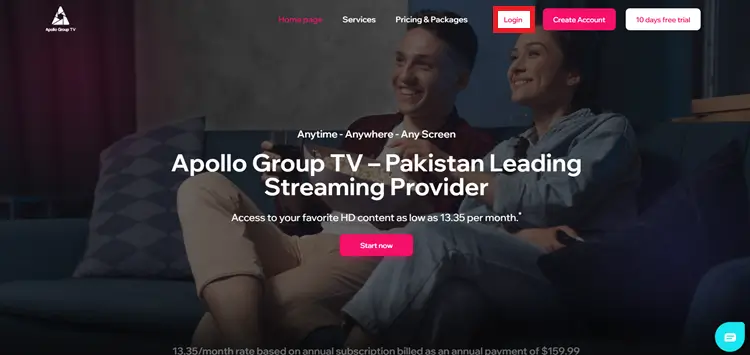
Step 4: If you want to subscribe, click Login.
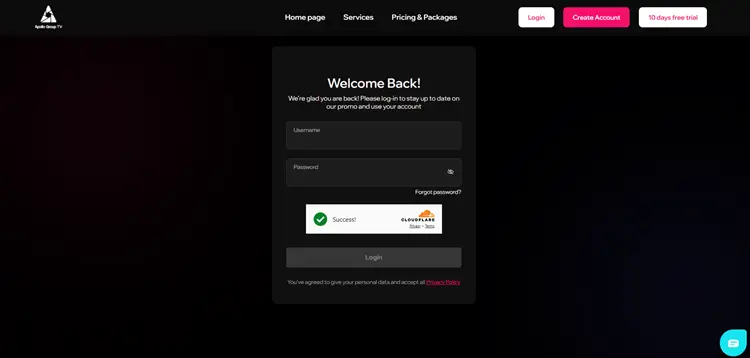
Step 5: Enter your Username & Passward
Step 6: Choose the Plan.
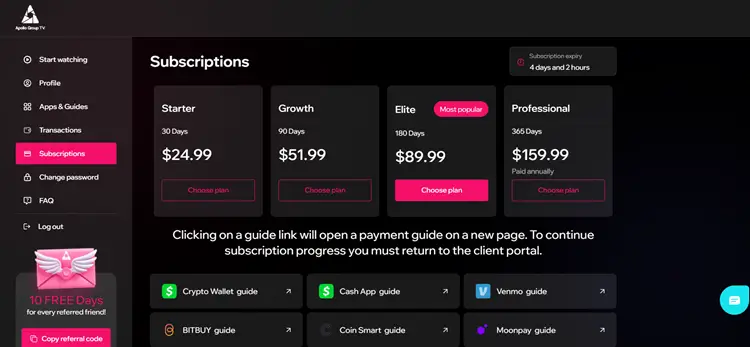
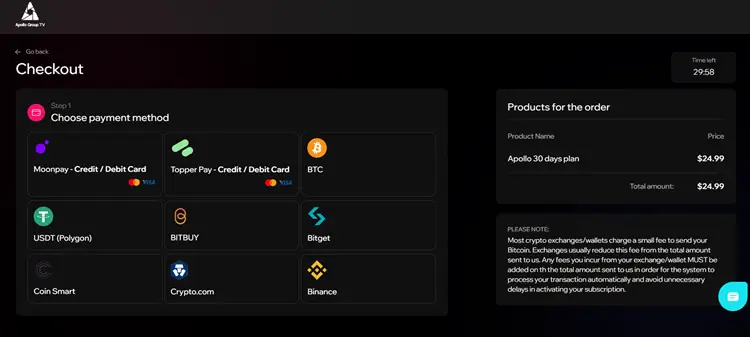
Step 7: Choose the Payment method and proceed.
2. Install the Apollo Group IPTV App.
Apollo Group IPTV only works with its custom app. You can install it using the provided Downloader code. The app is free to download, but you’ll need a free trial or an active subscription to start streaming. Follow the steps:
Step 8: Install the downloader app on your device and enter the code 299336.
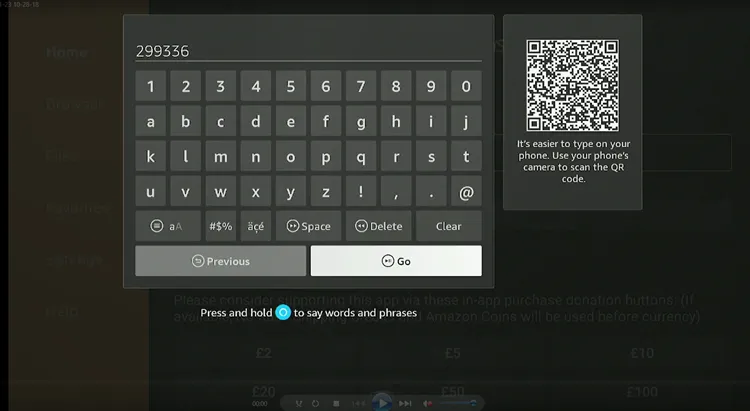
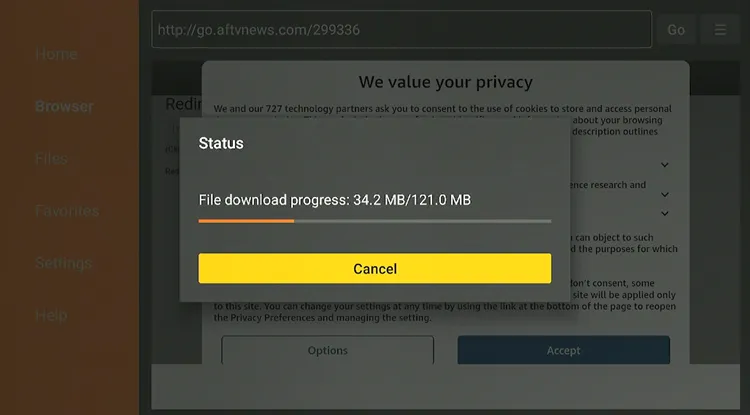
Step 9: The Apollo Group App will start downloading.
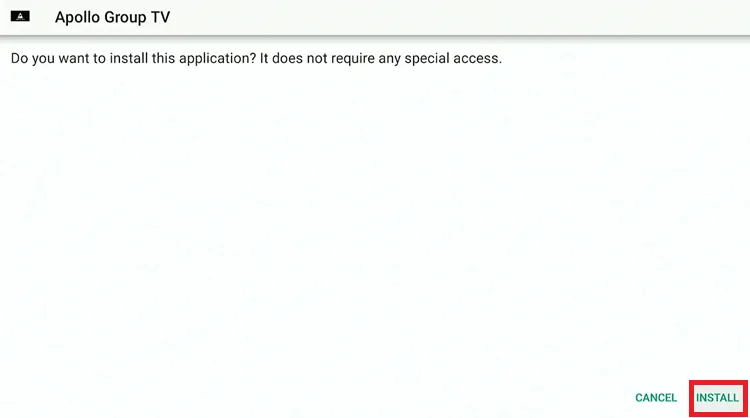
Step 10: Click Install.
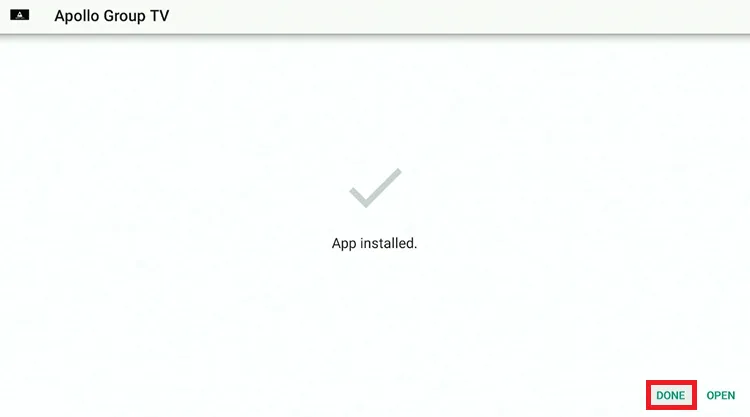
Step 11: Click Done.
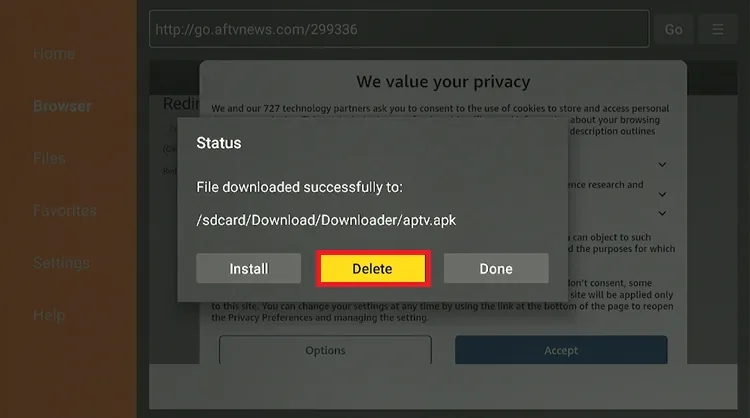
Step 12: Click Delete.
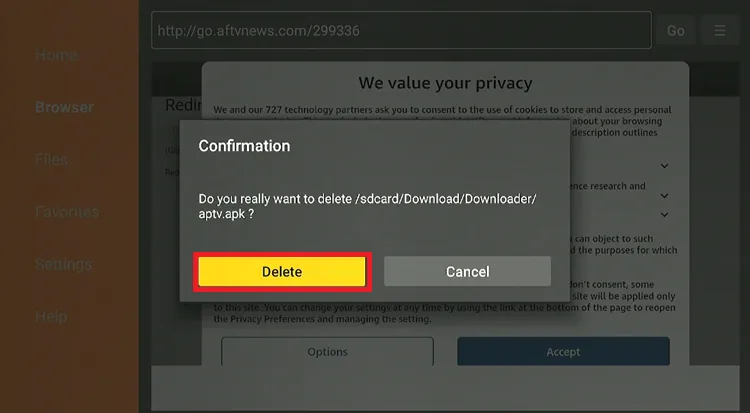
Step 13: Click Delete again.
3. Connect to the VPN & Enter the Login Details
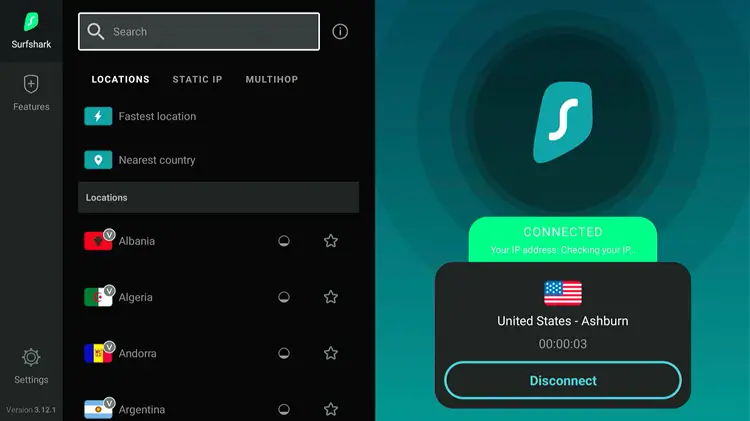
Step 14: Open the Surfshark VPN app and connect to any Server.
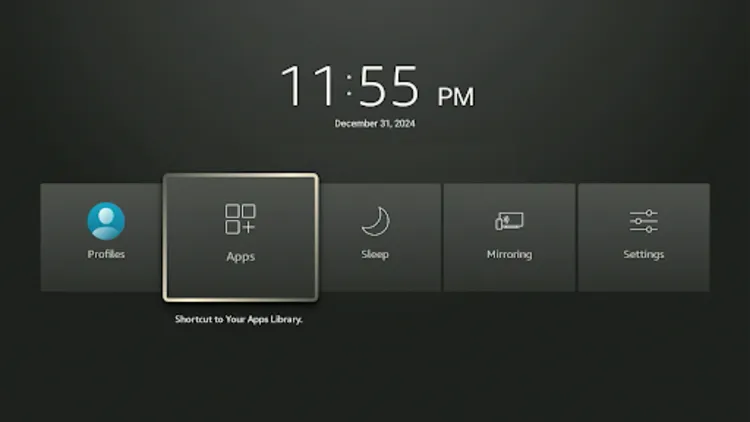
Step 15: Long press the Home button and click Apps.
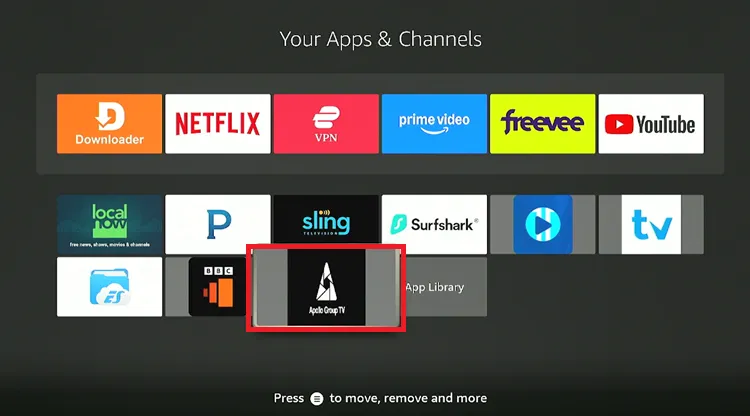
Step 16: Choose the Apollo Group TV app.
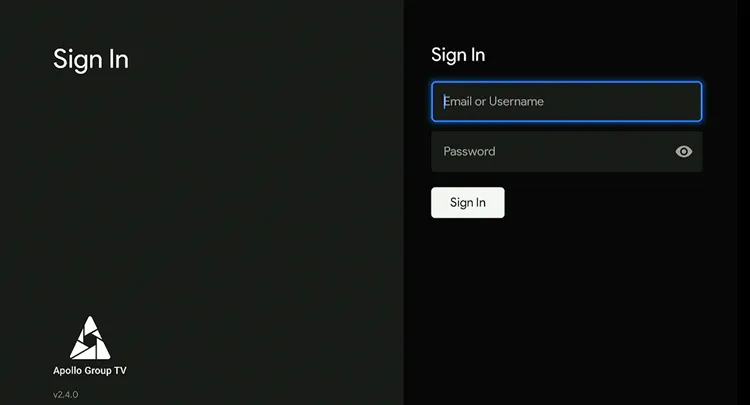
Step 17: Sign In with the credentials. (Sent to you in your email)
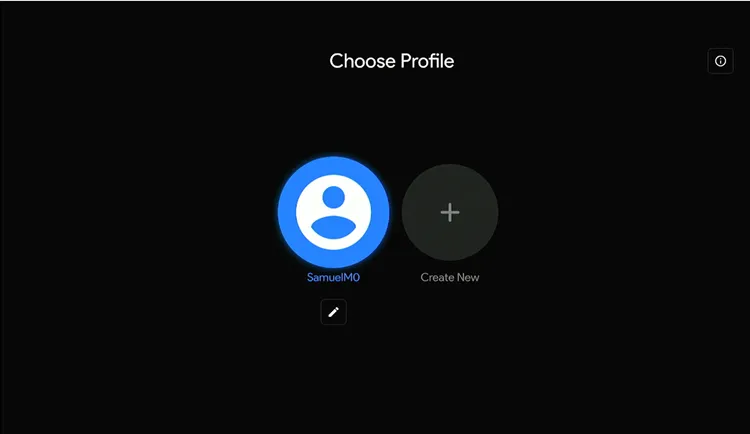
Step 18: Choose your Profile.
Step 19: There you go. Apollo Group IPTV is set up.
Apollo Group Web Player
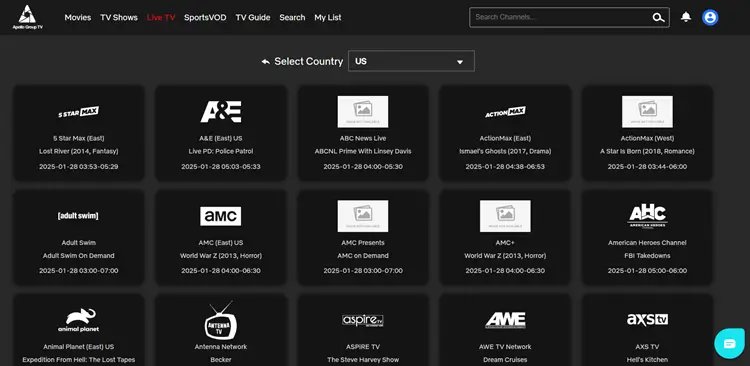
Apollo Group also has a web player accessible through any browser on your device. Simply enter your Username and Password to log in and start streaming.
Apollo Group IPTV App
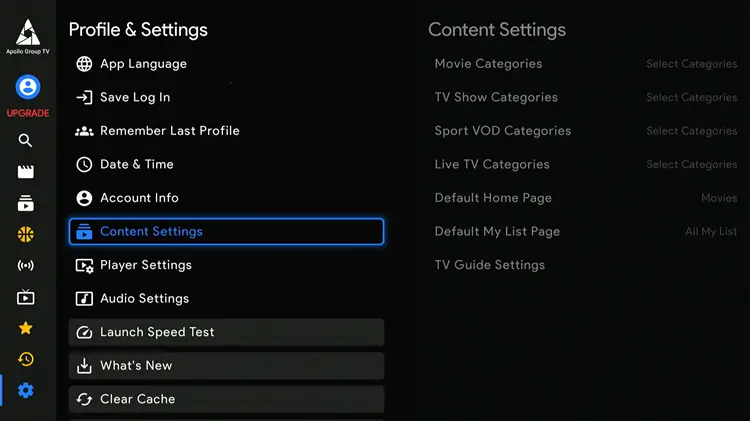
Here are the key features of the player:
- Search & customization of content by genre (Drama, Horror, Comedy, etc.)
- The app is available in multiple languages.
- Supports external video players like VLC & Exo.
- Includes speed test and audio settings.
- Save login credentials for quick access.
- “Remember Last Profile” for quick app launch.
- Multi-device support (up to 5 connections).
- Regular updates in the What’s New Section.
- Subtitles are available in multiple languages.
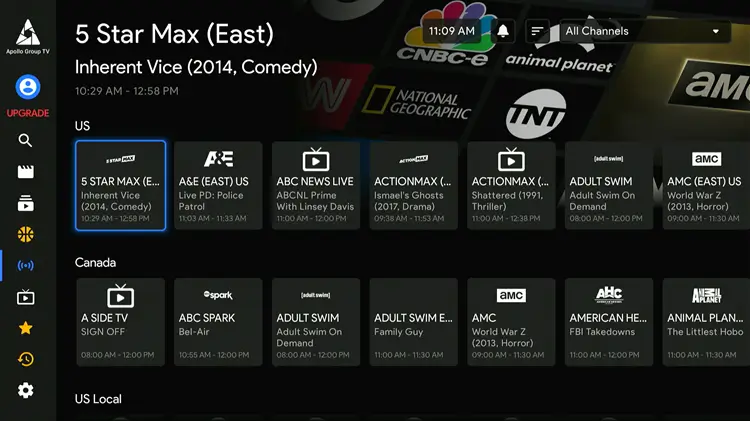
What can I watch on Apollo Group IPTV?
How much does Apollo Group IPTV cost?
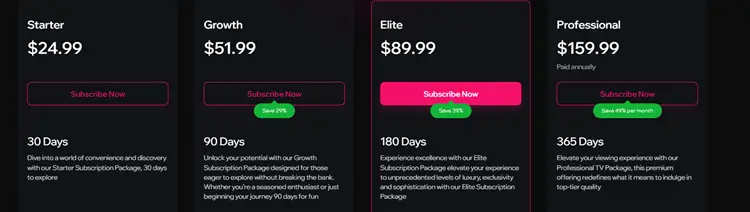
Apollo Group TV offers flexible plans, with each package supporting up to 5 devices and covering categories like Sports, Entertainment, and Kids. We recommend going for a trial first. Here are the plans:
- Starter Plan: $24.99 for 30 days.
- Growth Plan: $51.99 for 90 days.
- Elite Plan (Most Popular): $89.99 for 180 days.
- Professional Plan: $159.99 for 365 days (paid annually).
Is Apollo Group IPTV Legal & Safe to Use?
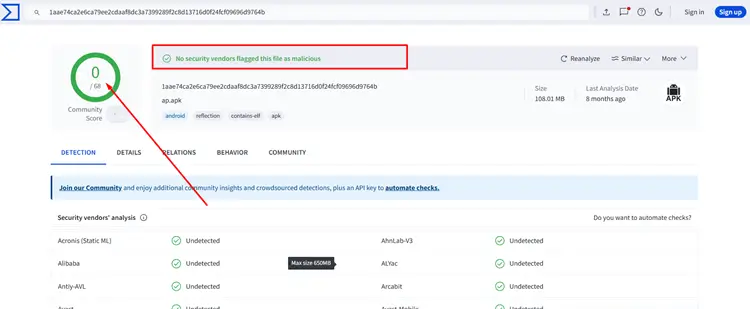
Apollo Group IPTV is an unverified service, so proceed with caution amidst government crackdowns. I also tested the Apollo custom App with VirusTotal for viruses and bugs and it was all clear (can be seen in the screenshot)
Unverified IPTV services can pose privacy risks, so using a VPN is essential. Based on testing, Apollo Group IPTV works best with Surfshark. Support also suggested NordVPN and IPVanish. Other VPNs also showed errors and failed to maintain consistent performance.
What devices is Apollo Group IPTV compatible with?
Apollo Group IPTV apps can be installed on the following devices.
How is Apollo Group IPTV’s Customer Support?
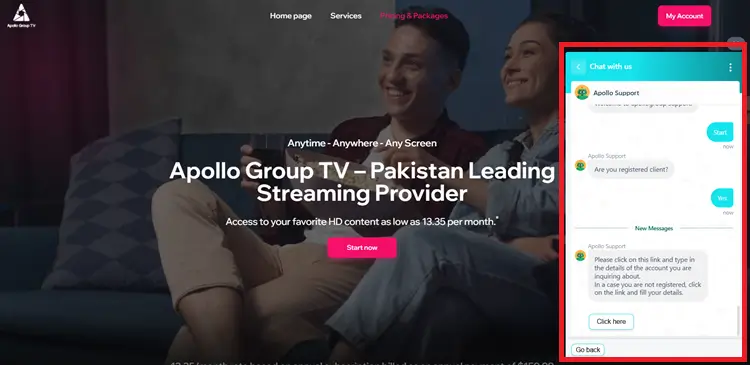
Apollo Group TV’s support team is incredibly responsive, offering live chat assistance and an extensive FAQ section to address any questions or concerns. They send the free trial access immediately upon request.
Apollo Group Alternatives
FAQs
1. Does Apollo Group IPTV work on iPhones?
For iOS devices 14 or later. The service recommends using the “Startup Show” app.
2. Does Apollo Group IPTV offer a Credit Card or Debit Card?

