


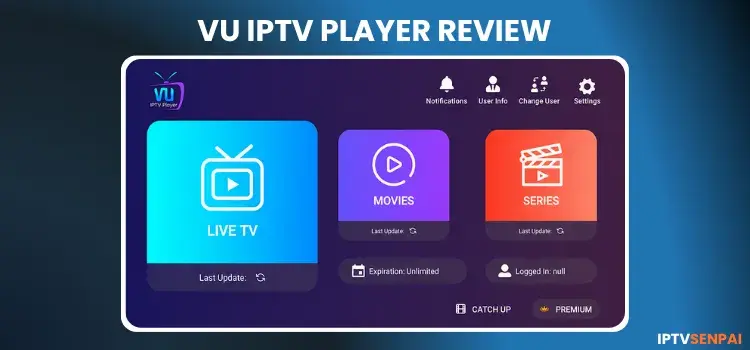
VU IPTV Player is a lightweight IPTV Player worth checking out. It loads IPTV through Xtream Codes, M3U playlists, or a MAC ID. It organizes live TV, movies, series, and catch-up content inside a clean, modern interface. It looks somewhat like IPTV Smarters Pro.
Its Live TV with EPG support works reliably, though the free version limits you to a single IPTV provider connection.
If your IPTV source is geo-restricted or you are unsure about its legality, a premium VPN can help protect your online privacy by encrypting your streaming activity and masking your IP address. No VPN beats Surfshark.
Recommended VPN for IPTV - Surfshark

Using IPTV without a VPN can put you at Big Risk! Your ISP, government and even IPTV providers can monitor your activity, throttle your speed, or block access altogether.
Plus, without encryption, your data is exposed to hackers and third parties. Take back your privacy with Surfshark!
Features:
✅ SAVE 87% + GET 3 EXTRA MONTHS FREE! ($0.06/day)
✅ Kill Switch Feature to protect you if VPN drops
✅ Lightweight app ensuring smooth performance on All IPTV Boxes
✅ Unlimited simultaneous connections (install on all household devices)
✅ 30-day risk-free money-back guarantee
✅ Strict no-logs policy, Secure & Untraceable
Is VU IPTV Player Free?
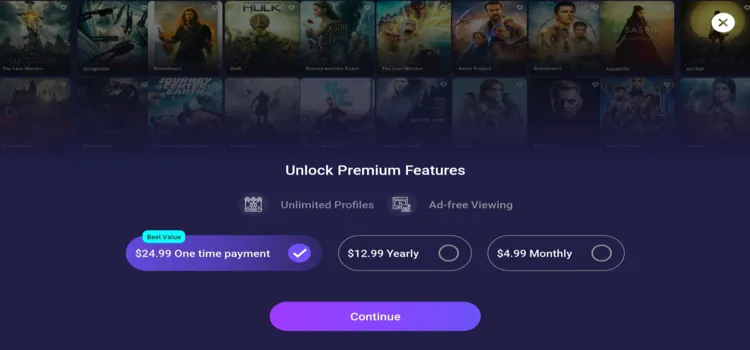
Yes. The Free version of VU IPTV Player lets you connect one IPTV provider. Upgrading to the Premium version removes this one-profile restriction and lets you add unlimited provider profiles.
VU IPTV Player Pro costs $4.99/month, $12.99/year, or $24.99 for lifetime access. Prices may vary by country, platform, currency, or promotion.
Key Features Of Vu IPTV
- Pricing: Free + Premium ($4.99 monthly, $12.99 yearly, or $24.99 lifetime)
- Playlist Support: Xtream Codes API, M3U file or URL, and MAC ID
- Electronic Program Guide: Yes
- Global Search: Yes
- Parental Controls: Yes
- Multiple Profiles: Yes; unlimited profiles require Premium
- Fast Channel Switching: Yes
Pros & Cons
| Pros | Cons |
|---|---|
| ✓ Supports Xtream Codes, M3U, and MAC ID | — Free version supports one provider |
| ✓ Clean interface for live TV and VOD | — Unlimited profiles require Premium |
| ✓ Includes EPG, catch-up, and global search | — Recording and multi-view are not officially listed |
| ✓ Parental controls are included | — Only available on Apple Store. Sideloading for Android is required |
| ✓ Fast channel switching |
How to Install VU IPTV Player on FireStick
VU IPTV Player is not available on the Amazon Appstore. FireStick users need to sideload VU IPTV using the Downloader app. Follow the steps below:
Step 1: Launch the Downloader app.
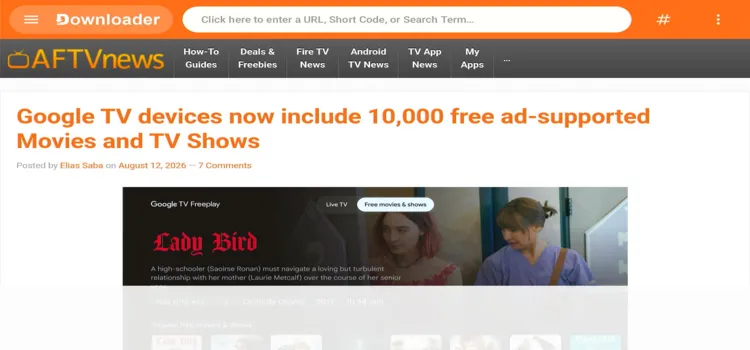
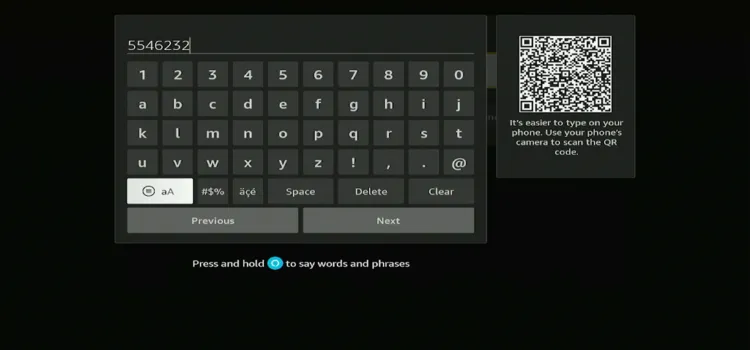
Step 2: Enter the VU IPTV Player downloader code 5546232 in the search bar OR enter this URL bit.ly/43pEVWO and click Go.
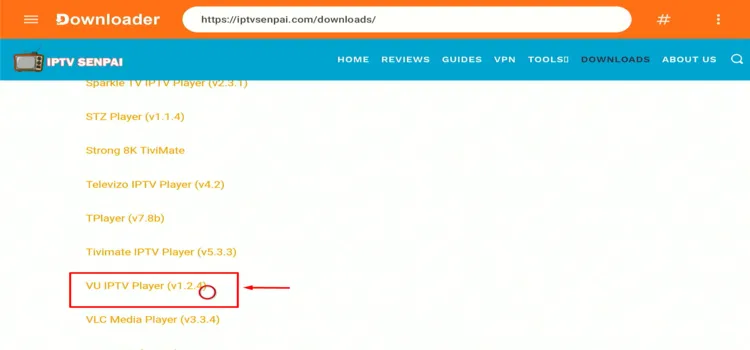
Step 3: Scroll down to the IPTV Players section, find the VU IPTV Player, and tap on it to proceed.
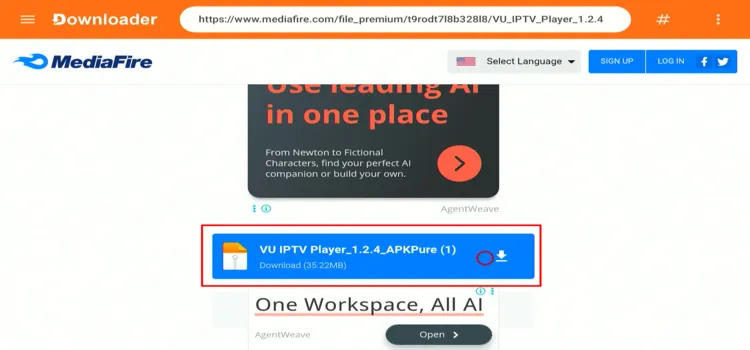
Step 4: A MediaFire page will open. Click Download.
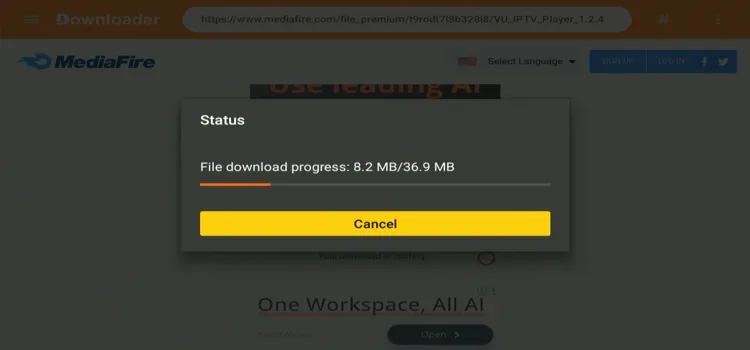
Step 5: Your APK file will start downloading.
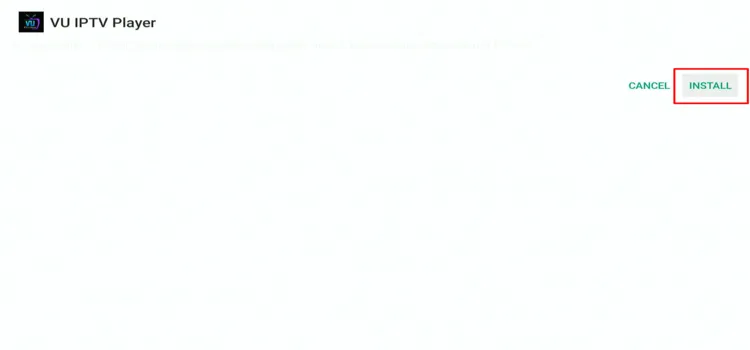
Step 6: Click Install.
Step 7: Click Done.

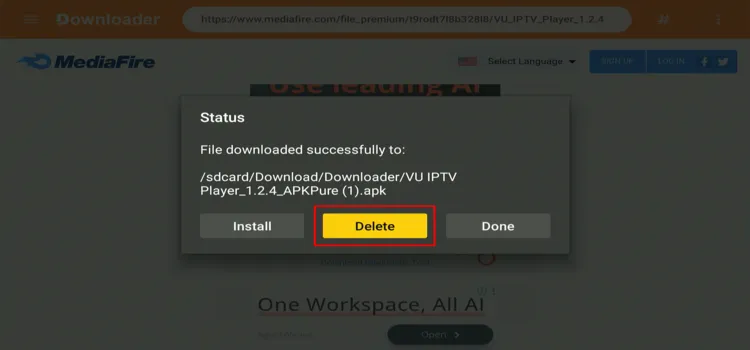
Step 8: Click Delete to delete the installation file to free up storage space.
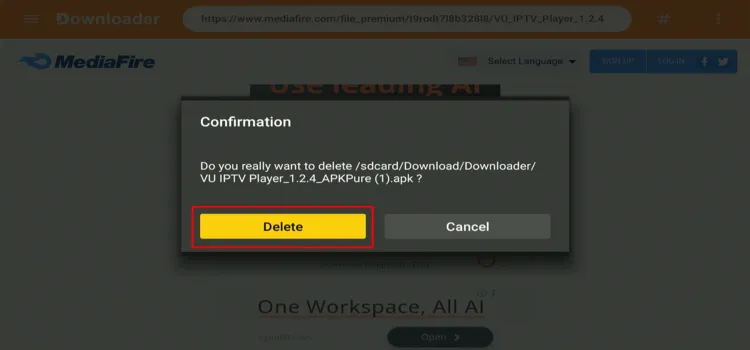
Step 9: Click Delete Again.
How to Set Up VU IPTV Player for IPTV Streaming
When handling unverified IPTV services, always use a trusted VPN to encrypt your connection and bypass geo-restrictions.
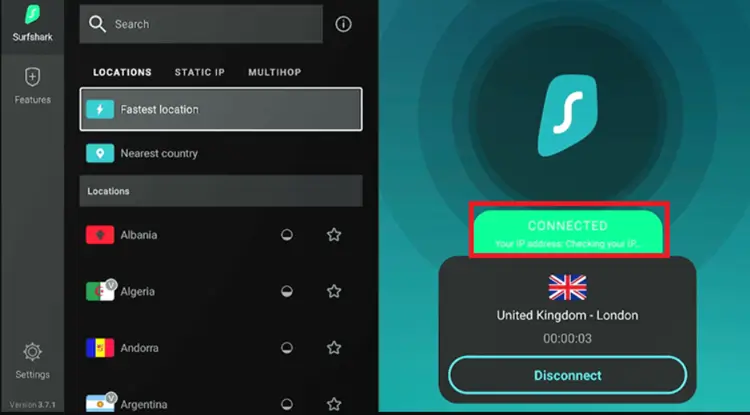
Step 1: Open your Surfshark app and connect to any server.
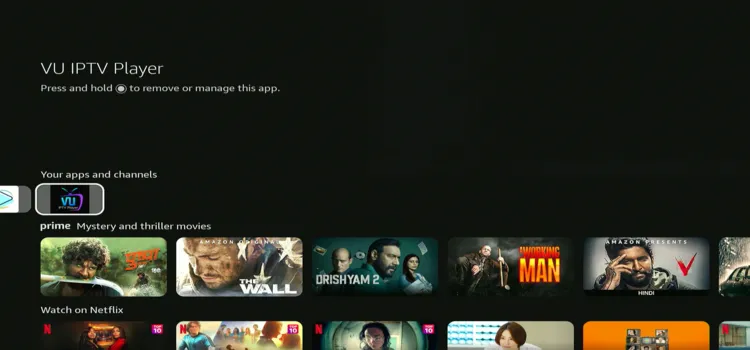
Step 2: Go to Home page and under Your Apps, select VU IPTV Player.
Step 3: Choose either M3U or Xtream Codes. (I chose M3U)
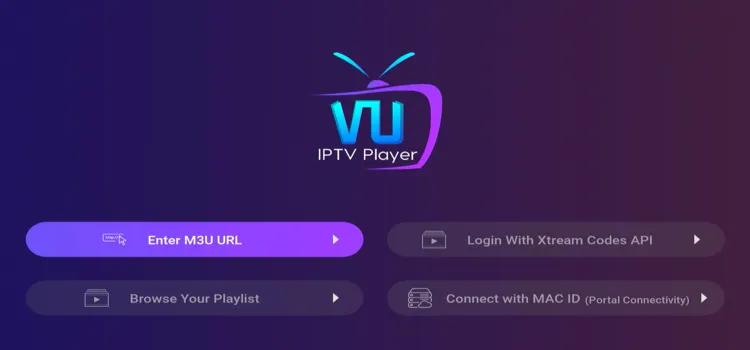
Step 4: Enter your Playlist Name and M3U URL. Click Add User.
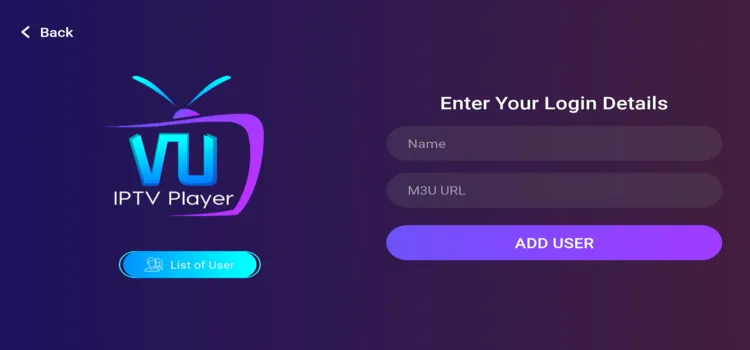
Step 5: Tap on your playlist.
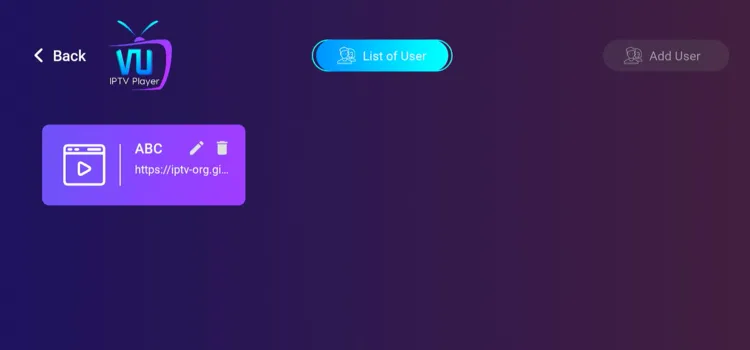
Step 6: Your playlist has been successfully set up!
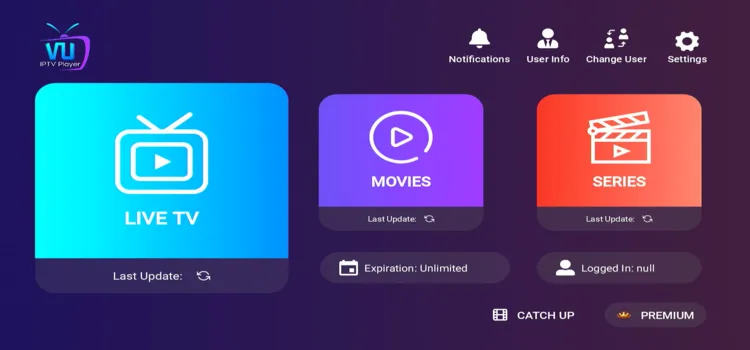
Step 7: Enjoy Streaming!

Best VU IPTV Player Features
VU IPTV Player focuses on useful everyday tools instead of advanced customization. These are the features that make the biggest difference when managing live TV channels and VOD libraries.
1. General Settings
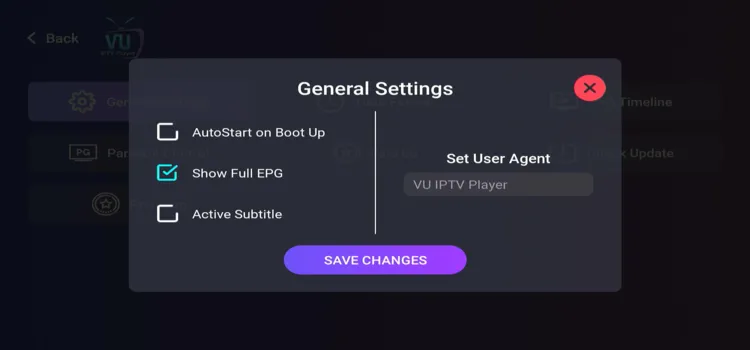
General Settings lets you enable AutoStart on Boot Up, Full EPG, and Active Subtitles. You can also configure a custom user agent when required by your IPTV provider.
2. Time Format
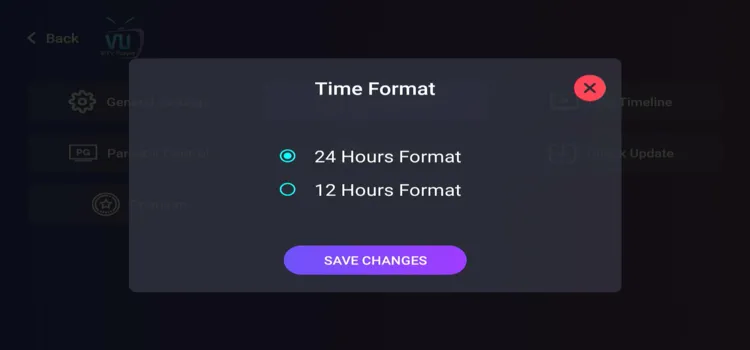
The player lets you display programme schedules using either the 12-hour or 24-hour time format. This setting changes how times appear across the interface and EPG.
3. EPG Timeline
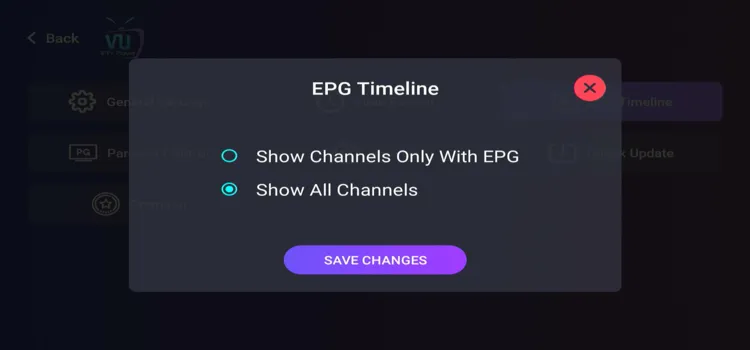
The EPG Timeline can display every live channel or only channels with available programme information. Filtering empty channels makes the TV guide cleaner and easier to browse.
4. Parental Controls
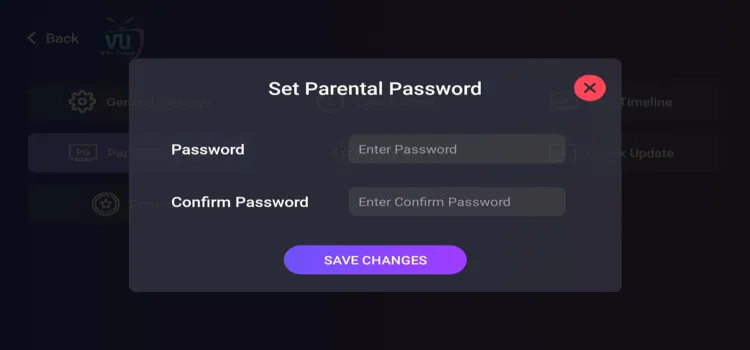
Parental Controls lets you create and confirm a password for restricted content. This prevents children or unauthorized users from opening protected channels and categories.
5. Catch-Up TV
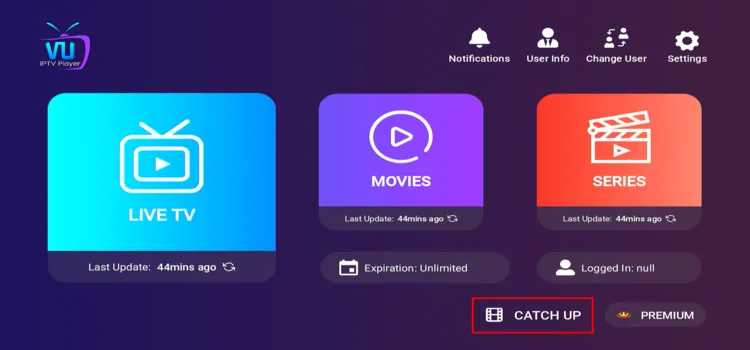
The Catch-Up section lets you watch previously aired programmes without recording them manually. Availability and replay duration depend on whether your IPTV provider supports catch-up content.
6. Content Sorting
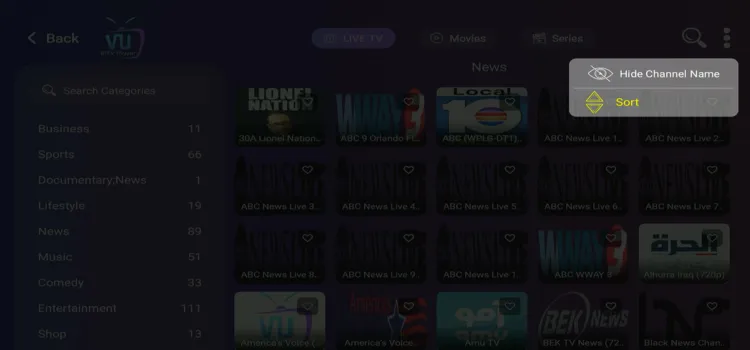
The Sort According To option lets you organize channels and categories by Default, Recently Added, A–Z, or Z–A. This makes large playlists easier to browse and helps you find recently added content quickly.
Is VU IPTV Player Safe and Legal to Use?
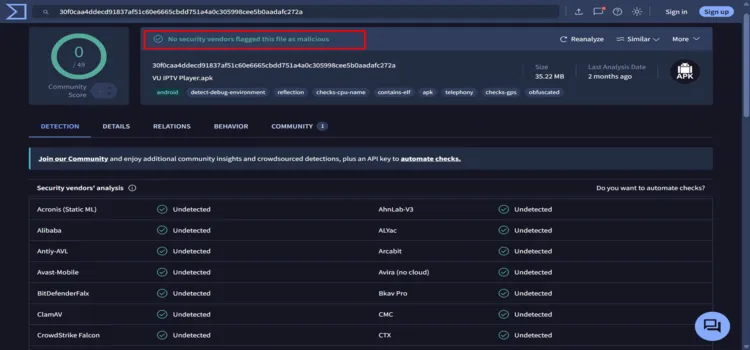
Yes, VU IPTV Player is safe and legal to install. I scanned the VU IPTV Player v1.2.4 APK using VirusTotal, and all 49 security vendors returned a clean result.
However, the legality of streaming depends on the content source you connect. Surfshark encrypts your connection and keeps your streaming activity private from your ISP.
VU IPTV Player Alternatives
Check out some of the VU IPTV Player alternatives if you’re not satisfied with the player:
FAQs
1. Does VU IPTV Player include channels?
No. VU IPTV Player does not provide channels, movies, subscriptions, or IPTV service. You must connect your own legal playlist or provider account.
2. Is VU IPTV Player free?
Yes. The free version supports one IPTV provider profile. Premium adds unlimited profiles, with pricing varying by platform and region.
3. Does VU IPTV Player work on Apple TV?
VU IPTV Player is listed on Apple Store.
4. Can I add more than one IPTV provider?
Yes. Multiple profiles are supported, but that requires a Premium subscribtion.
Conclusion: Is VU IPTV Player Worth Using?
VU IPTV Player is a practical option for users who want a clean, user-friendly interface, flexible playlist support, smooth streaming, and essential features without complicated settings. Its free version is suitable if you only use one IPTV provider.
Premium Option is mainly worthwhile for users who need unlimited provider profiles. However, the lack of officially documented recording and multi-view features may disappoint users seeking more advanced playback tools.
When using VU IPTV Player with an unverified provider, connect to Surfshark first. It encrypts your connection, hides your streaming activity from your ISP, and helps bypass geo-restrictions while traveling.
Rating: ⭐⭐⭐ (3.8/5). Simple, reliable IPTV player for basic streaming needs, but better alternatives exist for power users.

