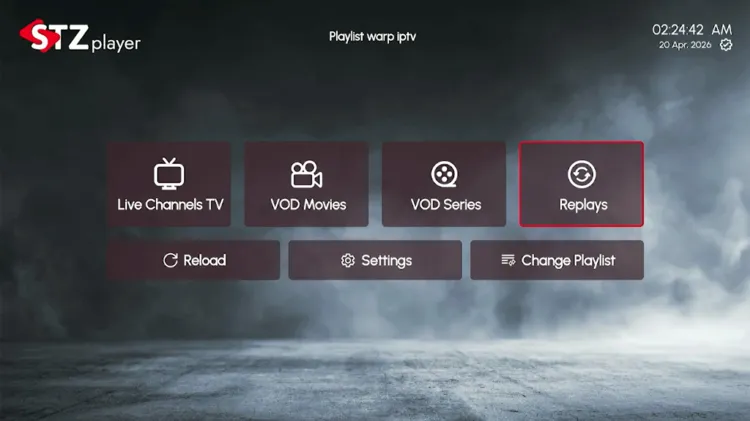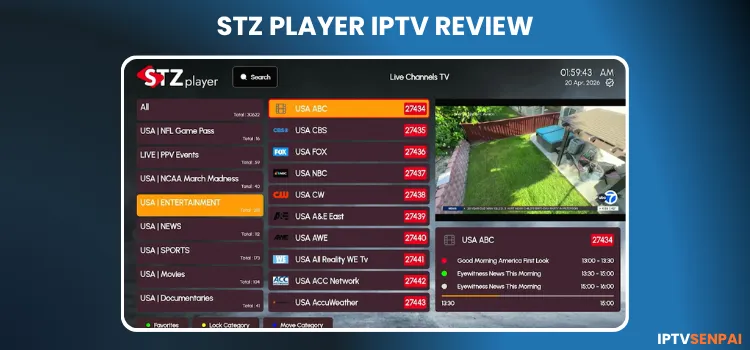
STZ Player is an IPTV player that lets users stream live TV, movies, and series using an IPTV subscription. It has a nice interface compared to other IPTV players, but it has lagging issues.
This player is empty and does not provide content of its own. It contains ‘No TV Channel’ or ‘VOD content’. A subscription (M3U & M3U8) is required from the service provider to view live TV and VOD content.
Using an IPTV player is completely safe and legal, but accessing third-party playlists isn’t as they are unverified. Therefore, a premium VPN such as Surfshark helps protect users’ identity and avoid ISP throttling.
Recommended VPN for IPTV - Surfshark

Using IPTV without a VPN can put you at Big Risk! Your ISP, government and even IPTV providers can monitor your activity, throttle your speed, or block access altogether.
Plus, without encryption, your data is exposed to hackers and third parties. Take back your privacy with Surfshark!
Features:
✅ SAVE 87% + GET 3 EXTRA MONTHS FREE! ($0.06/day)
✅ Kill Switch Feature to protect you if VPN drops
✅ Lightweight app ensuring smooth performance on All IPTV Boxes
✅ Unlimited simultaneous connections (install on all household devices)
✅ 30-day risk-free money-back guarantee
✅ Strict no-logs policy, Secure & Untraceable
STZ Player Features
- Free Trial: 7 days
- Pricing: €5.99/year | €9.99/lifetime
- Supported Formats: M3U/M3U8 Playlist.
- Device Compatibility: Android TVs / Google TV, Samsung Smart TVs, LG Smart TVs, Amazon FireStick 4K, Android Mobile
- Multi-Screen: No.
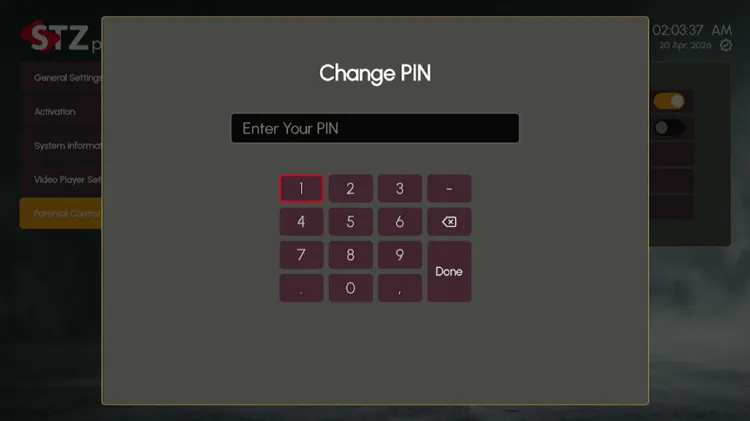
- Parental Control: Yes
- Electronic Program Guide (EPG): Yes.
- Catch-Up TV: Yes.
- Subtitles: No
- Favorites: Yes
Pros & Cons of STZ Player
| Pros | Cons |
|---|---|
| 7-day free plan | Performance and lagging issues |
| User-Friendly interface | No multi-screen support |
| Low-cost lifetime plan | Slow customer service response |
| Wide range device compatibility | |
| Several features |
How to Stream IPTV on STZ Player
STZ Player is available on Android TVs/Google TV, Samsung Smart TVs, LG Smart TVs, Amazon FireTV Stick, and Android Mobile.
You will have to download the APK using the Downloader app. I am installing it on the Firestick.
Step 1: Install & Open the Downloader app on your Firestick.
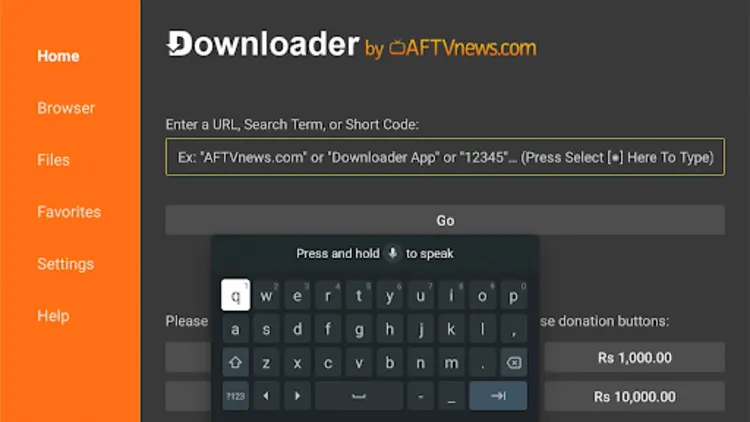
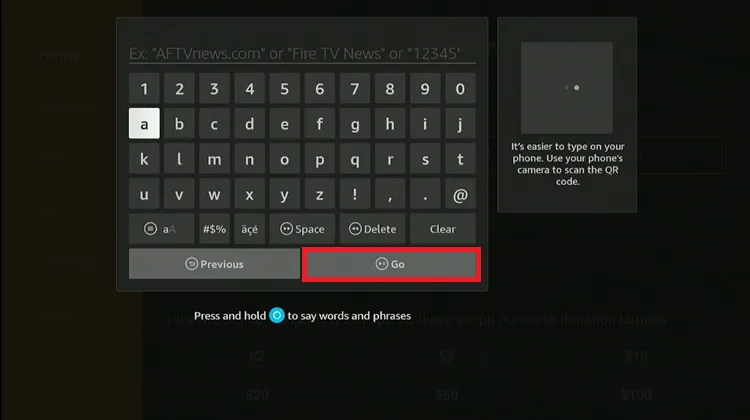
Step 2: Enter the STZ Player Downloader Code 5546232 in the search bar OR enter this URL bit.ly/43pEVWO and click Go.
Step 3: Scroll down to the IPTV Players section, find the STZ Player, and tap on it to proceed.
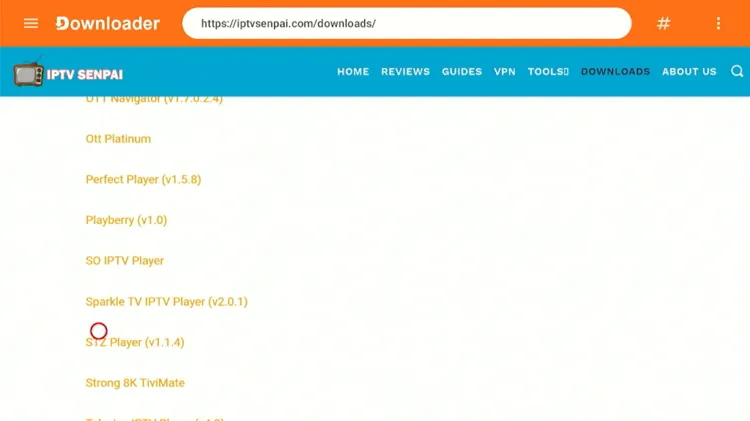
Step 4: Wait for the APK file to download.
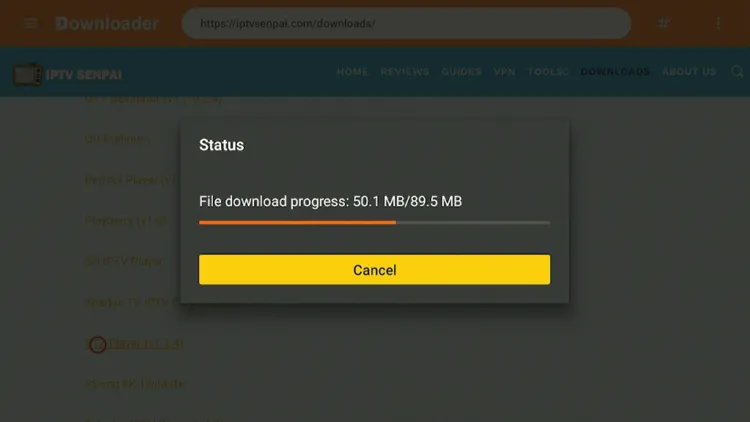
Step 5: Click Install.
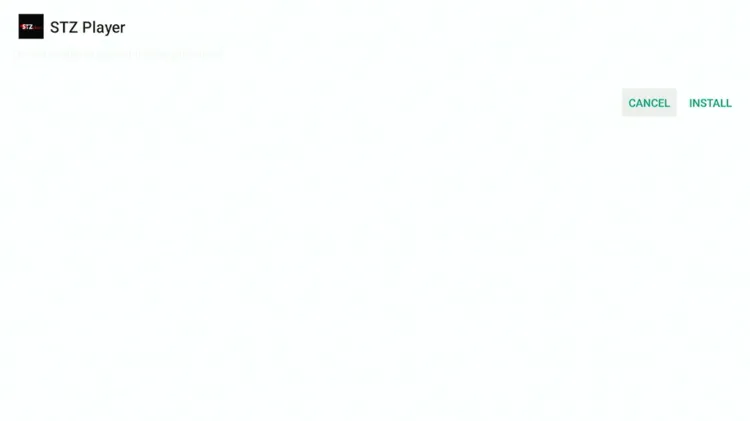
Step 6: Once installed, select Done.
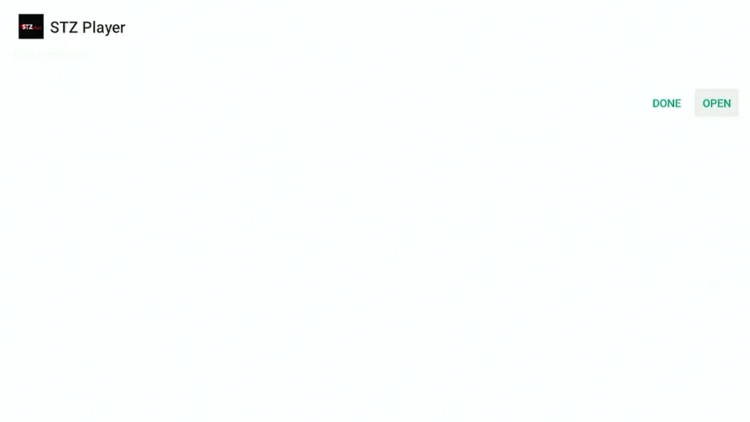
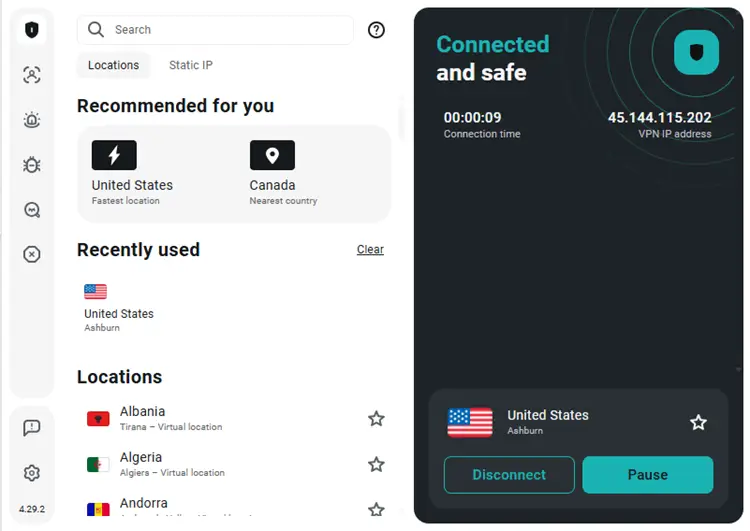
Step 7: Now, open the Surfshark app and connect to any Server.
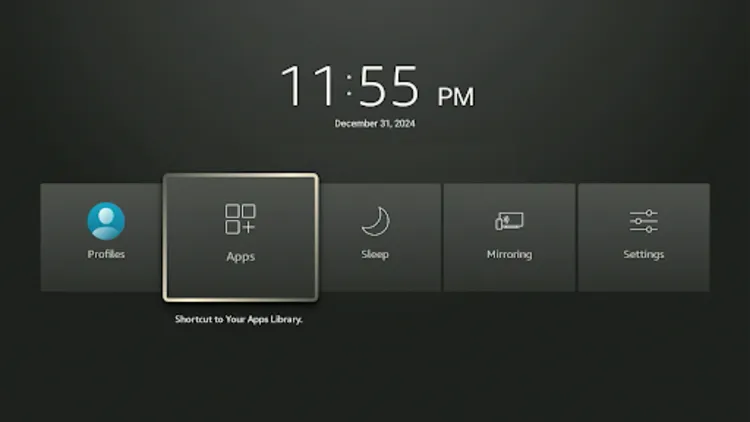
Step 8: Open your Firestick Long-press the Home button and click Apps.
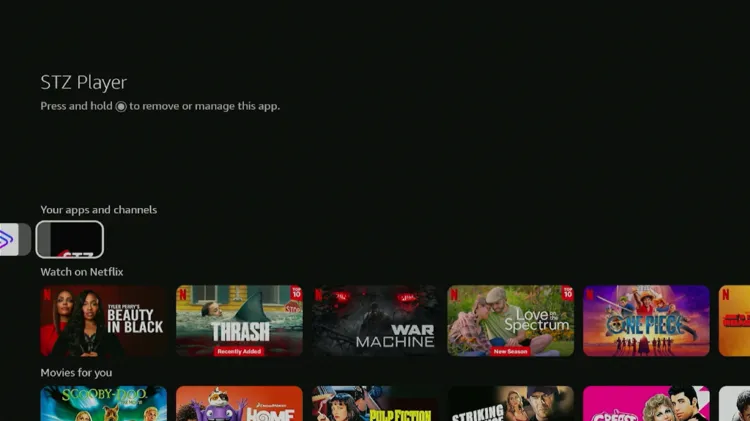
Step 9: Choose STZ Player.
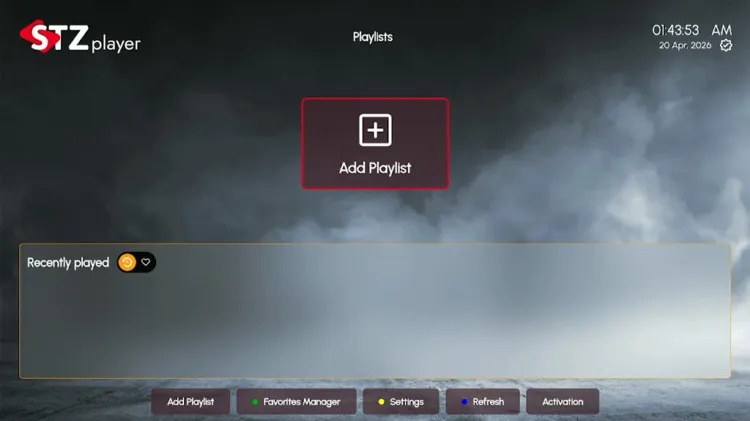
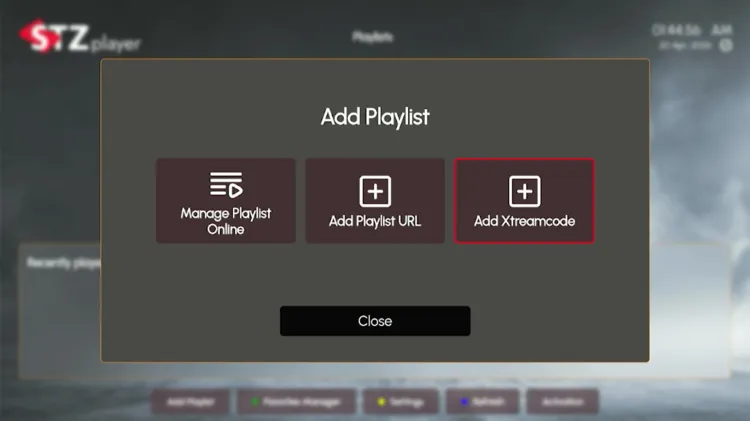
Step 10: Click on Add Playlists.
Step 11: Click on Add Xtream Code.
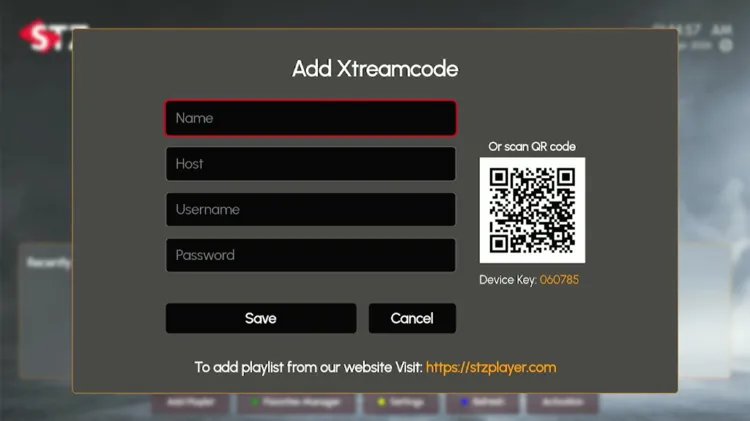
Step 12: Enter username, password, and URL. Click Save. Your playlist has been added successfully.
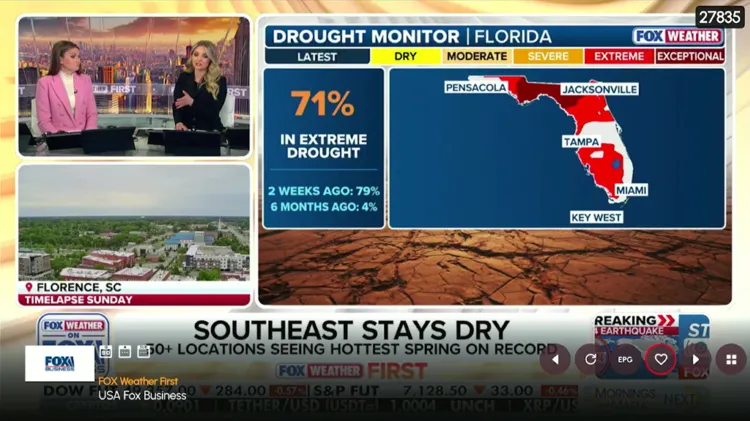
Step 13: Start Streaming!
Is STZ Player Free?
Yes, STZ Player is free to download and use, but it has some limitations. It allows users to stream live TV and VOD content by adding an IPTV playlist. The free version offers VOD streaming, multi-screen support, etc.
The premium version starts at €5.99/year and €9.99/lifetime, offering the same options as the free version.
STZ Player Features
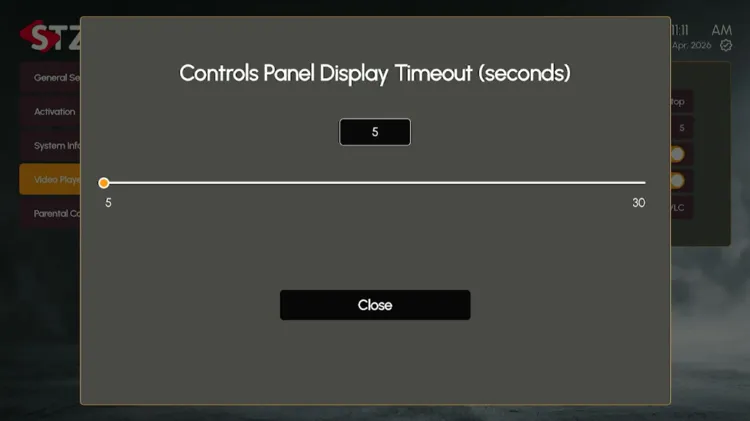
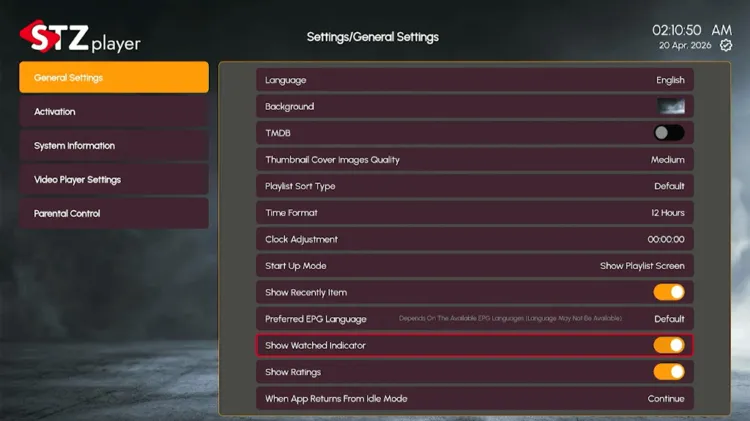
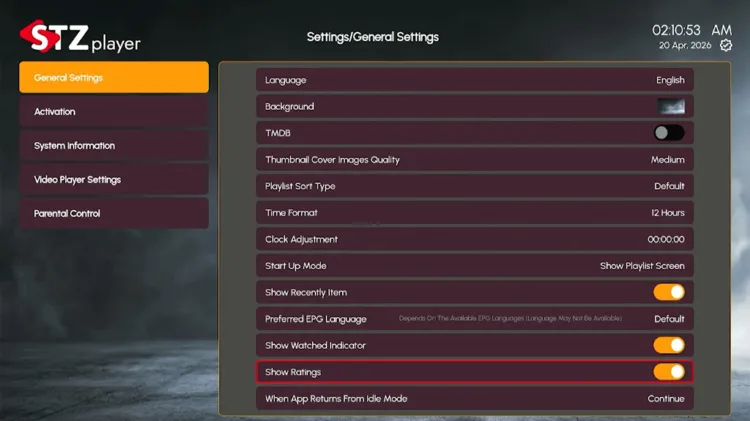
STZ Player offers several features for free. I am using a Fire TV Stick to demonstrate its features here. Most of these features are available in the settings section.
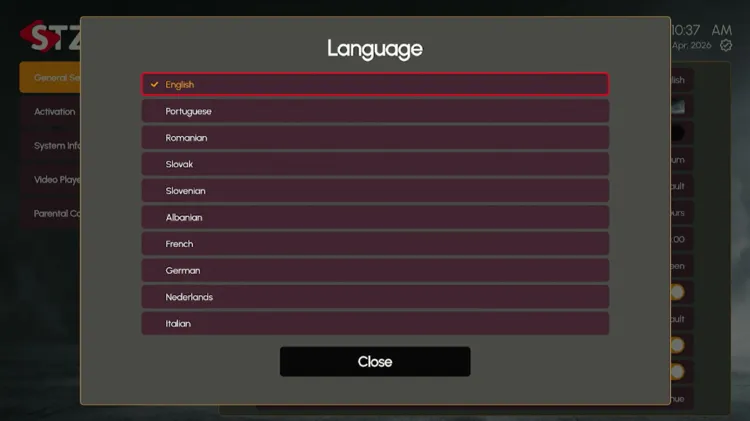
1. Language
STZ Player supports 10 languages. Select your preferred language.
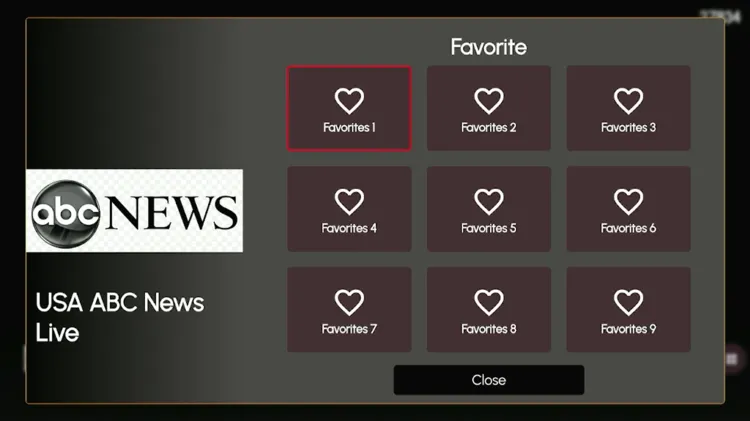
2. Favourites
The Favorites option lets you save and quickly access your preferred content without searching every time. Only 10 entries can be saved.
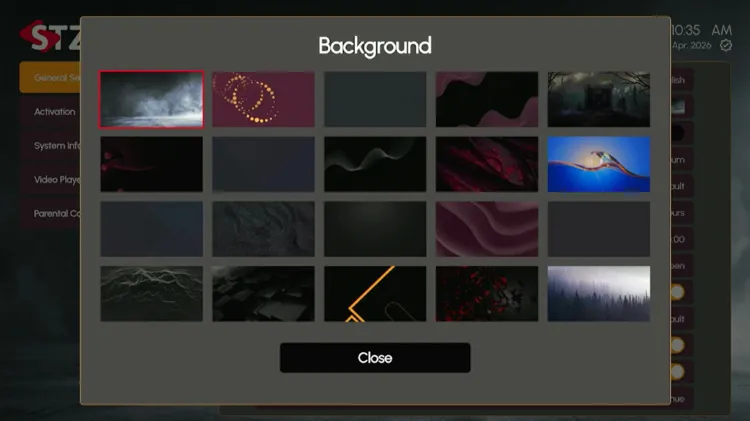
3. Background
The background section contains 20 templates that consist of various patterns to suit users’ different tastes and preferences.
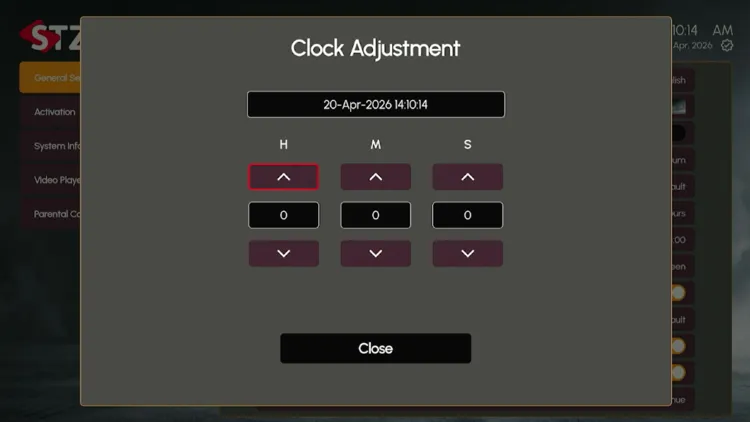
4. Clock Adjustment
In clock adjustments, you can change hours, months, and seconds.
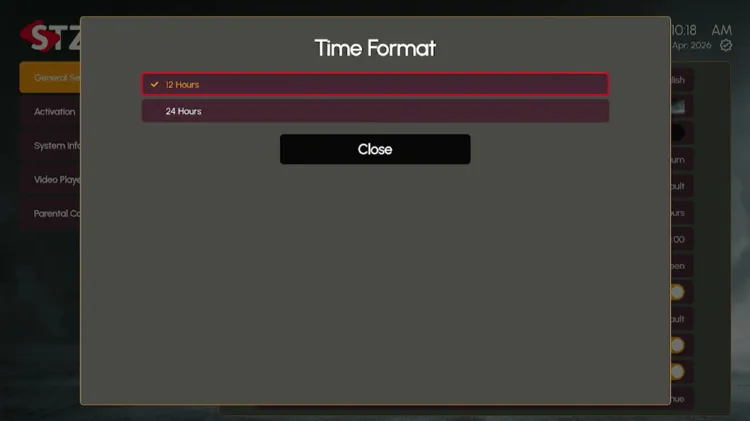
5. Time Format
The display clock contains both 12-hour Format (AM/PM) and 24-hour format. This helps users track their showtimes according to their personal preferences, depending on the region.
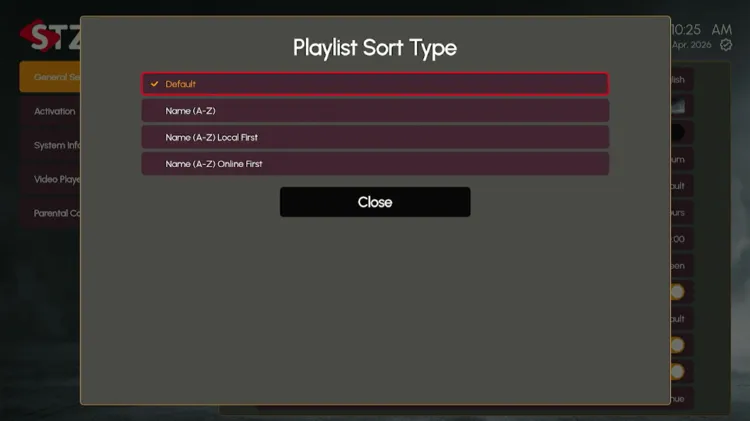
6. Playlist Sort Type
In this section, users can organize their playlists alphabetically from A-Z (local first) or A-Z (online first).
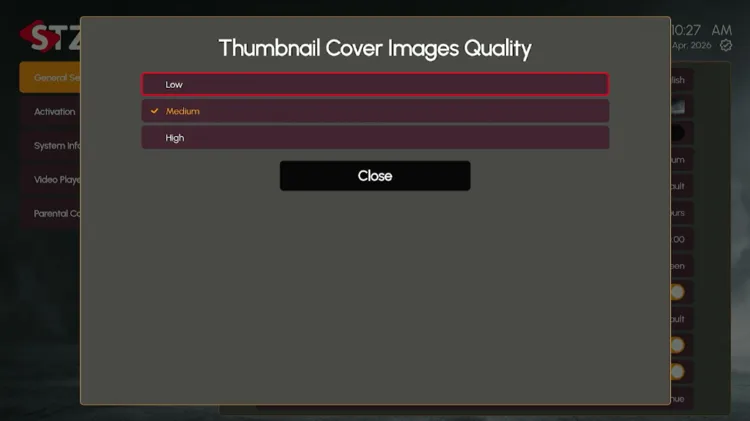
7. Thumbnail Cover Images quality
Users can choose between low, medium, and high image quality depending on their internet speed.
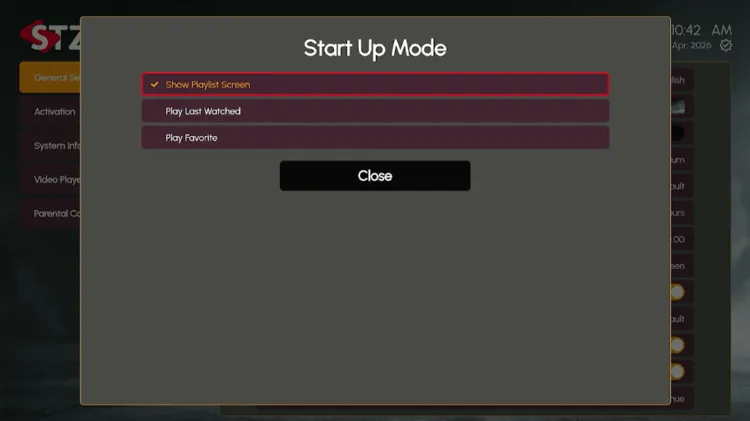
8. Start Up Mode
Startup Mode controls what the app shows you when users launch it, instead of dropping to a default home screen. Users can choose from Show playlist screen, Play Last Watched, or Play Favourite.
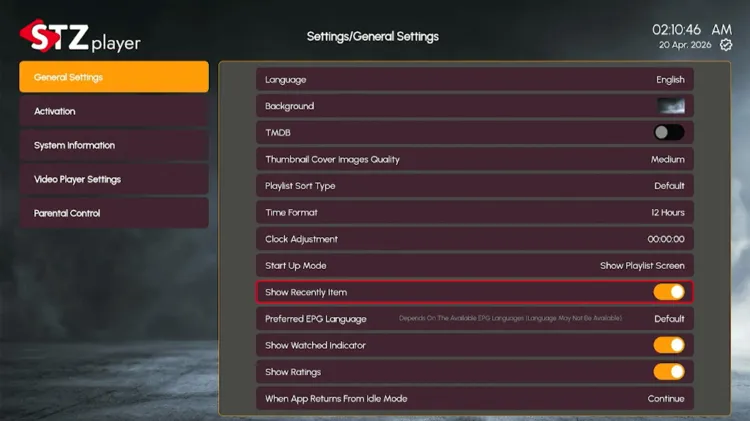
9. Show Recently Item
This controls whether the app shows your recently watched content. It displays recent channels, movies, or series. It helps you quickly resume content.
10. Show Ratings
This toggles the content ratings display. When on, it displays ratings, such as scores or content quality indicators. It is useful for choosing movies/series.
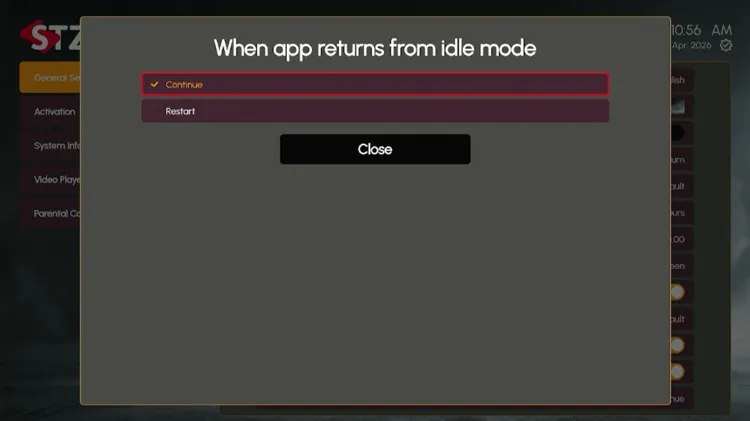
11. When the app returns from idle mode
Users can choose between continuing and restarting from when they open the player from an idle mode.
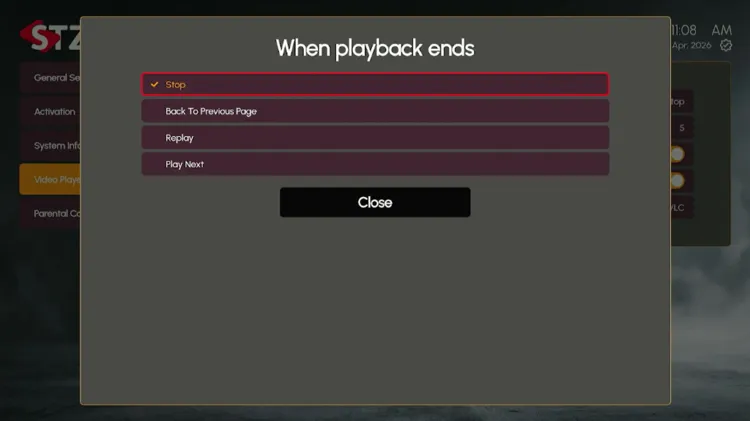
12. When the playback ends
While streaming, users can set the options between Stop, Back to Previous Page, Replay, and Play Next when the playback ends.