


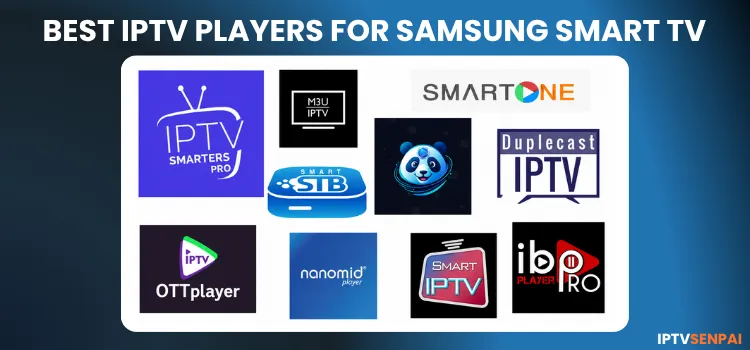
Samsung Smart TVs run Tizen OS, not Android. This means popular Android players such as TiviMate, etc cannot be installed natively on a Samsung TV. You can only use apps available in the Samsung App Store. However, the app’s availability differs depending on your TV model, software version, and country.
If you use IPTV services on your Samsung TV, I recommend using a premium VPN for privacy, especially with unverified providers. It encrypts your connection and helps prevent ISP throttling and regional restrictions. I don’t stream without Surfshark
Recommended VPN for IPTV - Surfshark

Using IPTV without a VPN can put you at Big Risk! Your ISP, government and even IPTV providers can monitor your activity, throttle your speed, or block access altogether.
Plus, without encryption, your data is exposed to hackers and third parties. Take back your privacy with Surfshark!
Features:
✅ SAVE 87% + GET 3 EXTRA MONTHS FREE! ($0.06/day)
✅ Kill Switch Feature to protect you if VPN drops
✅ Lightweight app ensuring smooth performance on All IPTV Boxes
✅ Unlimited simultaneous connections (install on all household devices)
✅ 30-day risk-free money-back guarantee
✅ Strict no-logs policy, Secure & Untraceable
Best IPTV Players for Samsung Smart TV in 2026
I tested and compared 10 IPTV players that support Samsung Smart TVs, focusing on interface, playlist support, EPG features, playback, and ease of use. Here are the best options to consider in 2026.
1. IPTV Smarters Pro
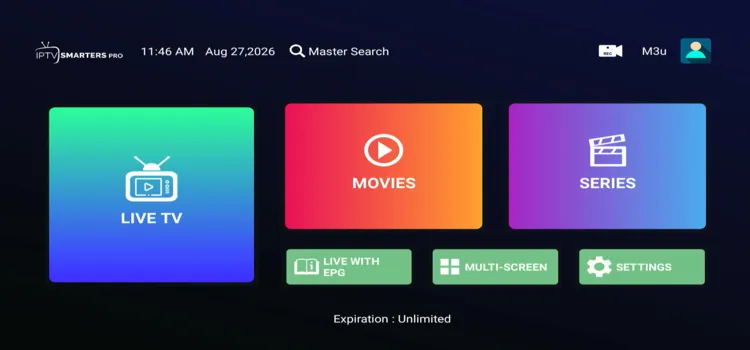
IPTV Smarters Pro is my first choice for Samsung Smart TV users who want a modern, ad-free interface for Live TV, movies, series, and EPG. It works directly on compatible Samsung TVs.
Features & Options:
- Favorites: Save frequently watched channels, movies, and shows for quicker access.
- Parental Controls: Restrict selected content using parental-control settings.
- Multiple Playlists: Add and manage more than one compatible IPTV playlist or account.
- Search Function: Quickly find channels, movies, and TV series without browsing categories.
- Catch-Up Support: Access previously aired programs if your IPTV provider supports it.
Price: Free
2. IBO Player Pro
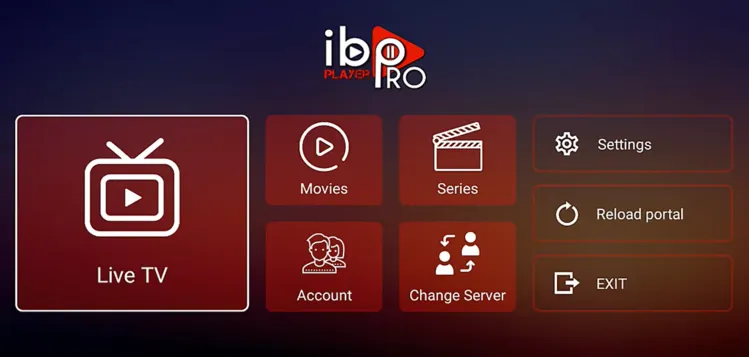
Features & Options:
- Favorites: Save frequently watched channels.
- Parental Control: Restrict selected content.
- Hide Categories: Remove unwanted channel or VOD groups.
- M3U Support: Compatible with your own M3U playlist.
Price: 7-day trial + €5/yearly or €10/lifetime activation per device.
3. Duplecast IPTV Player

Features & Options:
- Wide Playlist Support: M3U, M3U8, Xtream Codes, XUI.One, and Stalker Portal.
- Adaptive Playback: Adjusts playback based on connection conditions.
- Continue Watching: Resume movies and shows.
- Audio & Subtitles: Supports multiple available tracks.
- Favorites: Build custom favorite groups.
- Parental Controls: PIN protection and content filtering.
Price: 15-day free trial + $3/year or $7.50/3 years
4. SmartOne IPTV
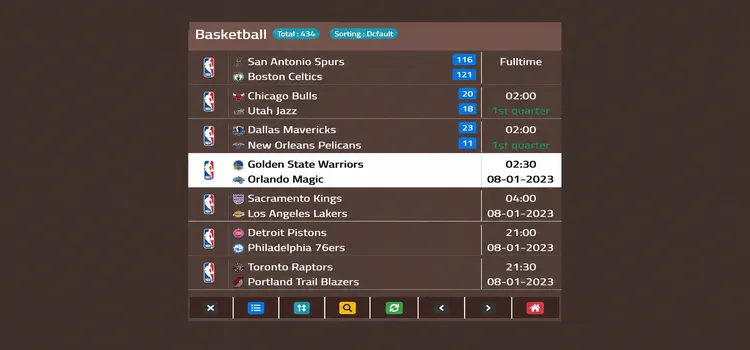
Features & Options:
- Multiple Accounts: Add and manage different IPTV accounts..
- Favorites: Quickly access preferred content.
- Parental Lock: Restrict selected categories.
- Customization: Themes, colors, and interface options.
Price: 15 days to test the player + €2.50/year or €12.99 as a one-time license.
5. IPTV Panda Player
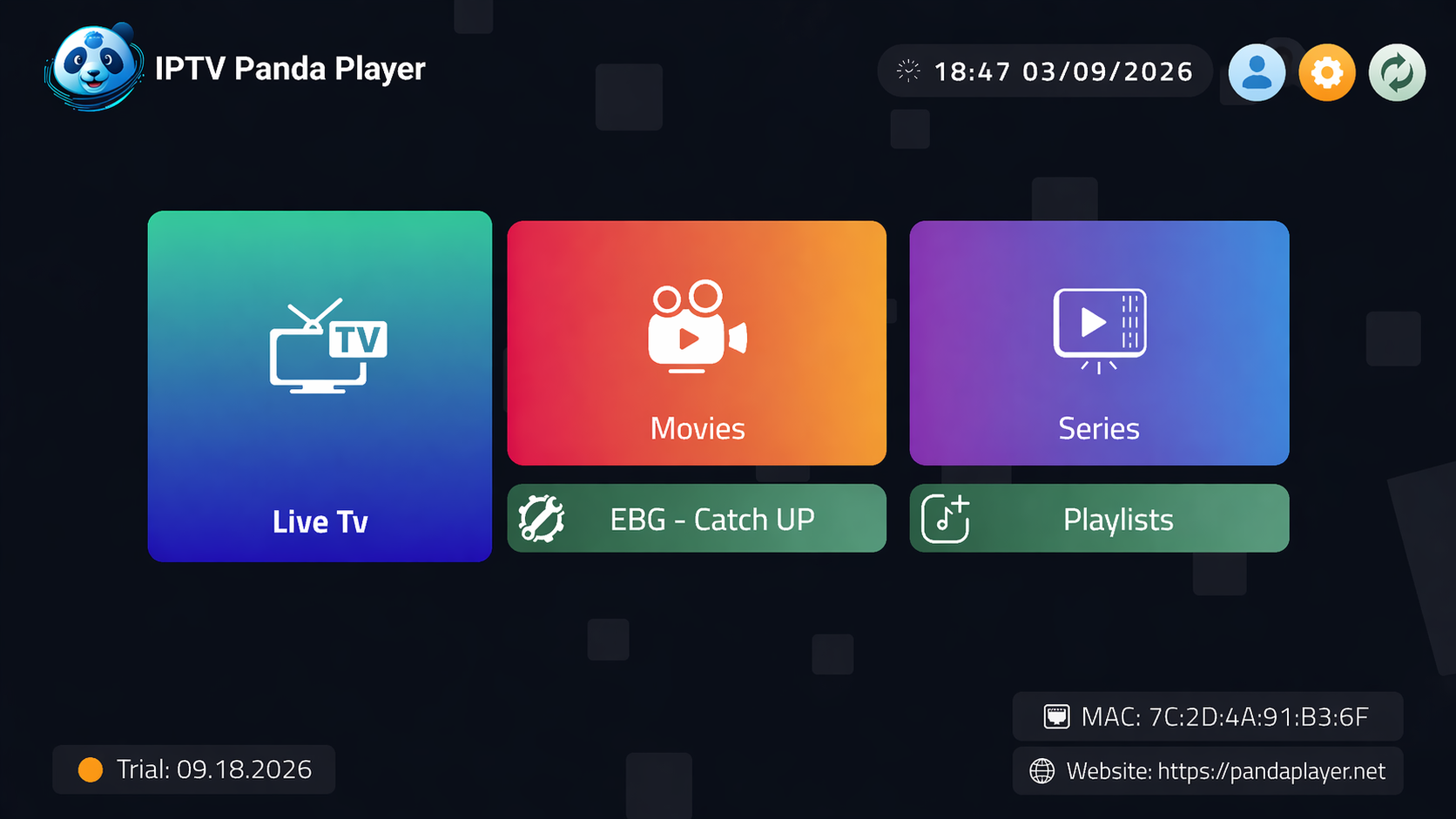
Features & Options:
- 7-Day EPG: Detailed guide data with catch-up support.
- TMDb Integration: Posters, trailers, ratings, and media information.
- Continue Watching: Resume unfinished movies or episodes.
- Multi-Playlist: Add multiple playlists on one device.
- Subtitles & Audio: Select available audio and subtitle tracks.
- QR Setup: Add playlists using a QR code.
Price: Free trial available.
6. Nanomid Player
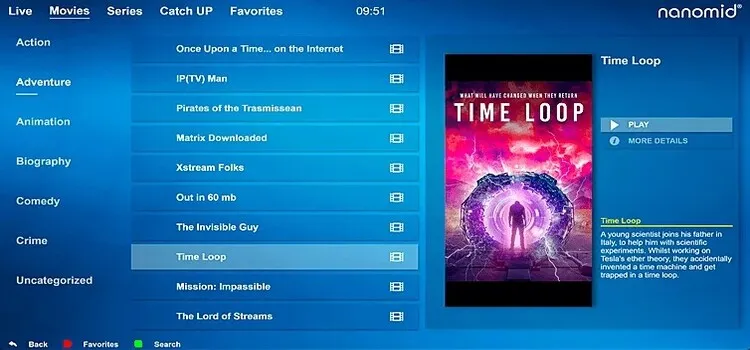
Nanomid Player is a practical option for Samsung Smart TV users who want IPTV playback with optional VPN support in the same app. It supports Samsung TVs from 2014 onward, except J-Series models, and works with formats such as M3U and TS.
Features & Options:
- Quick Sync: Add playlists using QR or temporary OTP codes.
- Unlimited Playlists: Manage several playlists from its web dashboard.
- Favorites: Save channels, movies, and series.
- Archive TV: Catch-up support when supplied by your playlist.
- Parental Control: PIN-protected categories.
- Search: Find channels and VOD directly from the remote.
Price: €9.99/3 year.
7. M3U IPTV
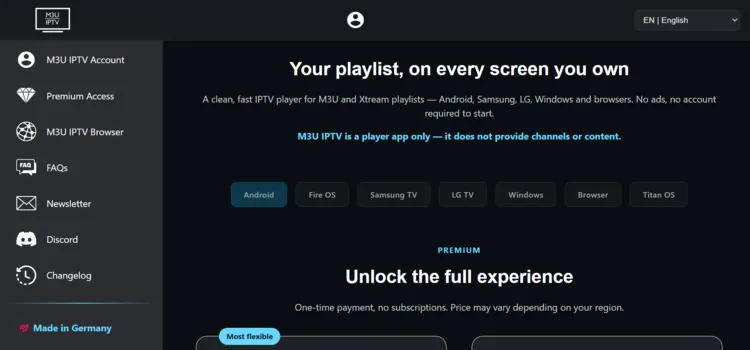
Features & Options:
- M3U & M3U8 Support: Load standard M3U and M3U8 playlists.
- URL Loading: Add playlists from a remote URL.
- USB Support: Load playlist files from USB storage.
Price: Free + €14.99
8. IPTV OTT Player
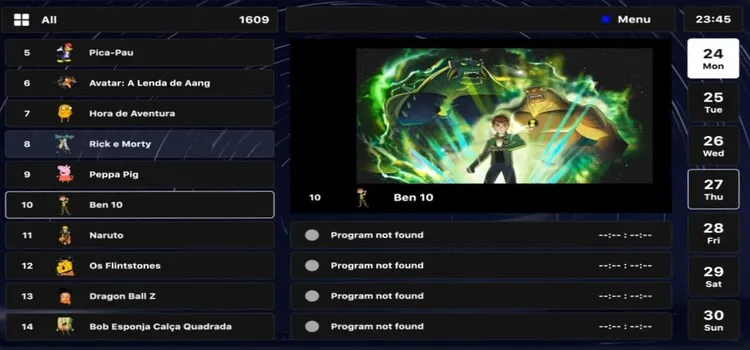
IPTV OTT Player is a good option for Samsung Smart TV users who want more control over playlist organization. It supports personal playlists, EPG, categories, subtitles, parental controls, and detailed movie or series information when available.
Features & Options:
- Advanced Search: Quickly find channels, movies, and series across large playlists.
- Favorites: Save frequently watched content for faster access.
- Playback Controls: Manage playback options depending on the supported stream.
- Channel Sorting: Arrange channels and groups for easier navigation.
- RTL Layout: Provides improved navigation for right-to-left languages.
- Multiple Playlist Support: Manage more than one compatible playlist within the player.
Price: $11.99/year or $19.99/one time
9. Smart STB / Smart STB+
Features & Options:
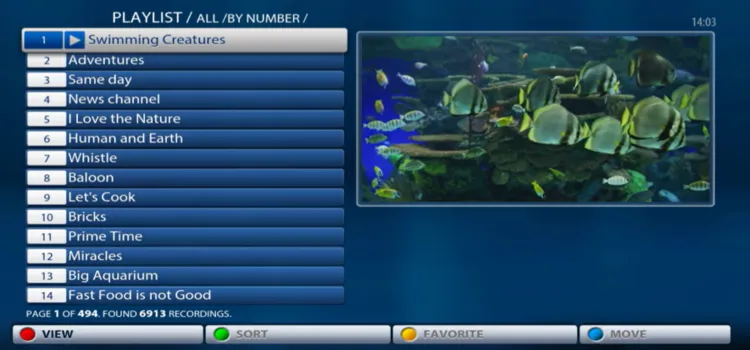
- Ministra/Stalker Support: Its biggest advantage over standard players.
- M3U Playlists: External playlist support is also available.
- Multiple Portals: Full licenses support several portal configurations.
- EPG: Program information with compatible providers.
- Playlist Categories: Channel logos and categories are supported.
- Device Pairing: Manage additional supported devices.
Price: 7-day free trial. Smart-TV Full licenses cost €1.99/month, €14.99/year, or €24.99 lifetime.
10. Smart IPTV
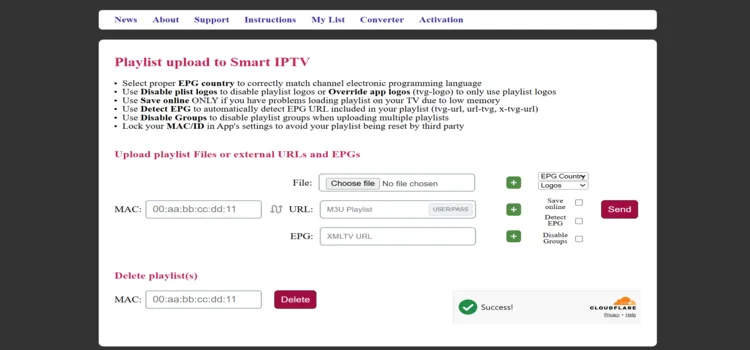
Smart IPTV (SIPTV) is a simple option for Samsung Smart TV users who mainly need M3U playlist playback and external EPG support. It works with user-provided streams and includes a limited free trial before activation is required.
Features & Options:
- Favorites: Save frequently watched channels for faster access.
- Playlist Refresh: Update loaded playlists without setting everything up again.
- Channel Groups: Keep large channel lists organized into categories.
- Multiple Playlist Support: Manage different playlist sources within the player.
- Channel Logos: Display channel icons when supported by the playlist data.
- TV-Friendly Interface: Simple navigation designed for remote control use.
Price: 7 day free trial or 5.49 EUR/one time activation fee
Check out our blog for: The Best free IPTV for Live TV [FREE M3U Links]
How to Install an IPTV Player on Samsung TV
Installing these IPTV players is easier than installing on a Firestick because compatible Samsung versions come directly through Samsung Apps.
Samsung requires a Samsung account for downloading apps on newer Smart TVs. If an application does not appear, it does not automatically mean your TV is faulty. Samsung states that supported apps can vary by country, model, software version, and model year.
Home button > open Search or Apps > enter the player name > select the application > and choose Install.
Do You Need a VPN for IPTV on Samsung TV?
FAQs
1. What is the best IPTV player for Samsung TV?
IPTV Smarters Pro Player is my best overall choice for most Samsung users because it combines Live TV, movies, series, EPG support, VOD organization, and current 2026 Samsung development.
2. Can I install an APK on Samsung Smart TV?
No. Standard Android APK files cannot be installed directly on Samsung Tizen TVs. Use a Samsung-compatible version from Samsung Apps or connect an external Android-based streaming device.
3. Do Samsung IPTV players include channels?
No. The players covered here generally require your own legal playlist or IPTV credentials. Several developers explicitly state that they do not sell channels, playlists, or IPTV subscriptions.
4. Why can’t I find an IPTV player on my Samsung TV?
Samsung app availability varies by country, model, model year, and software version. An app available on one Samsung TV may therefore be missing on another.
My Recommendation
Samsung Smart TVs use Tizen OS, so choosing a compatible player matters. IPTV Smarters Pro is my best overall choice, while Duplecast offers broader playlist support, M3U IPTV suits budget users, and Smart STB+ works well with Ministra or Stalker portals.
IPTV players do not provide channels, so check compatibility with your Samsung model, region, software version, and playlist format. For unverified providers, Surfshark can improve privacy, including through router setup.

