



The Short Answer: An IPTV connection limit is the number of streams you can watch at the same time under one subscription. A 1-connection plan allows one active stream, while a 2-connection plan generally allows two.
Ever started IPTV on a second TV, only for the first one to stop playing? That usually means you’ve hit your provider’s simultaneous connection limit. Connections aren’t always the same as devices: multiview, recording, and background playback can use extra streams too.
This guide explains how connection limits work, how to check yours, and how to fix a maximum connections reached error. For added streaming privacy, I recommend Surfshark. It encrypts traffic between your device and the VPN server, but it cannot increase the number of streams your subscription allows.
Recommended VPN for IPTV - Surfshark
Using IPTV without a VPN can put you at Big Risk! Your ISP, government and even IPTV providers can monitor your activity, throttle your speed, or block access altogether.
Plus, without encryption, your data is exposed to hackers and third parties. Take back your privacy with Surfshark!
Features:
✅ SAVE 87% + GET 3 EXTRA MONTHS FREE! ($0.06/day)
✅ Kill Switch Feature to protect you if VPN drops
✅ Lightweight app ensuring smooth performance on All IPTV Boxes
✅ Unlimited simultaneous connections (install on all household devices)
✅ 30-day risk-free money-back guarantee
✅ Strict no-logs policy, Secure & Untraceable
What Is an IPTV Connection Limit?
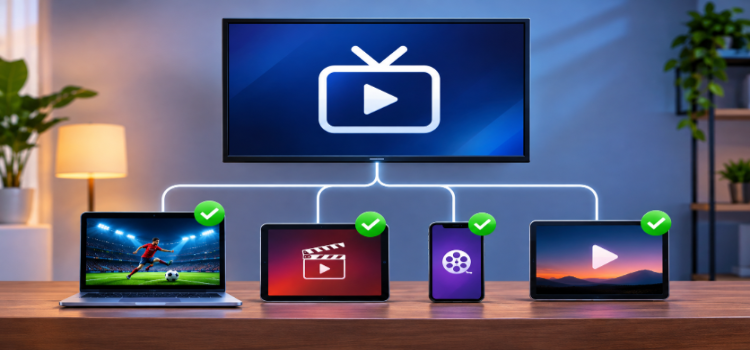
An IPTV connection is one active stream using your subscription. Providers set limits to control how many streams can run at once under the same account. Here is how common plans compare:
| Plan | Best For |
|---|---|
| 1 Connection | Individual users |
| 2 Connections | Couples or two simultaneous viewers |
| 3 Connections | Small families |
| 4 Connections | Larger households |
| 5 Connections | Households with multiple viewers and TVs |
Important: These are common examples, not universal plan options. Some providers also restrict account sharing, registered devices, or simultaneous use from different IP addresses.
IPTV Connection Limit vs. Device Limits
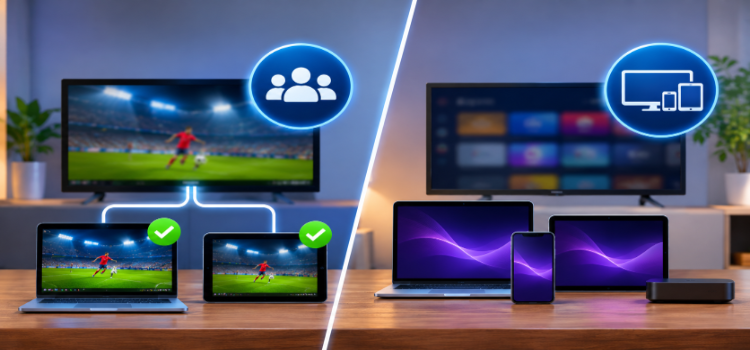
These are two separate restrictions that users often confuse:
| IPTV Connection Limit | Player Device Limit | |
|---|---|---|
| Set by | Your IPTV provider | The player developer |
| Controls | How many streams run at once | How many devices can activate the app |
Example: TiviMate Premium supports multiple app activations, and IPTV Smarters Pro offers multi-screen viewing. Neither automatically increases your subscription’s streaming allowance.
What Counts as an IPTV Connection?
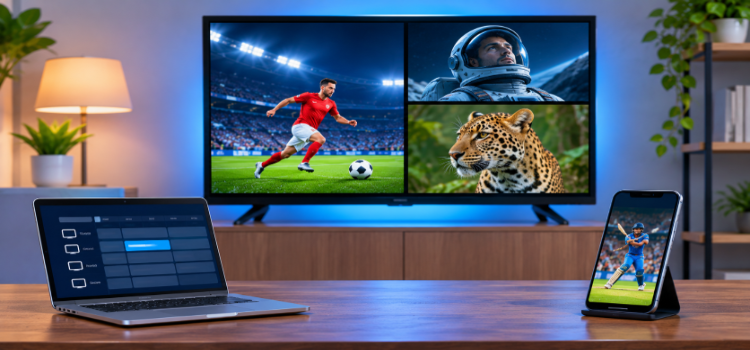
Not every action uses a stream, and some features use more than one on a single device. Here are common situations:
| IPTV Activity | Connections Typically Used |
|---|---|
| Watching one live channel | 1 |
| Watching the same channel on two TVs | 2 |
| Watching three channels through multiview | 3 |
| Recording one channel while watching another | 2 |
| Watching IPTV on TV and smartphone | 2 |
| Opening the Electronic Program Guide (EPG) | 0 |
| Installing a player without playing content | 0 |
| Pausing an active stream | May continue using 1 |
These numbers apply to typical stream-based plans. Actual usage depends on how your provider counts sessions and how your player handles playback.
How to Check Your IPTV Connection Limit
There are three ways to check your limit:
1. Check Your Subscription Details
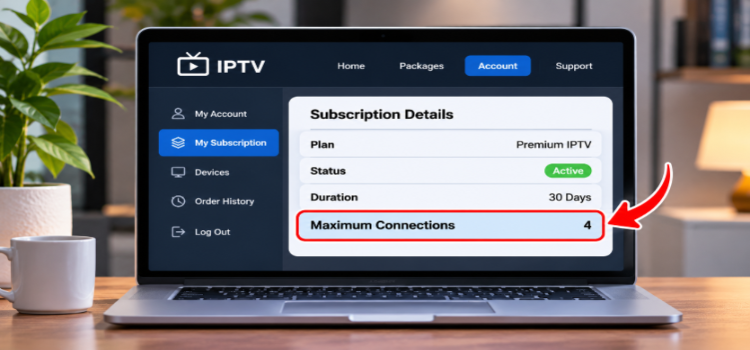
Start with your provider’s website, order confirmation, or account dashboard and look for terms like Maximum Connections, Simultaneous Streams, Number of Screens, or Multi-Connection Support.
If it isn’t listed, contact your provider and ask how many simultaneous streams your subscription allows.
2. Check Your IPTV Player’s Account Info
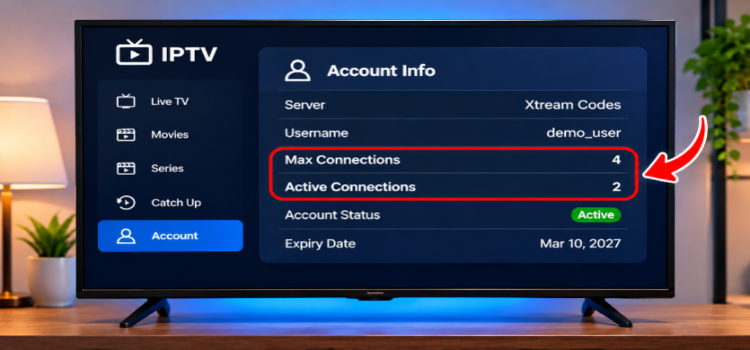
Some IPTV players using Xtream Codes can display subscription information from the provider’s server. Look for these two fields:
- Max Connections: the maximum number of simultaneous connections permitted.
- Active Connections: the number of sessions currently reported as active.
Not every player shows these values. Availability depends on the app and the information the IPTV server provides.
3. Test Your Connections
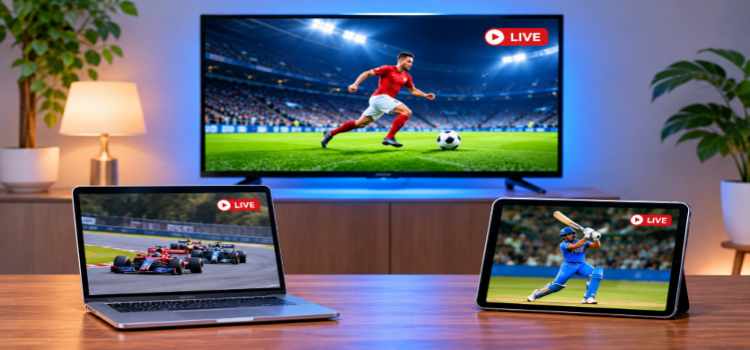
You can also verify your allowance by testing simultaneous playback:
- Open your IPTV player and start a live channel.
- Open the same subscription on another device and play a channel.
- Check whether both streams keep working.
- If your plan permits more streams, repeat with an additional device.
If one stream stops after another starts, you have likely reached your connection limit.
Note: Some subscriptions only allow multiple streams on the same household network. Confirm your provider’s policy before testing across different locations.
Why Does IPTV Show “Maximum Connections Reached”?
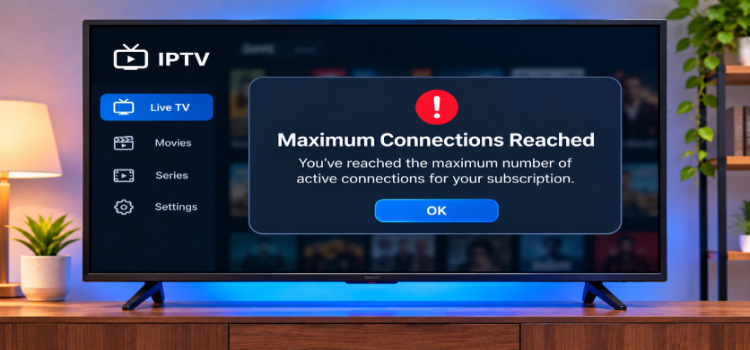
This error appears when the server believes your subscription is already using all its permitted streaming slots. It doesn’t always mean someone is watching on another TV. The most common reasons are:
- Another device is streaming: someone else is using the same subscription.
- Background playback: an IPTV app is still running on another device.
- Multiview or recording: multiple streams already occupy your connections.
- Old sessions: a disconnected stream hasn’t been released by the server.
- Shared credentials: another person may be using your account.
- IP restrictions: your provider may limit simultaneous connections to one household or network.
Sometimes the player shows no specific error. Instead you may see black screens, interrupted playback, or a generic access error. These symptoms can have other causes, so don’t assume every playback failure is a connection-limit issue.
How to Fix IPTV Connection Limit Reached
Before buying extra connections or reinstalling your player, try these steps:
1. Stop Playback on Other Devices
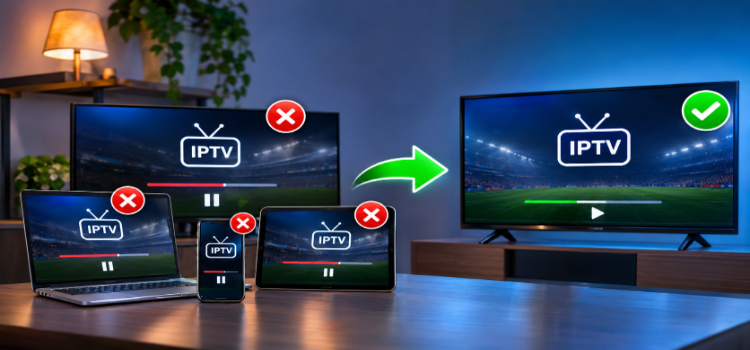
Check your FireStick, Android TV, smartphone, and other devices on the same subscription. Stop playback and fully close unused IPTV apps, since returning to the home screen may leave playback active.
2. Restart Your IPTV Player
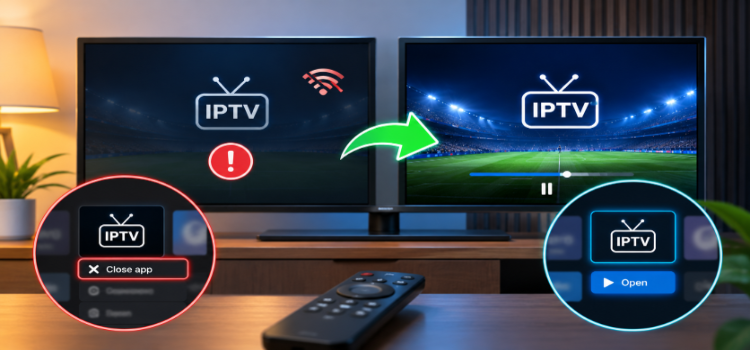
Completely close your IPTV player and reopen it. If the app crashed or lost its connection, give the provider’s server a few minutes to release the previous session.
3. Disable Multiview and Stop Recordings
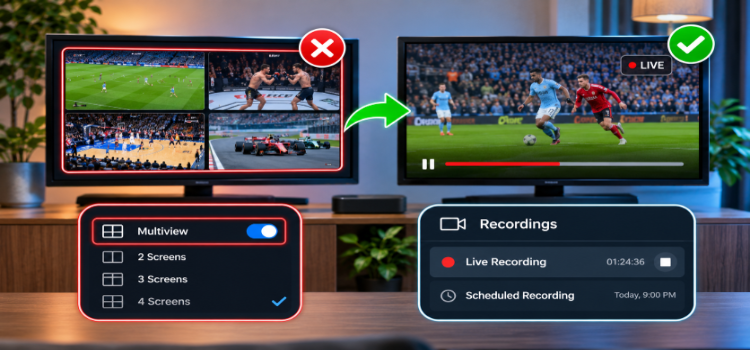
Return to a single channel if you use multiview, and check for active or scheduled recordings. They may be using your remaining connections without you realizing it.
4. Test One Stream at a Time
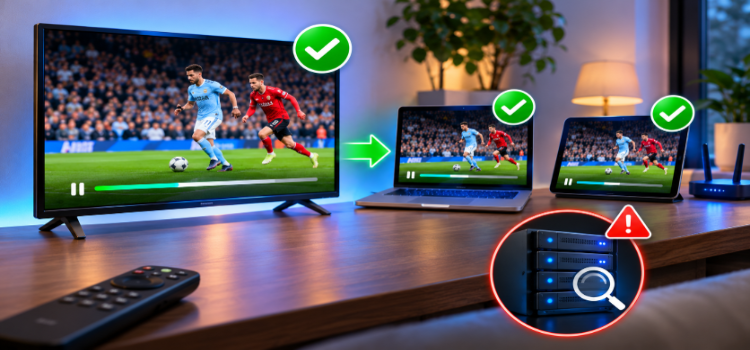
Play a channel on only one device, then try another stream within your allowance. This shows whether the problem starts when simultaneous playback begins. If even the first stream fails, investigate the account or server instead of assuming you exceeded your limit.
5. Check Your Account and Network Restrictions
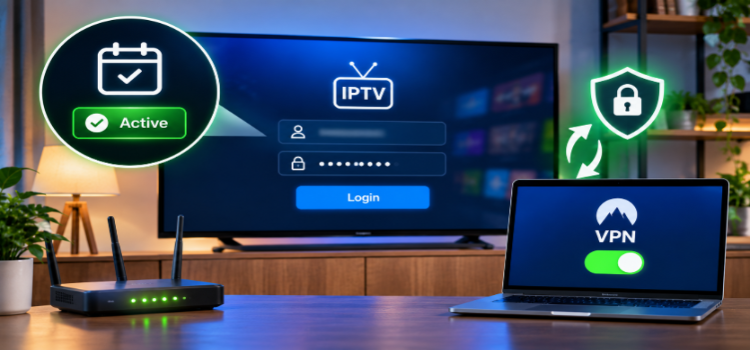
Confirm your subscription is active and your login credentials are correct. If you’re connected to a VPN, check whether your provider allows VPNs or limits access to specific IP addresses. If the issue continues, see my IPTV error codes troubleshooting guide.
6. Contact Your IPTV Provider
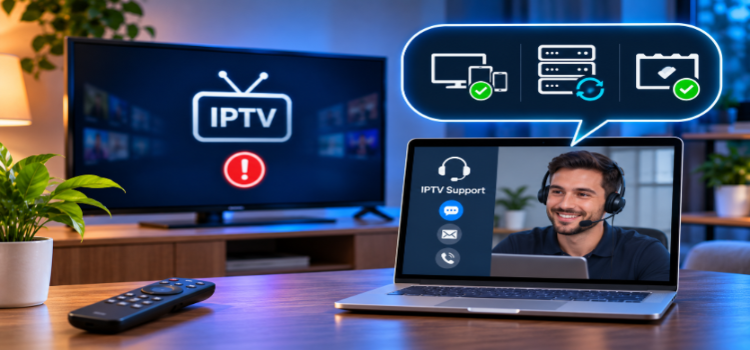
If nothing works, ask support to check your active sessions, release stuck connections if supported, and verify your purchased allowance. If you regularly use every stream, a multi-connection plan may be worth it. If streams work but keep buffering, read my guide on how to stop IPTV buffering.
Can a VPN Increase IPTV Connection Limits?
No. A VPN cannot increase the number of connections in your subscription. It encrypts traffic between your device and the VPN server, helping protect you from local network monitoring and limiting what your ISP can see.
It also cannot override your provider’s subscription rules or make unauthorized IPTV streams legal. If you use a VPN like Surfshark, check your provider’s IP-address and VPN policies first.
FAQs
1. Can Two TVs Watch IPTV with One Connection?
Not simultaneously under a typical one-stream plan. You can watch on one TV and then switch to another, provided your subscription allows it and the previous session has ended.
2. Does Watching the Same Channel on Two Devices Use Two Connections?
Yes, in most stream-based subscriptions. Even when both devices play the same channel, each requests its own stream.
3. Why Is My Connection Limit Reached When Only One Device Is Active?
Your provider may still be counting an old session, background playback, or an ongoing recording. Close your IPTV apps and let the session expire. Contact your provider if it continues.
4. Can I Share a Multi-Connection Subscription with Someone in Another House?
That depends on your provider’s terms. Some services restrict simultaneous streaming to one household or IP address, even when multiple connections are included.
5. Can I Record IPTV With One Connection?
Yes, with limitations. Recording one channel while watching another usually needs two connections. With one, you may only be able to record the channel you’re watching, depending on your player.
6. Do IPTV Providers Charge Extra for Multiple Connections?
Yes, most do. The cost depends on the provider, subscription length, and number of connections.
My Recommendation
If you watch IPTV on one device at a time, a single-connection plan is usually enough. For two simultaneous viewers, start with a two-connection plan. Before paying extra, test how your provider handles simultaneous playback, recording, and multiview, and confirm whether the subscription supports different devices and IP addresses.
Remember that IPTV connections, player device licenses, and VPN connections are three different things. Understanding them helps you choose the right plan and avoid unnecessary upgrades.

