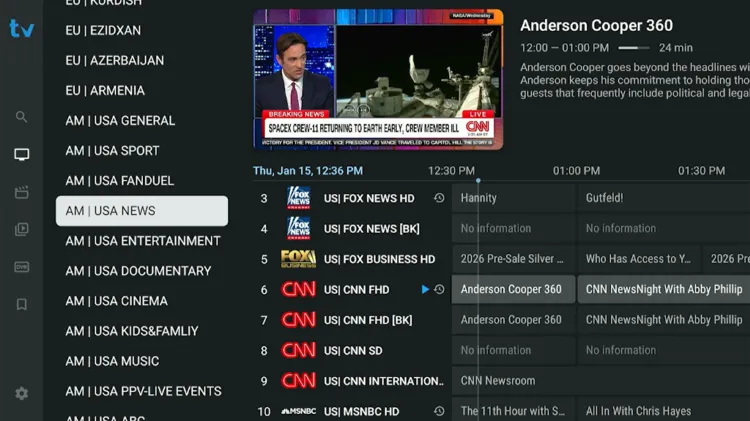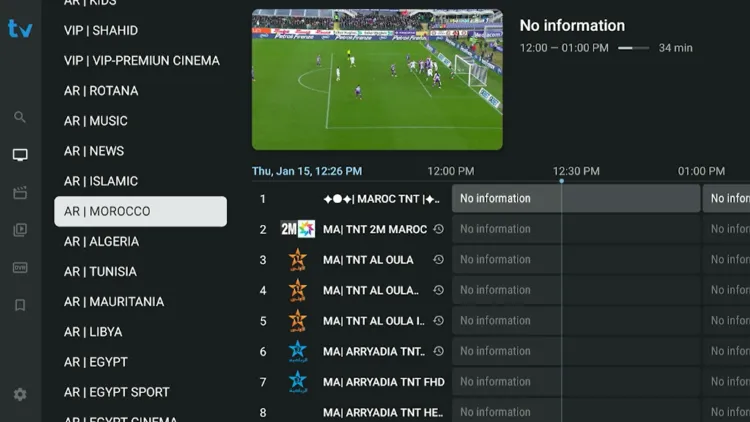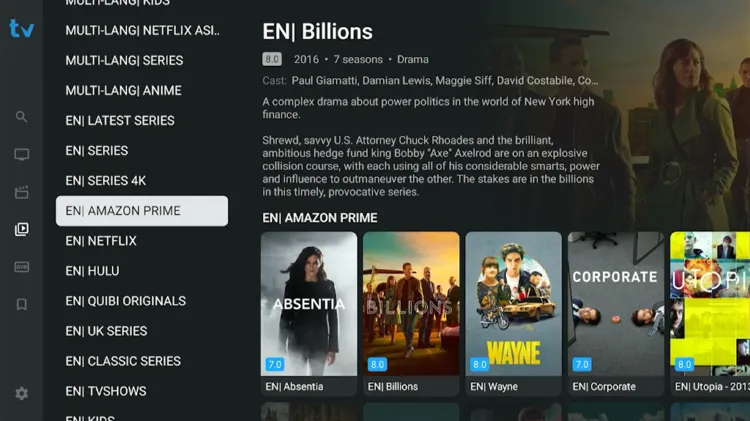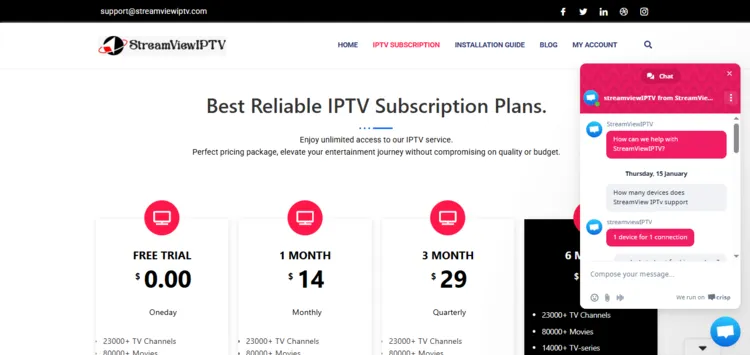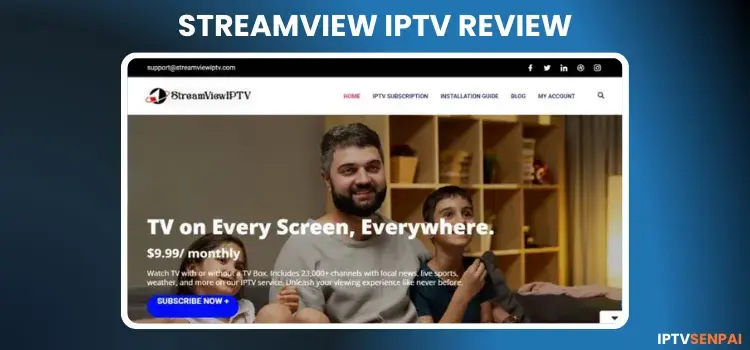
StreamView IPTV is more than a year old. This service features a lineup of over 133,000+ movies, 53,000+ TV series, 26,000+ live TV channels. Users can get started by availing 4 hour free trial before proceeding to buy subscribtion plan.
The service’s content is mostly from North America, Europe, and Asia. It offers streaming resolution in SD, HD, FHD and 4K.
However, StreamViewIPTV is an unverified service. Therefore, using a premium VPN such as Surfshark is recommended as it keeps streaming private, prevents data tracking, and IPTV buffering.
Recommended VPN for IPTV - Surfshark

Using IPTV without a VPN can put you at Big Risk! Your ISP, government and even IPTV providers can monitor your activity, throttle your speed, or block access altogether.
Plus, without encryption, your data is exposed to hackers and third parties. Take back your privacy with Surfshark!
Features:
✅ SAVE 87% + GET 3 EXTRA MONTHS FREE! ($0.06/day)
✅ Kill Switch Feature to protect you if VPN drops
✅ Lightweight app ensuring smooth performance on All IPTV Boxes
✅ Unlimited simultaneous connections (install on all household devices)
✅ 30-day risk-free money-back guarantee
✅ Strict no-logs policy, Secure & Untraceable
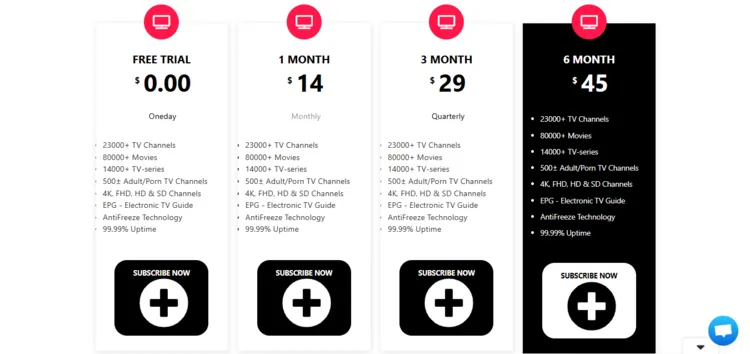
Official Website of StreamView IPTV
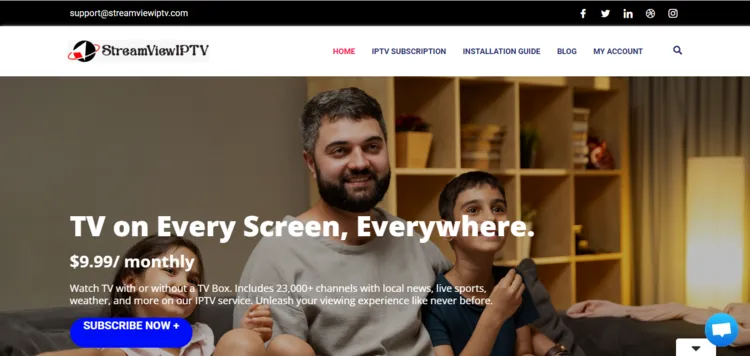
StreamView IPTV service has a few clones, imitations, or websites with similar names. Before purchasing a service, verify the website layout with the screenshot given above.
To maintain safety and compliance, I cannot provide a URL. However, you can visit ‘streamviewiptv.com’ to explore the service’s features and offerings.
Does StreamView IPTV offer a free trial?
Yes. StreamView IPTV offers a 4-hour free trial. Visit their official website to get started. Opt for Free Trial. After filling the form, you will receive login credentials to your email within 1 hour.
StreamView IPTV Features
- Trial: 4-Hour Free Trial.
- Subscriptions: Starts at $14.00.
- Connections: 1 device per subscription.
- Live Channels: Over 26,000+ live channels.
- PPV: Yes.
- VOD Content: 133,000+ movies and 53,000+ TV series.
- Streaming Quality: SD, HD, FHD and 4K.
- Payment Methods: Credit Card/Debit Card | Paypal | Cryptocurrency
- Compatible Players: Tivimate Player, IPTV Smarters Pro, GSE Smart IPTV.
- Compatible Devices: Android Boxes, Smart TV, MAG, Fire TV Stick, Apple TV, NVIDIA Shield, Formuler.
- Customer Support: Somewhat Responsive (Live Chat/Email).
Pros & Cons
| Pros | Cons |
|---|---|
| Large live TV and VOD library | Limited 4-Hour Free Trial |
| Supports streaming in SD, HD, FHD, and 4K. | EPG is often missing for sports categories. |
| Accepts Credit/Debit cards, PayPal, and Cryptocurrency. | Occasional loading and buffering issues |
| Customer service is limited to live chat and email only. |
How to Get StreamView IPTV
To install StreamView IPTV on your Fire TV Stick, follow the instructions below.
1. Sign Up for a Subscription Plan/Free Trial
Step 1: Enter the URL ‘streamviewiptv.com‘. Click on Home or IPTV Subscription menu at the top.
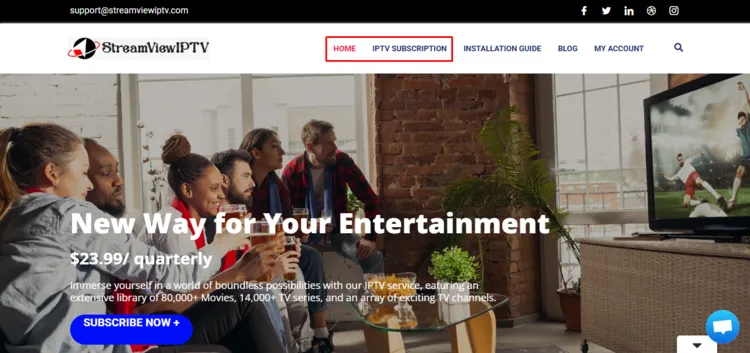
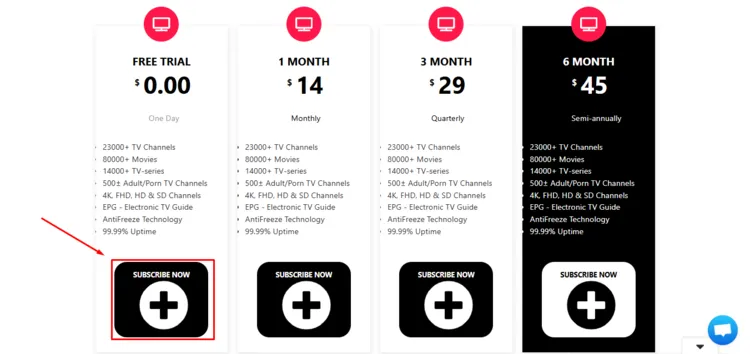
Step 2: Various subscription plans will be displayed. Select Free Trial by clicking on Subscribe Now.
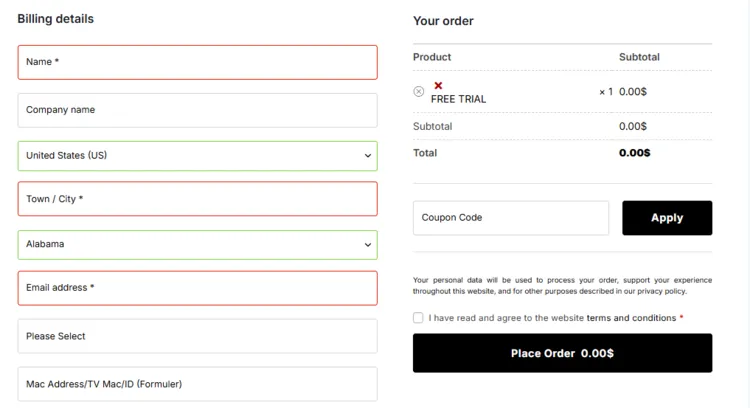
Step 3: Enter your Billing Details, select your Payment Methods, and click on Place Order below.
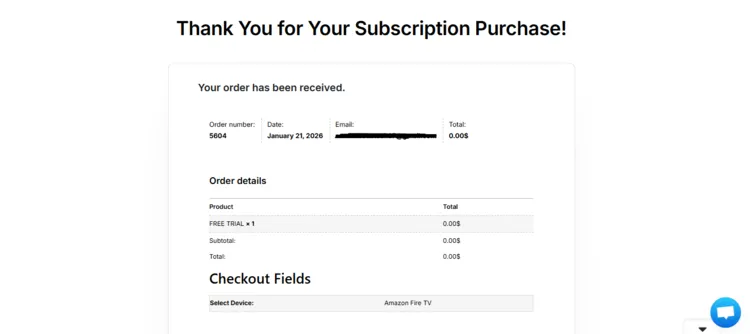
Step 4: You will receive a Thank You for Your Subscription Purchase message for placing the order.
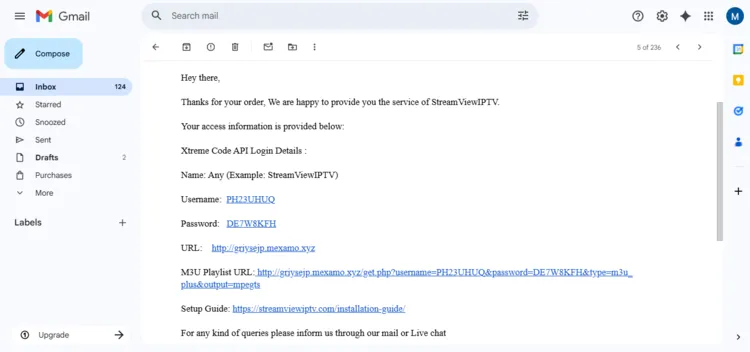
Step 5: The service provider will send you login credentials to your email.
Note: Follow the same procedure if you buy any subscription plans.
2. Connect to VPN & Enter the Login Details on the Player.
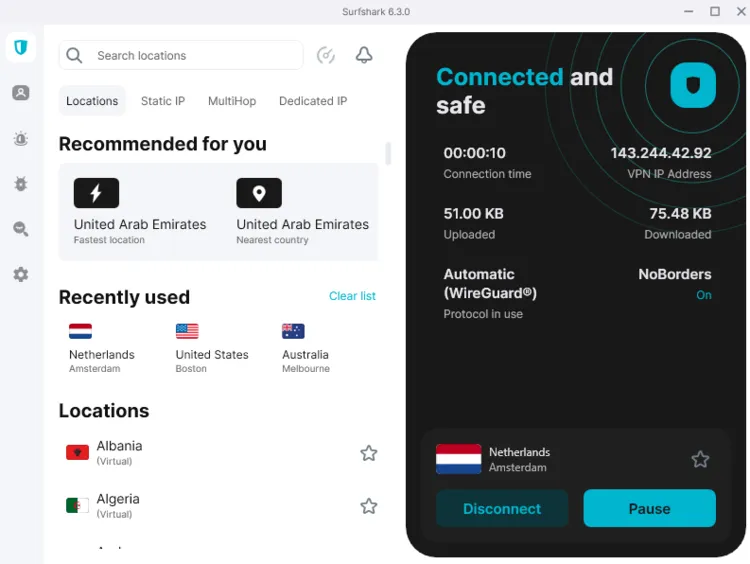
Step 1: Open the Surfshark app and connect to any server.
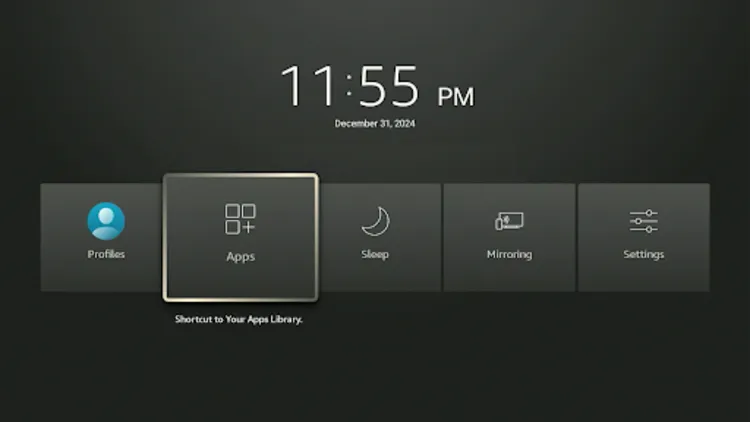
Step 2: Turn your Fire TV Stick on and long-press the Home button, and click Apps.
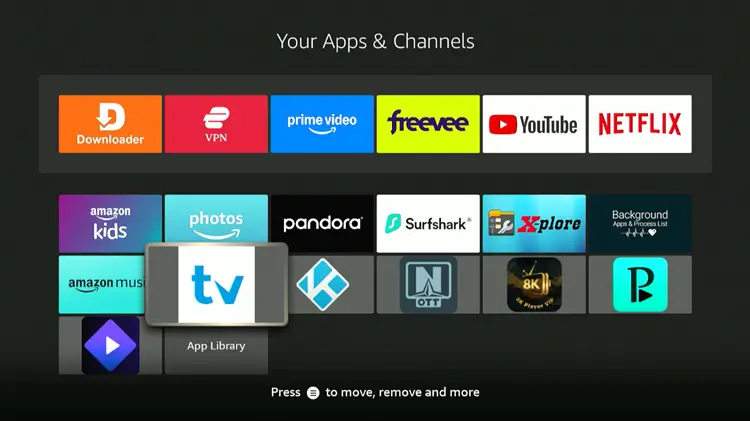
Step 3: Click in Tivimate Player
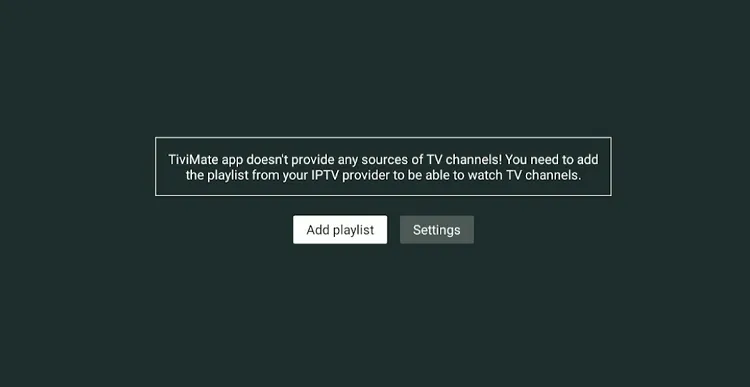
Step 4: Click Add Playlist.
Step 5: Select Xtream Codes.
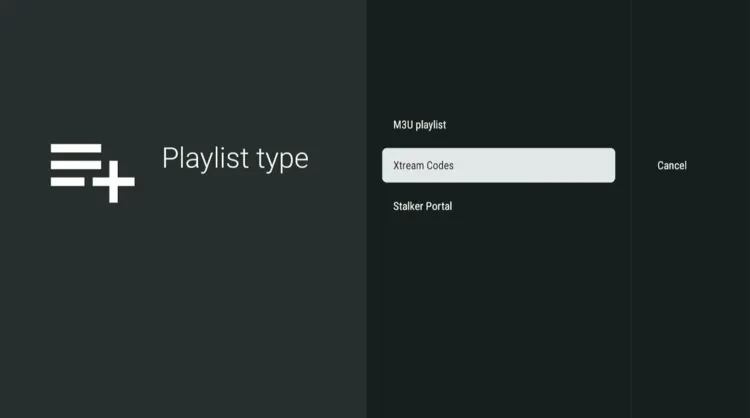
Step 6: Enter the Server address, Username, and Password.
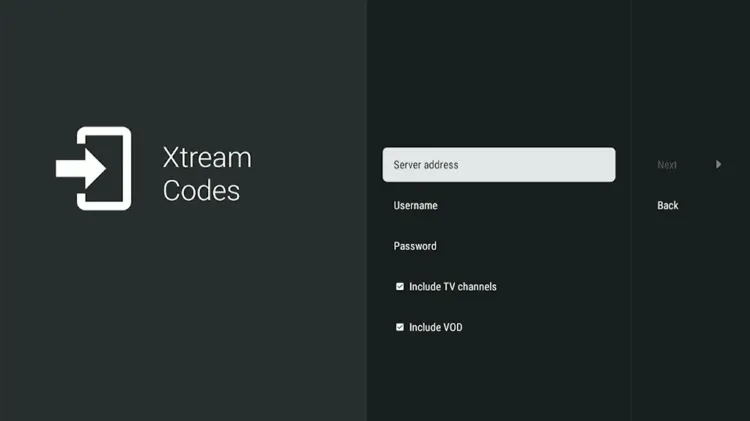
Step 7: Click Next. Playlist will be updated. Click Done.
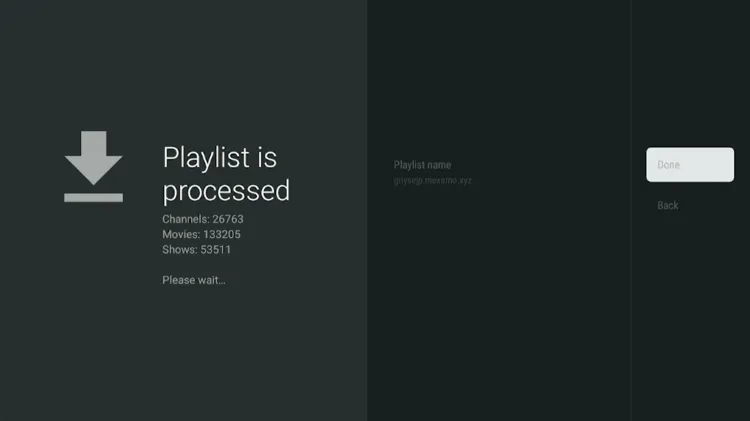
Step 8: StreamViewIPTV has been successfully installed.
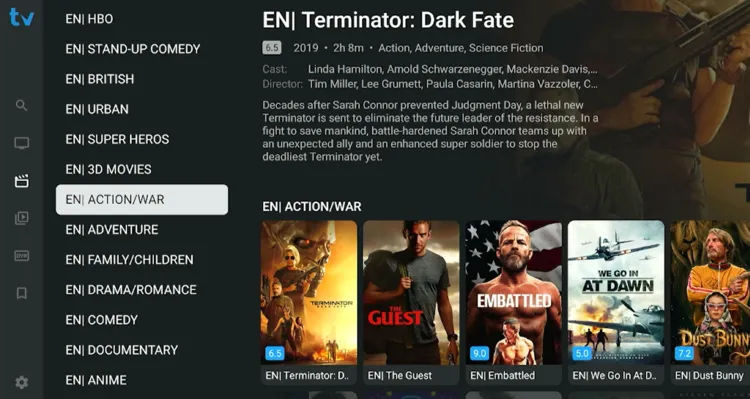
Step 9: Enjoy streaming!