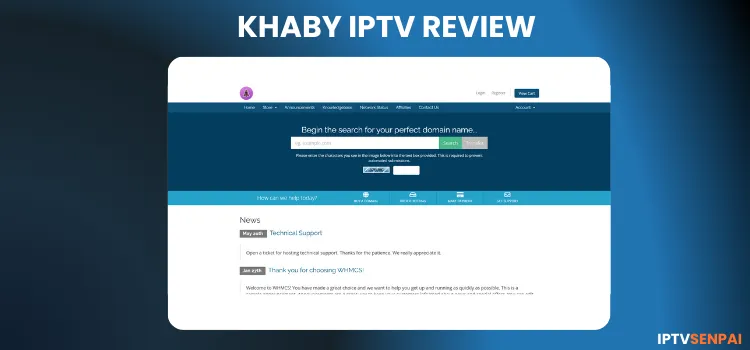
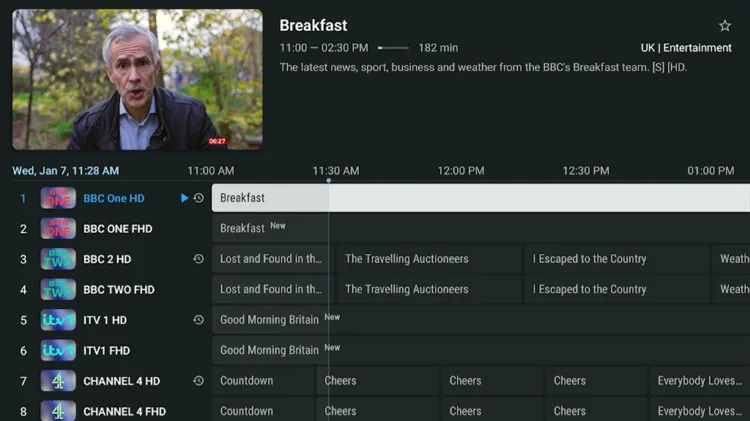
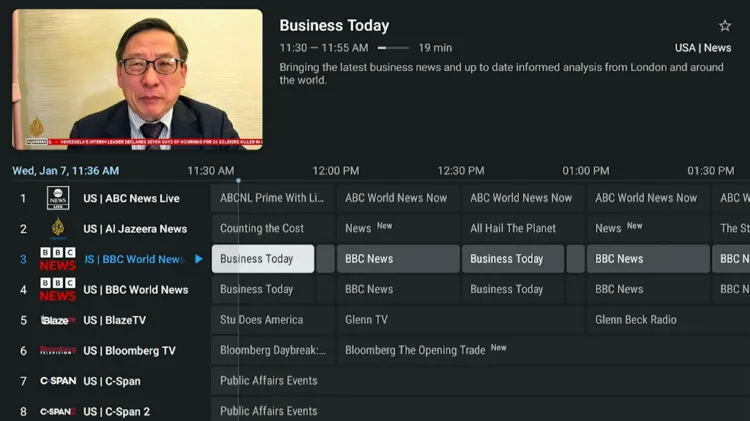
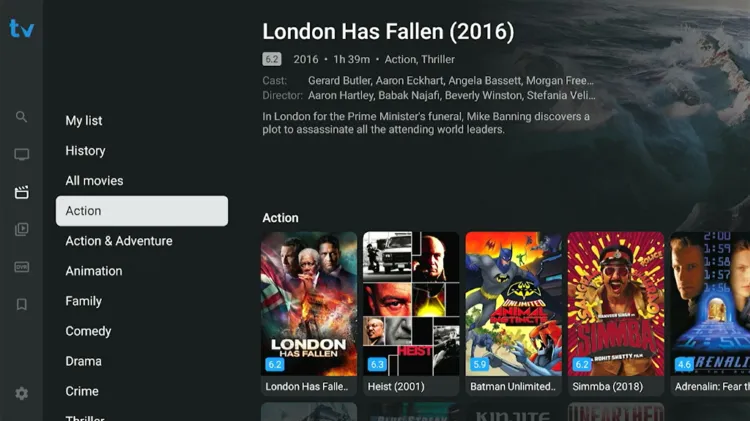
Khaby IPTV service is 3+ years old service, It is named after the very famous TikTok influencer Khaby Lame. This service features a lineup of over 30,000+ movies, 7,000+ TV series, and 13,000+ live TV channels.
Users can test the service with a 24-hour free trial before subscribing. The service’s content are mostly from North America and Europe, especially from the United States. It offers streaming resolution from HD to UHD.
Using a premium VPN such as Surfshark is recommended for Khaby IPTV users as it is an unverified IPTV service. That’s because No VPN beats Surfshark.. It keeps streaming private, prevents data tracking, and ISP throttling.
Recommended VPN for IPTV - Surfshark

Using IPTV without a VPN can put you at Big Risk! Your ISP, government and even IPTV providers can monitor your activity, throttle your speed, or block access altogether.
Plus, without encryption, your data is exposed to hackers and third parties. Take back your privacy with Surfshark!
Features:
✅ SAVE 87% + GET 3 EXTRA MONTHS FREE! ($0.06/day)
✅ Kill Switch Feature to protect you if VPN drops
✅ Lightweight app ensuring smooth performance on All IPTV Boxes
✅ Unlimited simultaneous connections (install on all household devices)
✅ 30-day risk-free money-back guarantee
✅ Strict no-logs policy, Secure & Untraceable
Official Website of Khaby IPTV
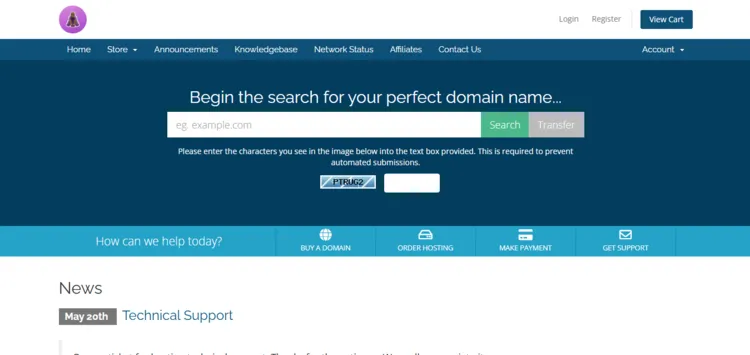
Khaby IPTV service has clones or imitations with similar names. Verify the website layout with a screenshot with the service provider before purchasing a service.
For safety and compliance reasons, I cannot provide a URL. But i will mention the website ‘khabyhosting.com’, which you can visit directly their website to explore their services.
Does Khaby IPTV offer a free trial?
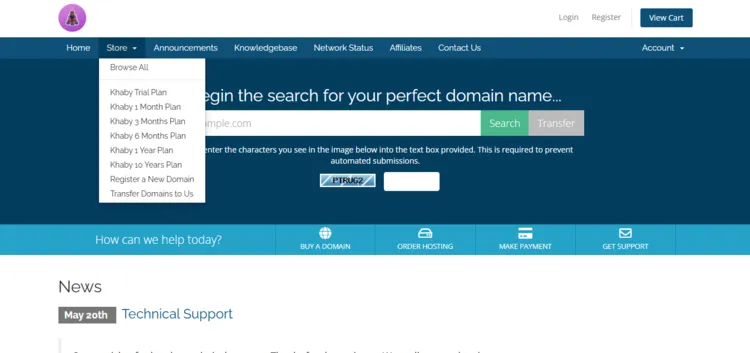
Yes. Khaby IPTV offers a 24-hour free trial. To get started, visit their official website. Then click on the Store menu and choose the Khaby Trial Plan option.
After filling out the form, the service provider will send you login credentials to your email within 10 minutes.
Khaby IPTV Features
- Trial: 24-Hour Free Trial.
- Subscriptions: Starts at $15.00.
- Connections: Up to 6 devices, depending on different subscriptions.
- Live Channels: Over 13,000+ live channels.
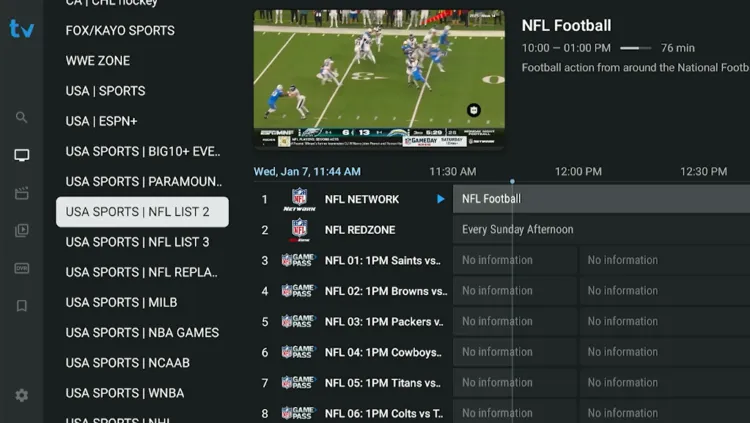
- PPV: Yes.
- VOD Content: 30,000+ movies and 7,000+ series.
- Streaming Quality: HD and UHD.
- Payment Methods: Credit Card/Debit Card.
- Compatible Players: Tivimate Player, IPTV Smarters Pro, GSE Smart IPTV.
- Compatible Devices: Android Boxes, Smart TV, MAG, Fire TV Stick, Apple TV, NVIDIA Shield, Formuler.
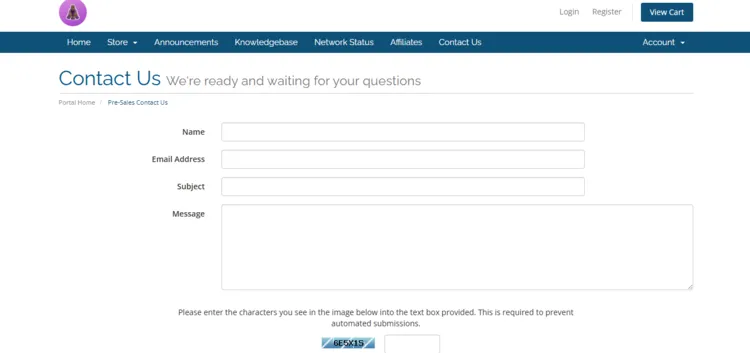
- Customer Support: Somewhat Responsive (Contact Us/Gmail).
Pros & Cons
| Pros | Cons |
|---|---|
| Works upto 6 services | Movies do not play. They show error message |
| Will get login details within 10 minutes | Customer service is only through email |
| Streaming resolution in HD and UHD | EPG is mostly missing from sports channels. |
How to Get Khaby IPTV
To install Khaby IPTV on your Fire TV Stick, follow the instructions below.
1. Sign Up for a Subscription Plan.
Step 1: Enter the URL ‘khabyhosting.com’. Point at the Store icon at the top. A drop-down menu will appear. Click on Khaby Trial Plan.
Step 2: A new window will open with a plan titled Khaby Trial – 24 Hours. Click on Order Now.
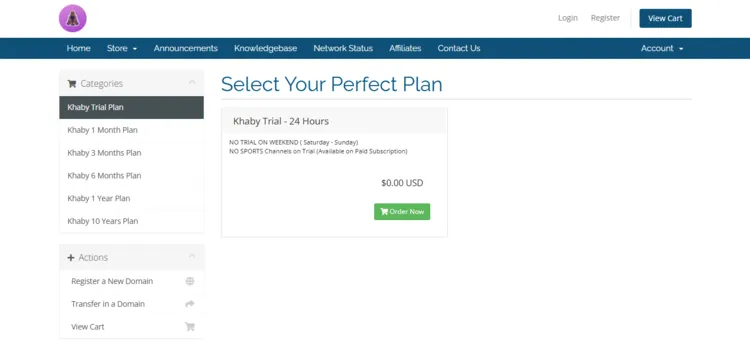
Step 3: Once again a new window will open with the title Review & Checkout. Then click on the Checkout button on the right.
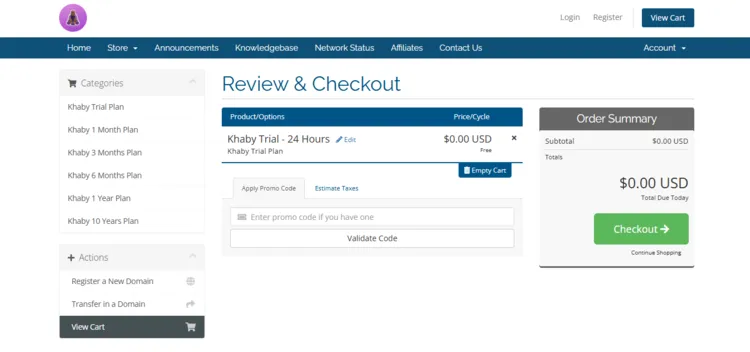
Step 4: A Checkout page will open. Fill the form by entering Personal Information and Billing Address. Click on Complete Order.
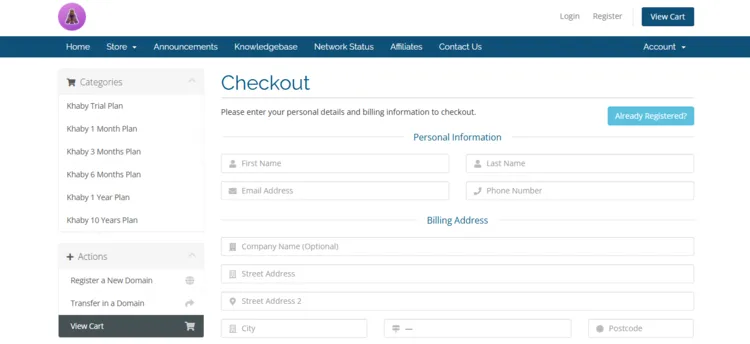
Step 5: You will receive a free trial within 10 minutes. The service provider will send you the M3U URL and Xtreme Codes to your Gmail.
Note: This same procedure repeats if you buy any subscription plans.
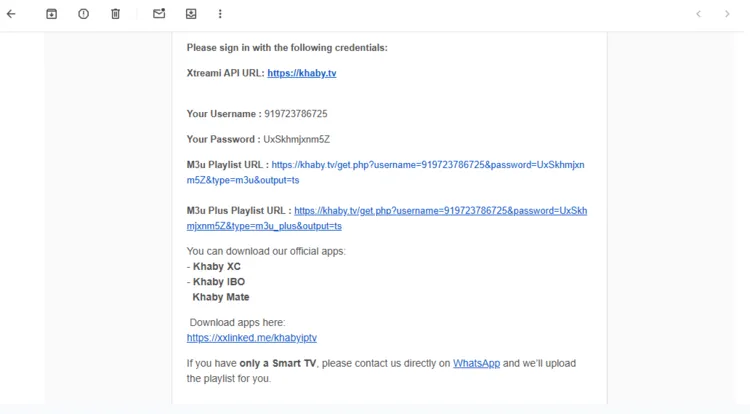
2. Connect to VPN & Enter the Login Details on the Player.
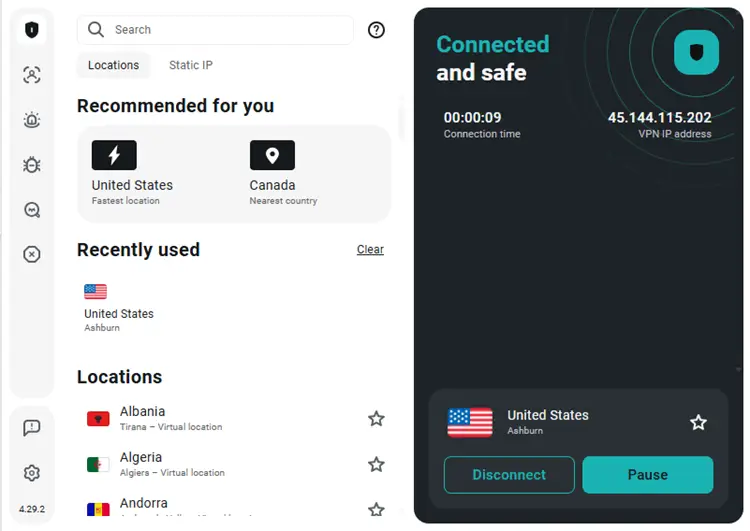
Step 1: Open the Surfshark app and connect to any server.
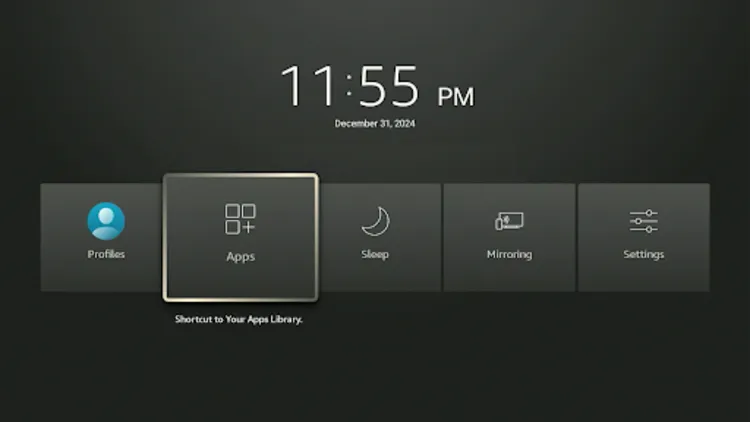
Step 2: Turn your Fire TV Stick on and long-press the Home button, and click Apps.
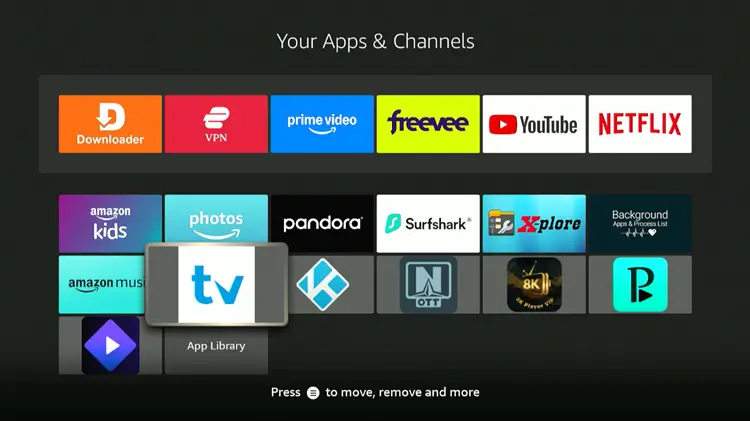
Step 3: Click in Tivimate Player
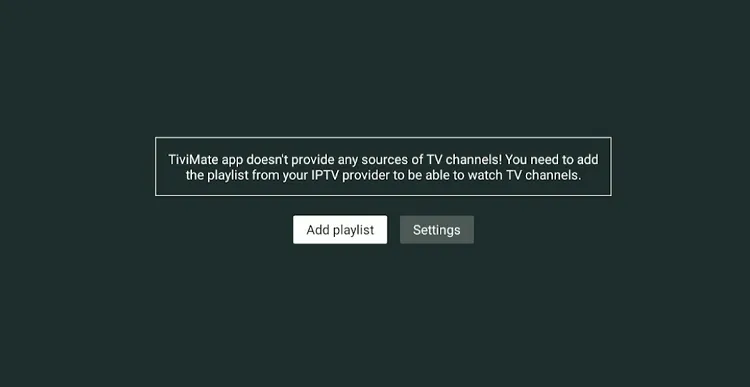
Step 4: Click Add Playlist.
Step 5: Select Xtream Codes.
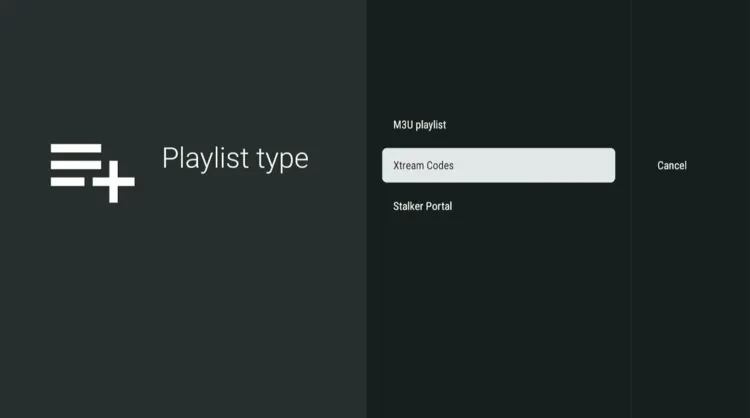
Step 6: Enter the Server address, Username, and Password.
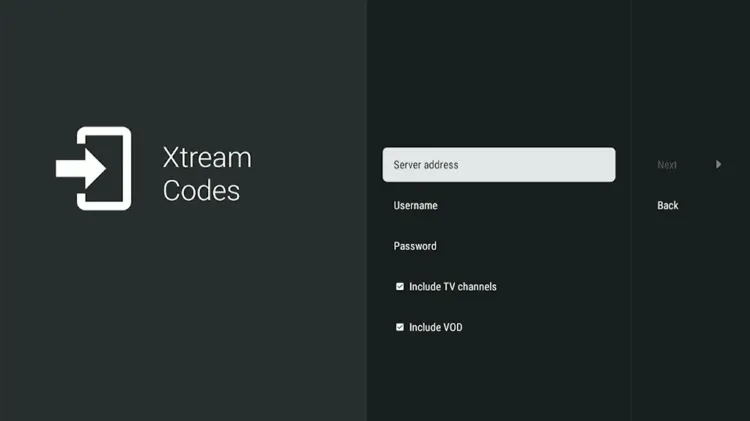
Step 7: Click Next. Playlist will be updated. Click Done.
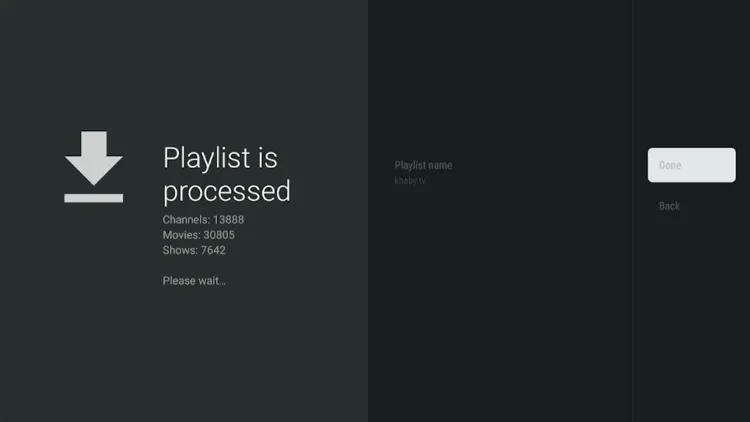
Step 8: Khaby IPTV has been successfully installed.
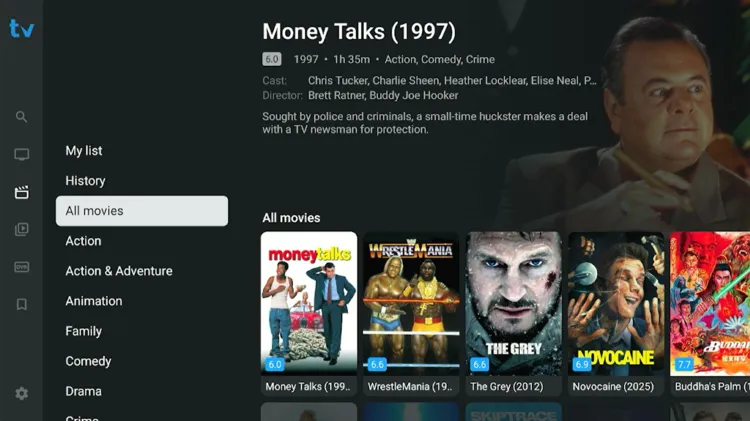
Step 9: Enjoy streaming!
How much does Khaby IPTV cost?
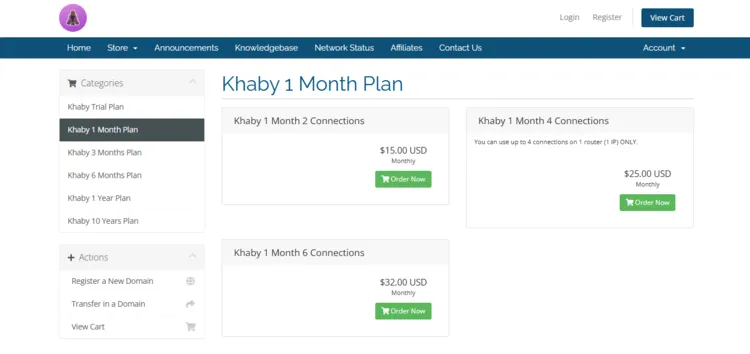
Khaby IPTV offers 5 subscription plans, offering up to 6 connections. All plans includes total access to live TV, VOD content, and PPV Events. The service also comes with a 24-hour free trial. For payments, Khaby IPTV accepts Credit Card/Debit Card.
Here are the pricing plans:
| Plan Duration | 2 Connections | 4 Connections | 6 Connections |
|---|---|---|---|
| 1 Month | $15.00 | $25.00 | $32.00 |
| 3 Months | $40.00 | $65.00 | $67.00 |
| 6 Months | $70.00 | $90.00 | $100.00 |
| 1 Year | $120.00 | $140.00 | $150.00 |
| 10 Years | $300.00 | $400.00 | $500.00 |